How Can I Activate My New Sim Card
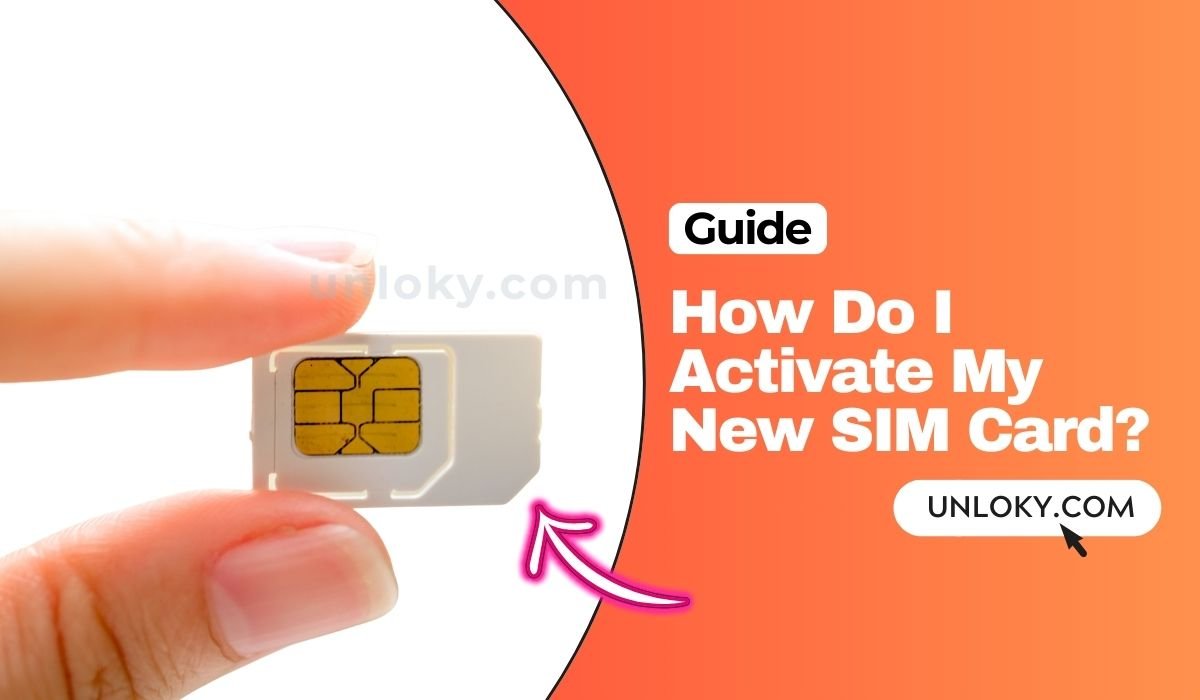
So, you’ve got that shiny new SIM card in your hands. It’s a tiny little chip, but it holds the promise of connection, cat videos, and finally texting your mom back. But right now, it’s just a lifeless piece of plastic, and your phone is basically a very expensive pocket mirror. Let’s fix that, shall we?
Think of activating your SIM like planting a seed. You can’t just toss it on the dirt and hope for a treehouse; you need a little water and sunlight. In this case, the water is your phone’s settings, and the sunlight is a good Wi-Fi connection. It’s a simple process, and honestly, easier than assembling that IKEA bookshelf you’ve been avoiding.
Step One: The Power Move
First, grab your SIM card and find the little tray on the side of your phone. It usually takes a paperclip or the nifty little tool that came in the box. Gently poke it in, and the tray will pop out like a drawer full of possibilities.
Must Read
Place the SIM in with the gold contacts facing down (or up, depending on your phone—just match the shape). Slide the tray back in, and then turn your phone on. Give it a second to recognize its new brain; you might see a little signal bar appear, which is a great sign.
Don’t Panic, Just Reboot
If nothing happens, don’t start sweating. It’s rarely a tragedy; it’s usually just a case of the phone being a sleepyhead. Go ahead and restart your device. It’s the digital equivalent of a power nap, and it fixes about 90% of all tech hiccups.

You’d be amazed how often a quick restart is the hero of the story. If you’re still staring at an empty status bar, move on to the next step.
The App or The Website? Your Choice!
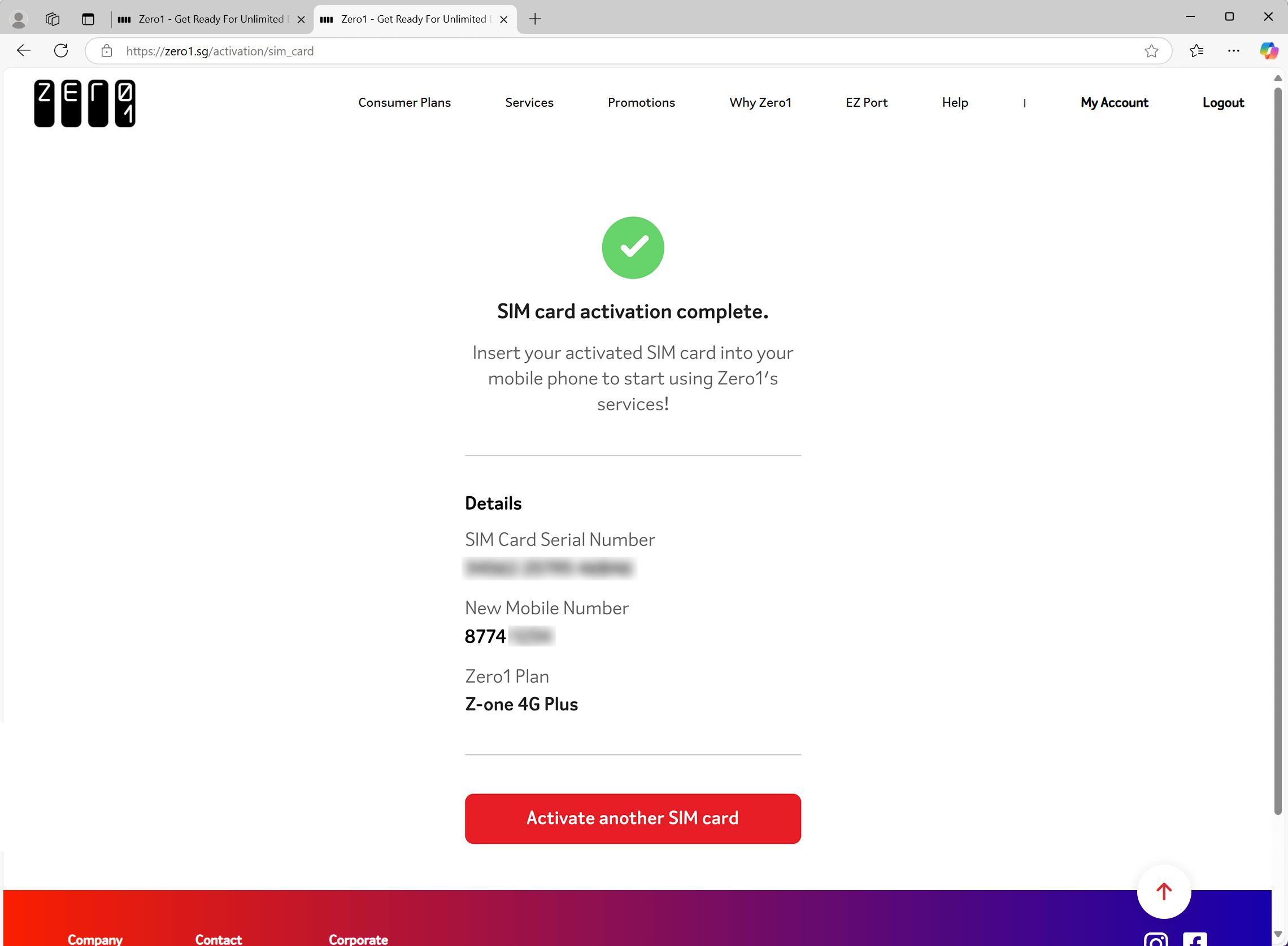
Most carriers make this easy. You can either download their official app or hop on their website. This is where the fun begins—it’s like a little digital scavenger hunt. Look for a button that says “Activate,” “Get Started,” or “Sprint to Freedom.” Click on it.

You’ll usually need your SIM card number, which is printed right on the card—don’t lose it, it’s your golden ticket. You’ll also need your account info or the new phone number they gave you. It’s basically a digital handshake to say, “Hey, I exist, let’s go.”
Why Bother with the Hassle?
I know, this all feels like admin work, but the payoff is everything. Once that little bar turns from “No Service” to five glorious bars, you can finally send that “LOL” to your group chat. You can look up restaurant reviews while standing in the coffee line, and you’ll never have to ask for the Wi-Fi password at a bar again.

It’s about freedom. It’s the joy of checking the weather forecast while your friend is still talking about their dream last night. It’s the quiet power of knowing you’re connected to the outside world, even if you’re just hiding in the bathroom during a family gathering.
Still Stuck? Call for Backup
If you’ve followed all this and you’re still staring at a digital brick, don’t be a hero. Call your carrier’s customer support. The person on the other end has probably talked your exact problem through a hundred times today. They’ll guide you through it in like ten minutes.
Think of it this way: activating your SIM is the last boring chore before the fun starts. It’s like paying your rent before you go out for a fancy dinner. You do the boring bit, and then you get to enjoy the feast of endless scrolling and spontaneous selfies. So go on, get that little chip humming, and welcome back to the world.