Excel Restaurant Schedule Template
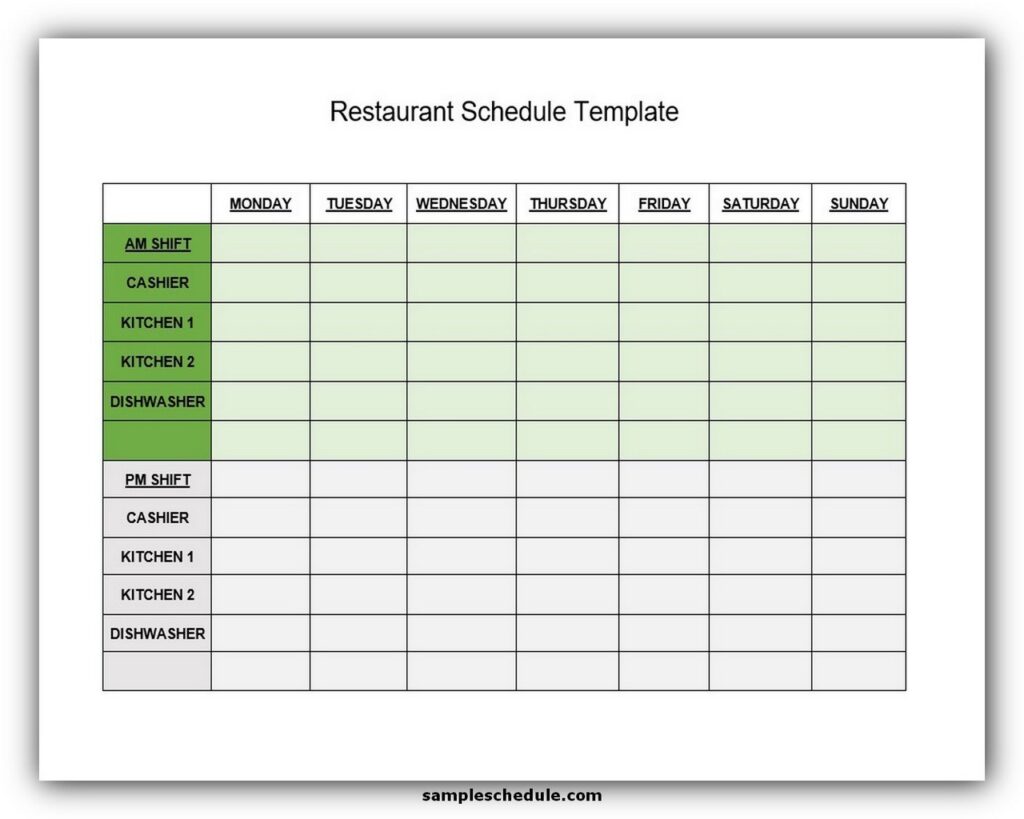
Let’s be honest for a second. If you’ve ever managed a restaurant, you know that the schedule isn’t just a piece of paper—it’s a peace treaty, a psychological thriller, and a jigsaw puzzle all rolled into one greasy, coffee-stained mess. You aren’t just assigning shifts; you’re negotiating with the universe. You’re trying to convince a 20-year-old line cook that a Friday night double is a “fun challenge” while also begging your only certified bartender to not visit her mom that weekend.
We’ve all been there. You spend three hours crafting the perfect grid, color-coding the sections, and then… someone quits. Or the dishwasher sprains his ankle playing pickup basketball. And just like that, your beautiful spreadsheet is as useless as a screen door on a submarine. That’s where the humble Excel restaurant schedule template comes in—not as a hero in a cape, but more like a slightly nerdy friend with a really good backpack who happens to know the way out of the woods.
Why Your Brain is Melting (and Excel Isn’t)
Your brain is fantastic at remembering lyrics to songs from 1998, but it’s terrible at holding the availability of twelve different humans. One person can’t work Tuesdays, another can’t close on Sundays, and the new hostess has a class that ends at 4:15 PM, which means she’s always 45 minutes late. Trying to track all that in your head is like trying to herd cats—while blindfolded—and also on a boat.
Must Read
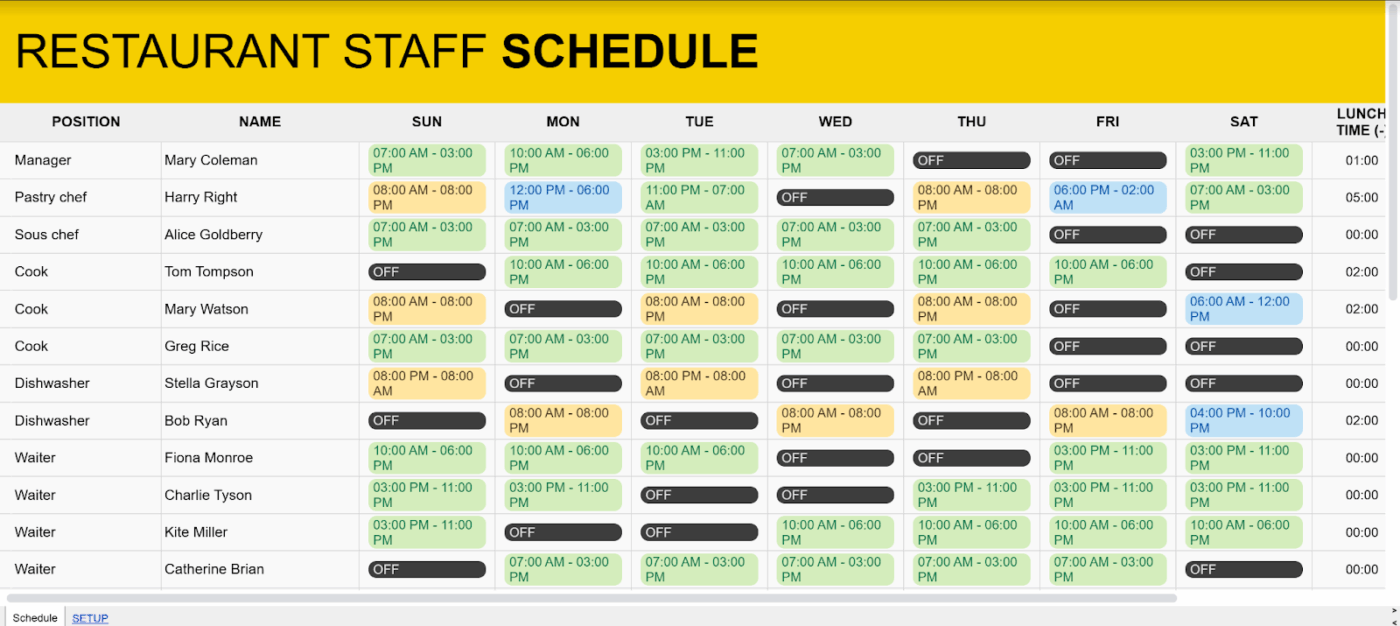
An Excel template takes all that chaotic mental spaghetti and turns it into neat, boring, beautiful rows. It doesn’t judge you. It doesn’t roll its eyes when you ask for the third revision. It just sits there, quietly calculating your labor costs while you hyperventilate into your third iced tea of the morning.
The “Rubik’s Cube” Phase (But With More Cursing)
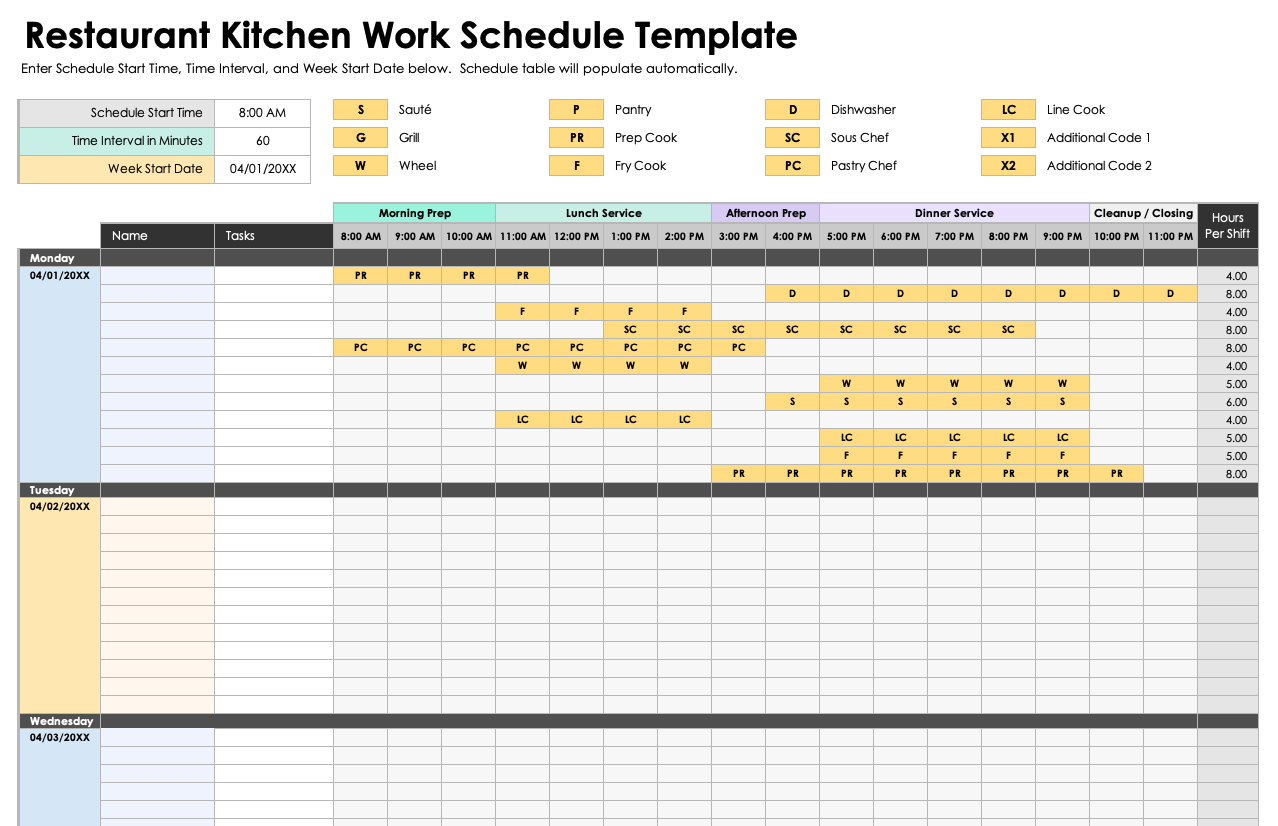
The magic of a good template is that you can finally see the whole mess at once. It’s like looking at a map instead of just asking random strangers for directions. You can spot where you’ve accidentally scheduled your two best servers to have a simultaneous break, which is a recipe for a food runner meltdown. Or, you see that you have five people on the floor during a Tuesday lull, but only two for the Saturday crush. That’s the moment you stop guessing and start planning like an actual adult.
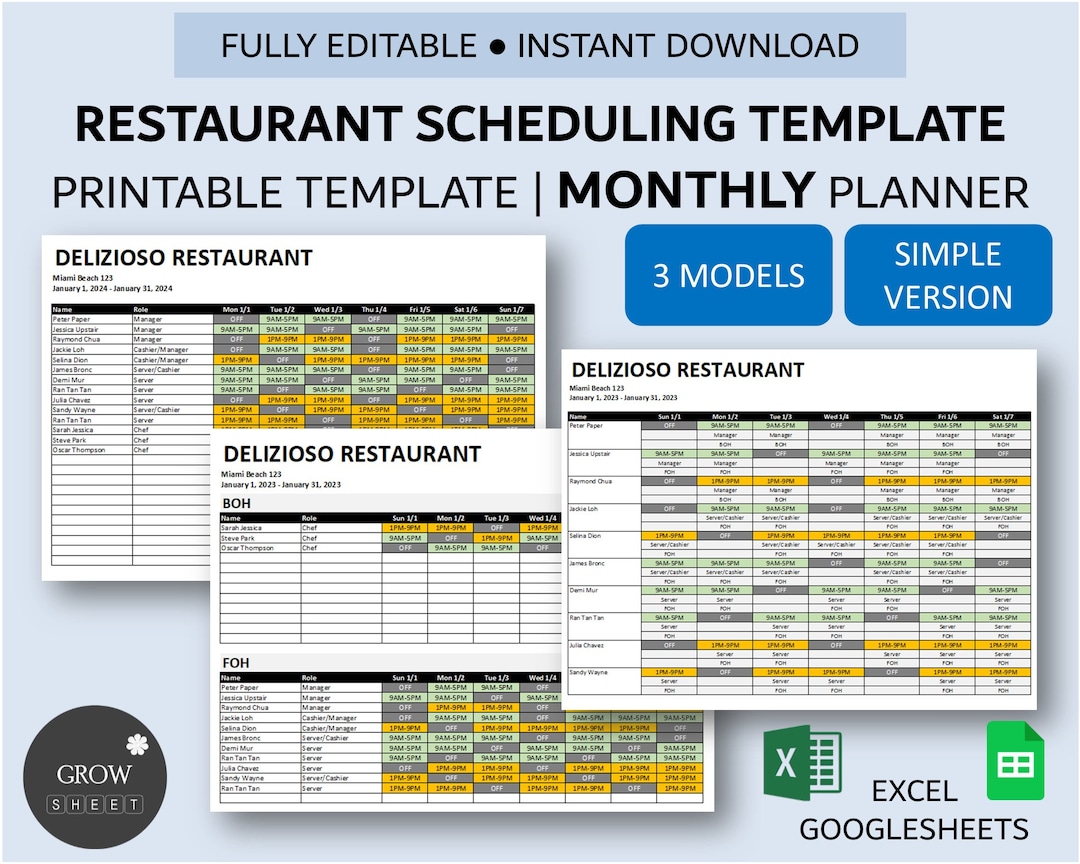
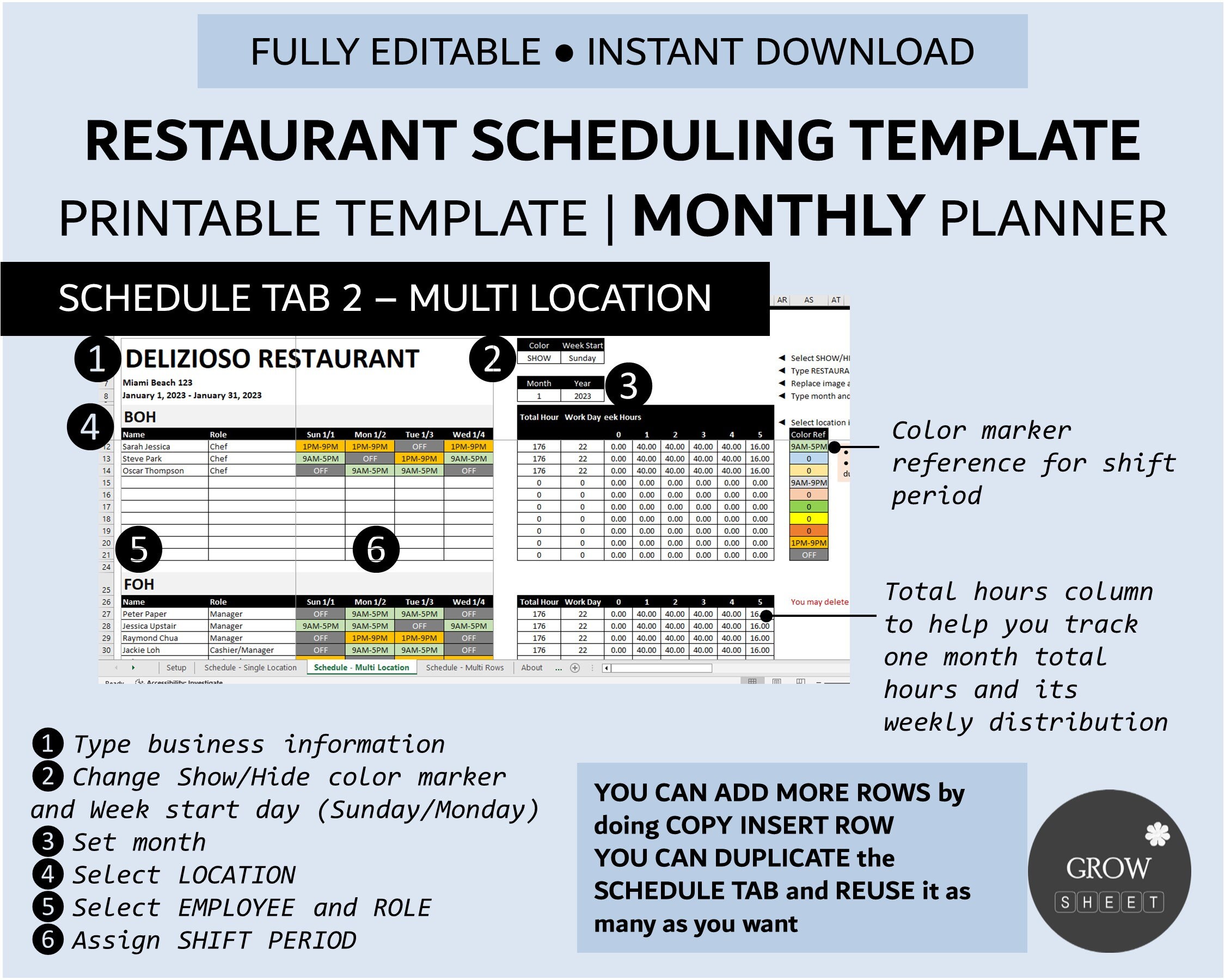
The best part? You can use formulas. Yes, formulas—the thing you swore you’d never need after high school. Suddenly, you can make the template tally up total hours faster than a server can say “I’m not picking up that extra shift.” No more using a calculator and your fingers. The spreadsheet does the heavy lifting, so you can save your energy for explaining why the health inspector found a moldy lemon in the back of the fridge.
The Great Escape from Group Chat Chaos
Before the Excel template, communication was a nightmare of mass texts and passive-aggressive emojis. It was a chaotic group chat where one person says “I can’t work Friday” and three others reply “Same” even though they haven’t checked the date yet. Then, the next day, someone asks, “Wait, is the shift on Friday or Saturday?” It’s a tragedy with six different plot lines.
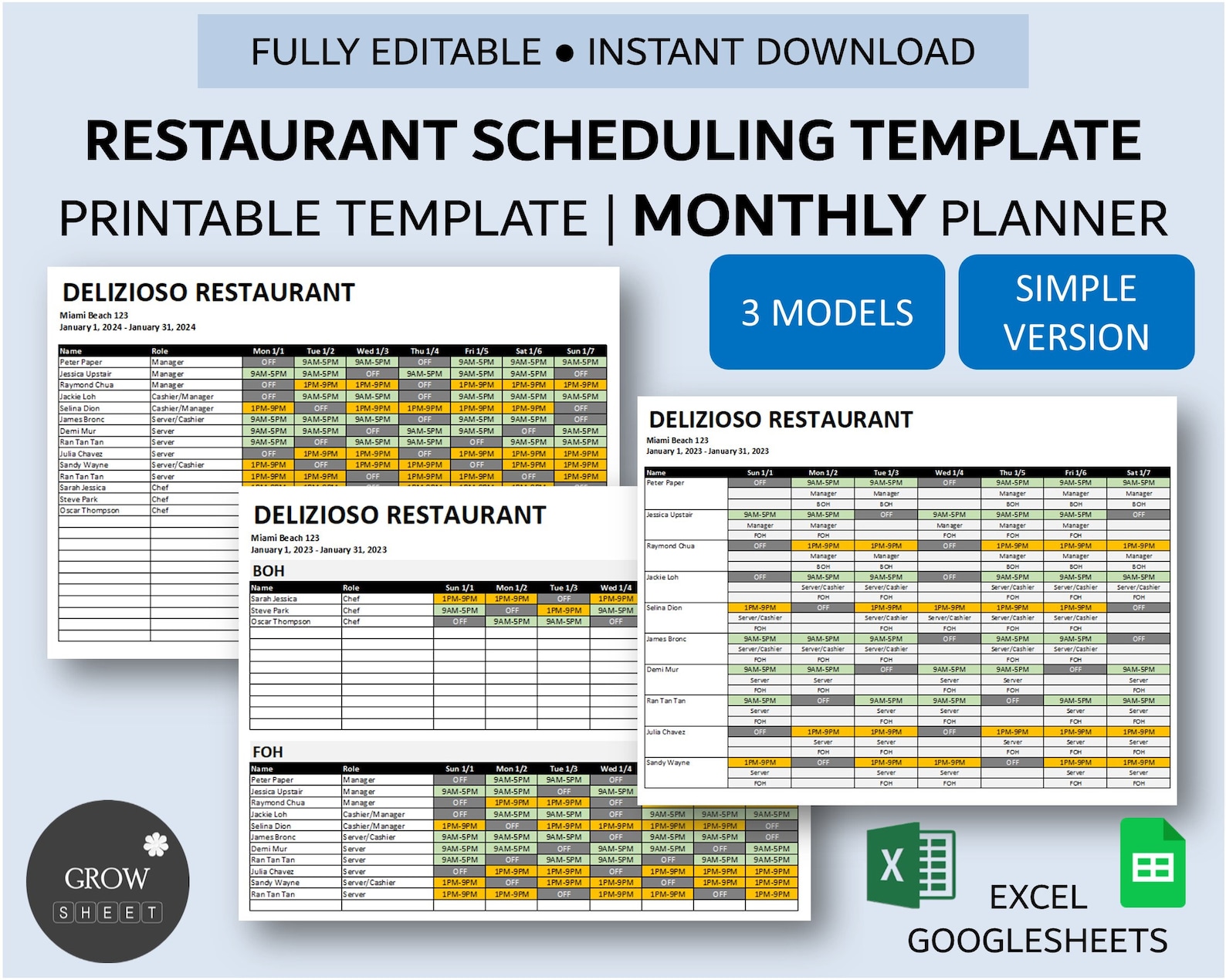
With a printed Excel template (or a shared digital file), you suddenly have a single source of truth. It’s not a rumor anymore; it’s a document. When a server swears they have “the morning off,” you can point to the grid and say, “Nope, it says you’re on the bar at 10 AM, champ.” It doesn’t make you a hero, but it makes you right, which is the next best thing. It also kills the endless “Can you cover my shift?” drama because the template shows everyone has the same weekly structure.
It’s Not Perfect, But It’s Honest
Let’s not pretend it’s a magic wand. Excel won’t stop the walk-in rush at 8 PM, and it won’t make your fry cook stop calling in “sick” on the first Friday of every month. But it does give you a solid foundation so that when the chaos hits—and it always hits—you’re not also juggling a tangle of shift swaps. You can just look at the grid, sigh deeply, and say, “Right, let’s promote the busser to line cook for the night.”
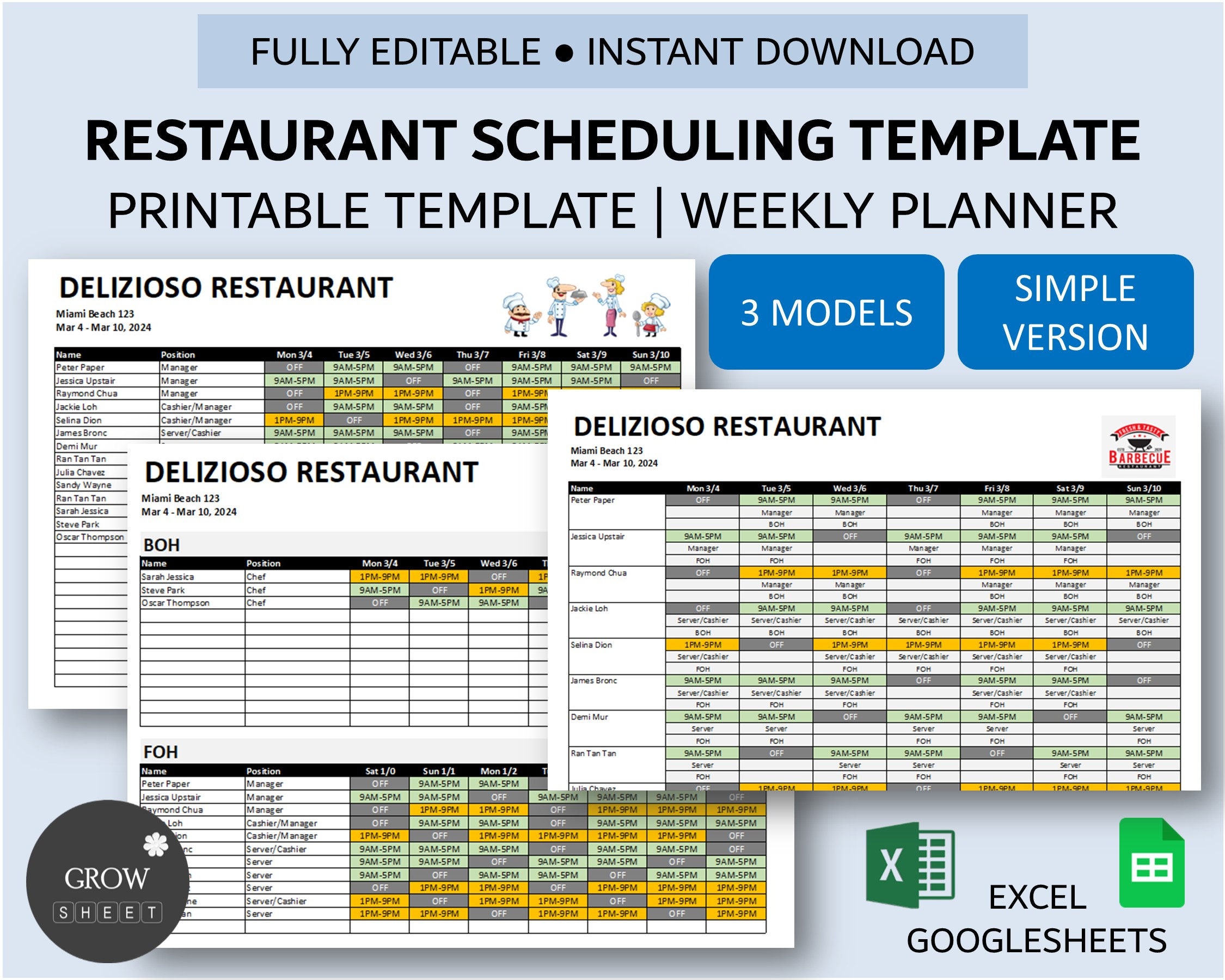
And honestly, there’s a weird little joy in the process. Color-coding the cells for “A.M.” and “P.M.” is secretly satisfying. Moving a name from Saturday to Sunday with a simple drag-and-drop feels almost like a small god moving chess pieces. You go from a flustered manager to a conductor of a very greasy orchestra.
So, the next time you’re about to print out a schedule on a napkin or, worse, send a voice memo with the details, stop. Grab an Excel template. Give it a shot. It’s not going to make the restaurant business easy, but it will make the scheduling part less like a hostage negotiation. And in this industry, that’s a victory you can take to the bank—as long as the bank is open and the deposit slip is actually filled out correctly.