Dymo Labelwriter 450 Blank Labels
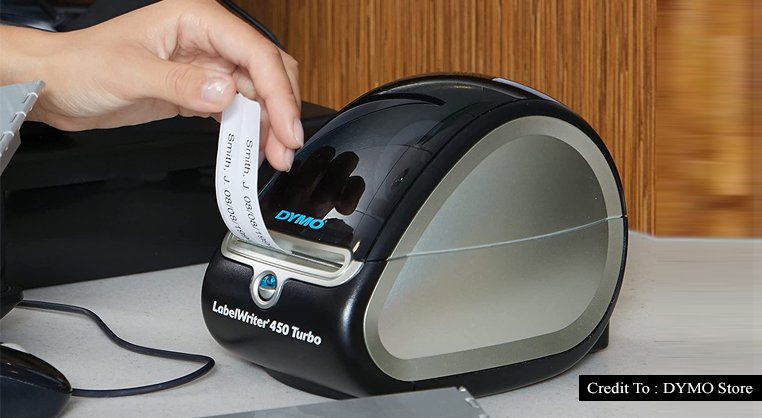
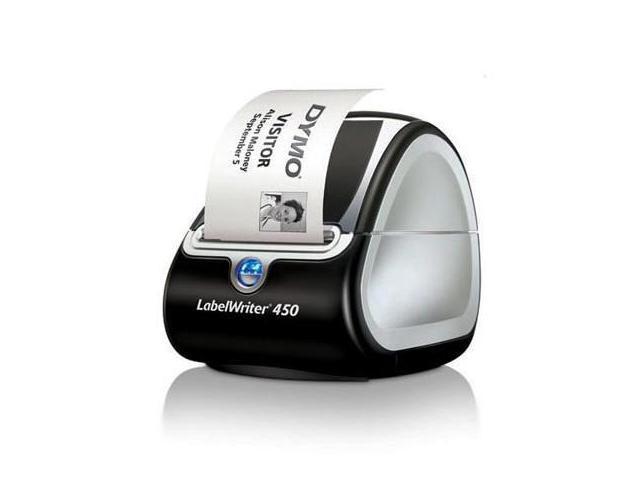
It started, as all things do in 2024, with a POV video set to a sped-up phonk track. A hand — nails done, of course — slides a sheet of thermal paper into a chunky white machine, and thwip, out comes a label that says “ORGANIC MATCHA” in perfect Helvetica. The internet collectively lost its mind. The Dymo Labelwriter 450, a relic of 2009-era office supply closets, has been resurrected as the ultimate aesthetic flex, the silent status symbol of the hyper-organized, chronically online, and terminally type-A. It’s no longer just for shipping envelopes; it’s for annotating your entire existence.
Right now, the #labeltok corner of TikTok is a warzone of unboxing hauls, “label room tours,” and heated debates about whether you’re a heathen if you don’t label your spice rack. Meanwhile, on X (formerly Twitter), productivity gurus are posting photos of their Pantone-matched, label-printed “home management binders” like they just won a Nobel Prize. The Dymo 450 has transcended its utilitarian past to become the hardware equivalent of that one vintage Le Creuset pot: simultaneously practical, pretentious, and impossibly photogenic. The question isn’t if you need one; it’s whether your current handwritten label system is an insult to your own personal brand.
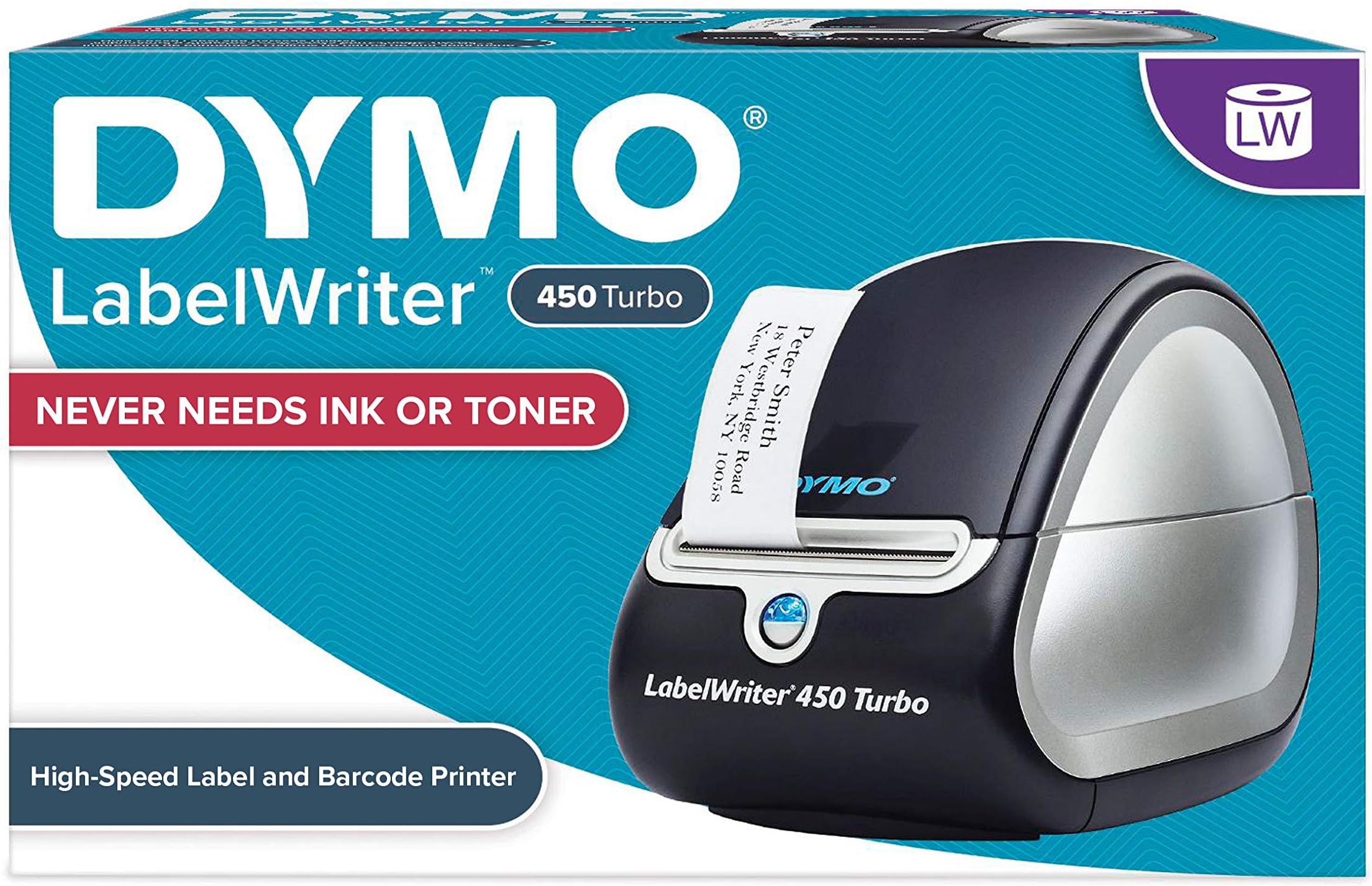
But here’s the twist: the 450 specifically is the holy grail because it’s the old reliable that refuses to die. It’s the Nokia 3310 of label printers—no Wi-Fi, no app, just a USB cable and sheer willpower. In a world of wireless Bluetooth printers that require a PhD to set up, the 450’s plug-and-play simplicity is its rebellious charm. It’s the anti-smart-home device, and Gen Z is eating it up because it feels like a secret handshake. You don't stream to it; you command it. It’s the digital detox you never knew you needed, disguised as an organizational tool.
Must Read
The Cult of the Clutter-Free: Inside the Aesthetic Label Underground
Dive deeper, and you’ll find a bizarre ecosystem that blends Marie Kondo’s philosophy with the ruthless logic of a data analyst. The most fascinating subculture is the “Open-Shelf Aristocracy”—a group of influencers who have thrown away all their cabinet doors and forced their spice jars, pasta containers, and protein powder tubs to live in glass houses. For them, the Dymo 450 isn’t a tool; it’s a confession booth. If your turmeric jar isn’t labeled in clear, fade-resistant thermal print, you are, in their eyes, living in sin. They post side-by-side comparisons of “Before Dymo” (chaotic, shameful) and “After Dymo” (a sterile, beautiful morgue of matching containers).
This obsession has birthed a toxic dynamic online—what I call “Label Shaming.” Comment sections are filled with passive-aggressive jabs: “Why is your ‘Baking Soda’ label in Arial, not Montserrat?” or “Ew, you used the outdated 2” x 1” label for your filing cabinet?” It’s a hierarchy based on label weight, font kerning, and print density. Meanwhile, the eco-conscious crowd debates the ethics of thermal printing (which uses BPA/BPS-free, but still synthetic, paper) versus chalk labels. The discourse is exhausting, but fascinating. There’s a weird, almost fetishistic joy in watching a stranger print a label that reads “MISC. CORDS” and place it perfectly on a clear acrylic bin—it’s ASMR for the control-freak soul.
The other wild subculture is the “Bulk File Snob.” These are the people who buy the 450 specifically because it uses the cheap, direct thermal rolls (the DW23120 or the classic 30334) that cost pennies per label. They’re not organizing herbs; they’re organizing entire lives—wedding invitations from 2019, tax records, and the emotional trauma of old love letters. They post Instagram reels of themselves printing 500 labels in a row, the machine whirring like a futuristic loom, while they narrate their “digital decluttering journey.” It’s productivity porn, but it’s also a very modern answer to the anxiety of information overload. Instead of journaling, they label their tupperware. Instead of therapy, they sort their resistors.
How to Dymo Without Going Broke or Becoming Insufferable
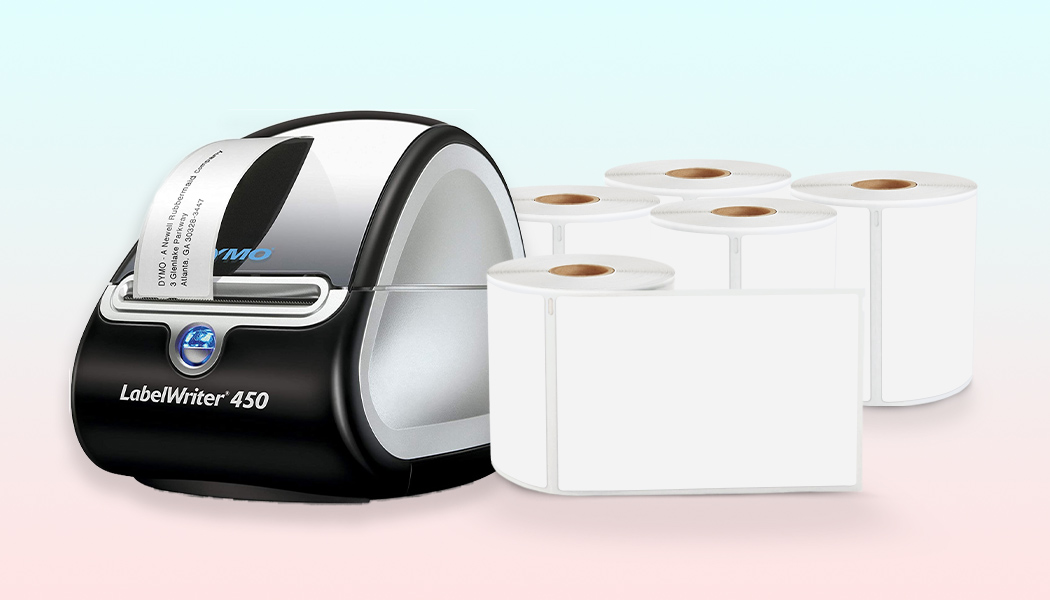
Alright, you’re sold. You want the aesthetic, but you have a sneaking suspicion that you’re about to spend $150 on a machine and $200 on labels before you label your first drawer. Calm down. Let’s navigate this minefield with some semblance of financial sanity. First, buy the 450, not the 4XL, unless you’re printing shipping labels for a small country. The 450 is the entry-level sweet spot that does address labels and shipping labels at a respectable 300 DPI clarity. It’s fast enough to satisfy your dopamine hit, but not so fast that you feel the pressure to become a logistics empire. You can find refurbished units on eBay for under $50—and honestly, they’re built like tanks, so buying used is the smart play.
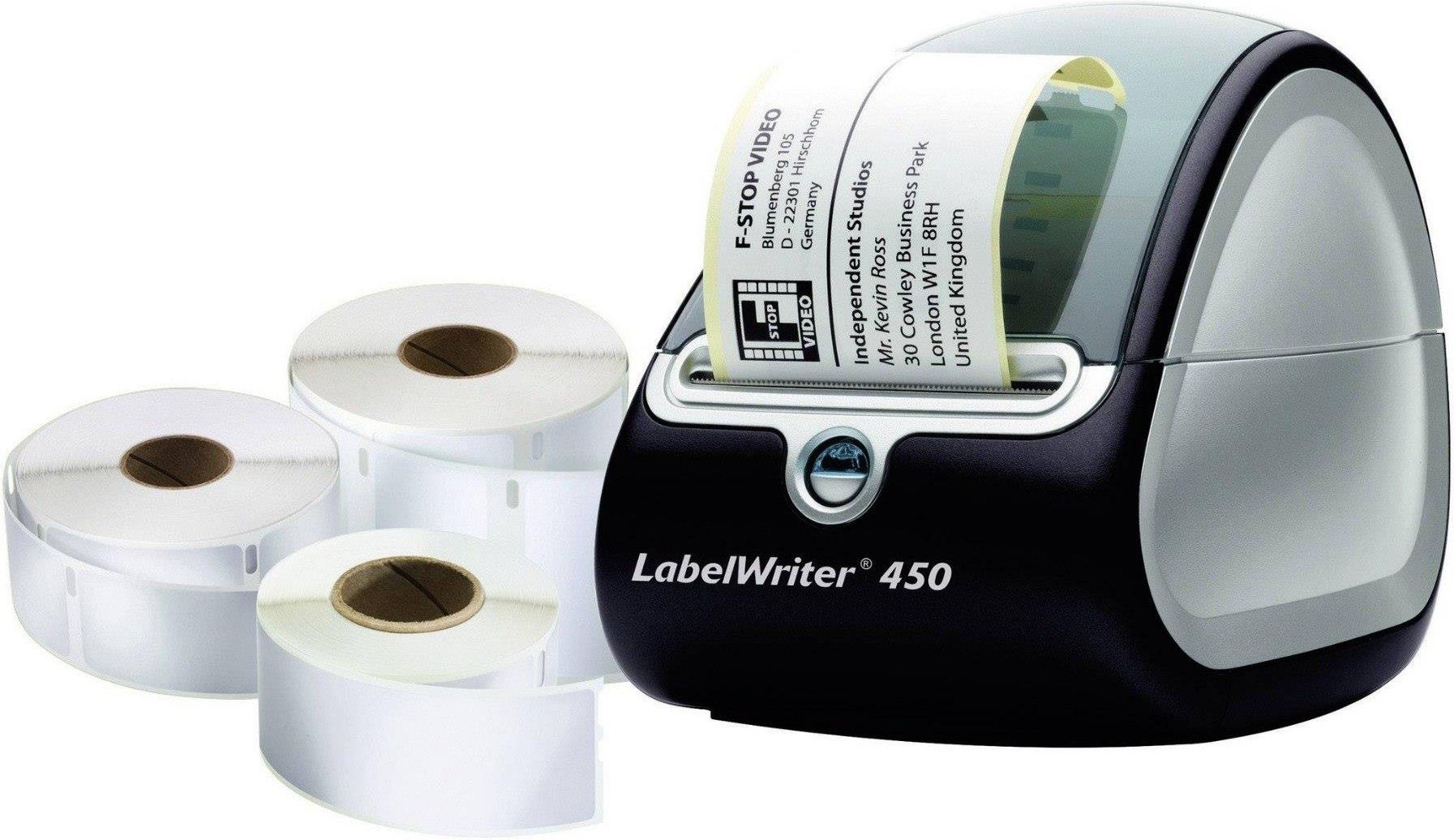
Second, master the niche of label rolls. The Dymo 450 only handles direct thermal labels, which means no ink, but also means the roll diameter matters. Don’t buy the massive industrial rolls that promise cost savings if you don’t have the 450XL’s expanded feeder; they’ll get jammed and you’ll rage-quit. Stick to the standard 2.25” x 1.25” for jars, and the 2.25” x 2.25” for frozen meal prep. But here’s the pro-tip: do not buy Dymo brand labels. There’s a massive third-party market (Hubelino, MUNBYN) that sells compatible thermal rolls at a fraction of the price, and they work flawlessly. You’ll hear horror stories about third-party labels “melting” printers—that’s mostly fear-mongering from Dymo’s marketing team. Try a sampler pack first.
Third, curate your font use. The biggest mistake you can make is downloading 500 fonts and making your pantry look like a ransom note. The trend right now is strict minimalism: think sans-serif, black text on white, or the occasional bold accent for “ALERTS” or “ELECTRICAL.” Use the Dymo software’s built-in templates, but adjust the margins to 0.1” to get that clean, edge-to-edge look. If you’re feeling spicy, use uppercase for everything. Lowercase looks artsy, but uppercase reads as “I have my life together.”
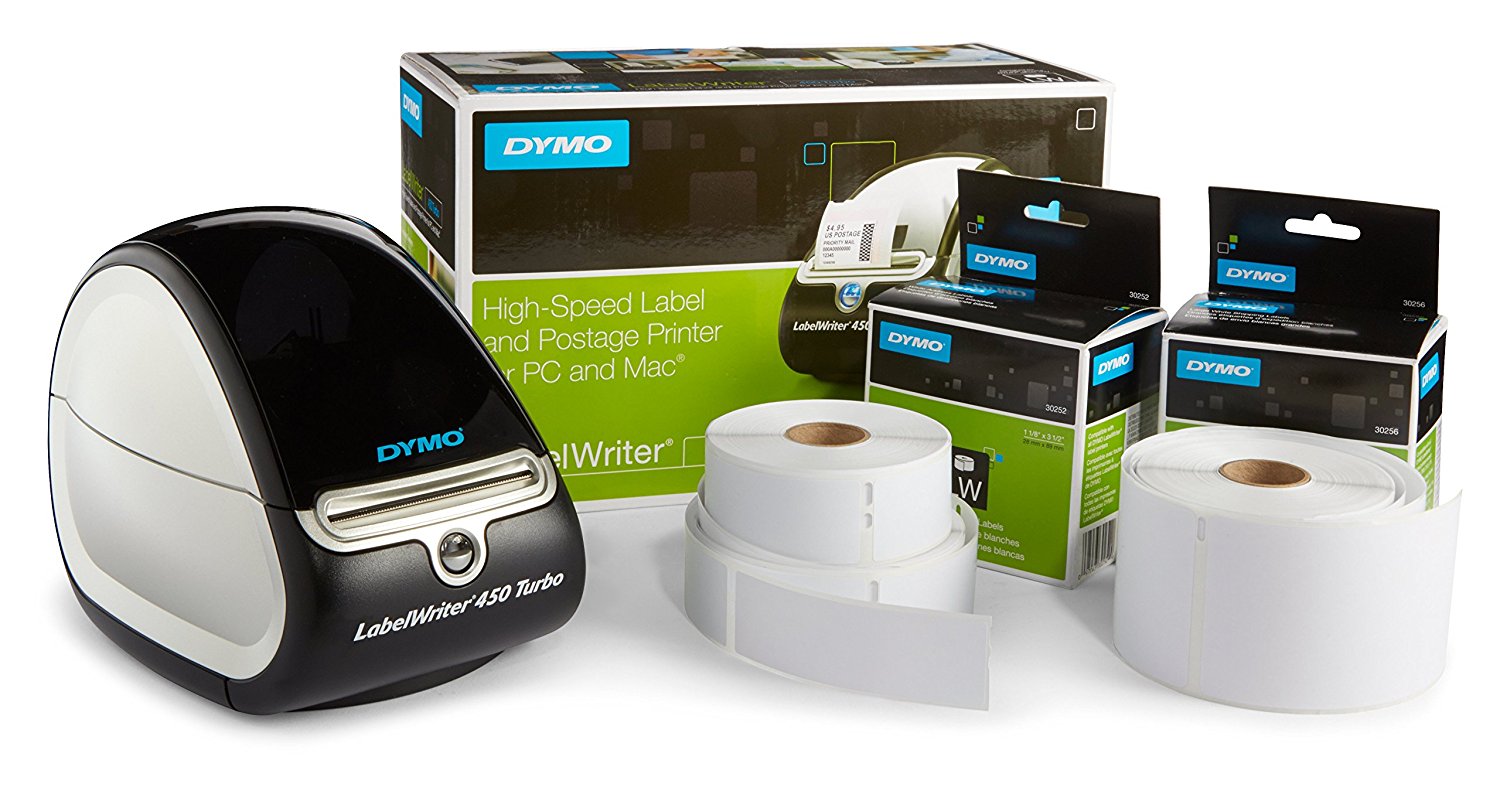
Fourth, resist the urge to label everything. This is the slippery slope. You will print a label for your “wifi router,” then for “cat food,” then for “blank labels.” Before you know it, you’re labeling your light switches and your partner is threatening to leave you. Set a boundary: label things that are invisible (inside drawers, bins, file folders) or things that spoil (meal prep). Do not label your decorative soap dispenser. It makes you look like you’re running a hotel out of your home, which brings us to the final rule...
Fifth, hide the printer in a drawer. The aesthetic only works if the output looks effortless. If you leave the Dymo 450 on your kitchen counter, your space instantly looks like a FedEx office. The true flex is having perfectly labeled container bins but no visible evidence of the machinery. It implies you have a ghost assistant. Put the Dymo in a closet, print your labels in a batch every Sunday, and keep the label roll tucked away. The chaos, my friend, must be silent.
Finally, understand that this is a low-stakes hobby. Don’t let the online discourse make you feel inferior if your handwriting is fine. The Dymo is a tool for reducing friction, not for creating a new anxiety loop. If you find yourself crying over a misaligned label, put the printer down. Step away. Go touch grass—but only if you’ve labeled your shoes, obviously.
Debunking the Dymo Discourse: Your Burning Qs, Answered
Is the Dymo Labelwriter 450 worth it if I only have a “moderate” amount of stuff to organize?
The internet says you need one if you have a single shelf, but that’s influencer brain rot. Honestly, if your “stuff” fits in a shoebox, a $5 label maker or a permanent marker is fine. The 450 shines when you hit a critical mass of containers—when you have more than 20 bins, or you’re meal-prepping for a week, or you have a home office that requires filing. It’s a workflow amplifier. For the average person living in a 1-bedroom apartment, you might use it once a month. In that case, consider a cheaper thermal printer like the Rollo Wireless (which is more tendy anyway). But if you have a Costco membership and a pantry that resembles a supermarket aisle, the 450’s speed and low cost per label (about 2 cents each if you buy third-party) makes it a no-brainer. It pays for itself in saved sanity.
The bigger question is obsolescence. The 450 uses a USB connection, which works fine on Mac and Windows, but you need to download legacy software. Dymo’s official software is a bit clunky, but the hacker community has built open-source drivers (like CUPS on Linux) that make it work with design apps like Canva for custom labels. So it’s not going to become a paperweight anytime soon. The hardware is so dumb-simple that it will outlast your next three laptops. If you’re the type who buys a new iPhone every year and gets anxious about cable ports, the 450 might feel archaic. But that’s also its charm—it’s gloriously analog in a digital world.
Are third-party labels really as good as the official Dymo ones?
This is the most online-argued topic since the “What is a sandwich?” debate. Official Dymo labels (the 30334 and 30336) are perfectly fine, but they cost about $20 for a 260-label roll. Third-party options (Hubelino, MUNBYN, U.S. Hair Band) cost $15 for a 300-count, often with better adhesion. The controversy stems from the thermal print head’s sensitivity. Cheap labels sometimes have poor coating, which can cause gunk to accumulate on the printhead, leading to faded prints over time. However, most reputable brands now use a standard top-coating that’s compatible with the 450. The trick is to buy labels that specify “Dymo 450 compatible” and look for a smooth surface, not a waxy one. If you notice vertical streaks on your labels, you just need to wipe the printhead with a rubbing alcohol swab—it’s a 10-second fix.

Now, the environmental angle. Thermal labels contain a chemical developer that has historically included Bisphenol-A (BPA). Dymo’s official labels are BPA-free, and most third-party brands are too. The concern is that the heat from the printhead can vaporize trace chemicals, but that’s only a problem if you’re shredding and eating your labels. The bigger eco-debate is that thermal paper isn’t recyclable in most curbside bins because of the coating. So, if you care about the planet, use them sparingly, buy the longer-lasting matte vinyl options, and consider that your label addiction has a carbon footprint. For the home user, this is negligible, but it’s a fun talking point to shut down the perpetually online eco-zealots.
Can I print shipping labels with the 450, or is it just for the aesthetic pantry?
Yes, and yes. The 450’s default 2.25” width is actually perfect for standard USPS shipping labels (which are 4”x6” but can be scaled down to the “Shipping” template). You can use the 450 to print return address labels, postage paid labels from Stamps.com or Pirate Ship, and even Amazon FBA labels. It’s a functional workhorse. However, the 4x6 label rolls are larger in diameter, and the 450’s feed slot can be a bit finicky—you’ll need to manually adjust the label guide each time you switch between jar labels and shipping labels. It’s not a quick-swap system. If you’re selling 50 items a week online, you’d be better off with a dedicated 4x6 printer like the Rollo. But for the average person who ships a few Etsy orders and returns a return on Zara, the 450 kills it. Plus, printing a shipping label on a machine that also labels your pantry creates a hilarious cognitive dissonance—“This goes to you, and this goes to my chia seeds.”
Is this a fad? Maybe. But consider this: the Dymo 450 is not a trendy new gadget; it’s a 15-year-old workhorse that has been vetted by millions of businesses. It’s the antacid for modern overwhelm. The viral trend might fade, but the underlying need to impose order onto chaos—to physically assert, via adhesive, that this specific bin contains the holiday lights—is a permanent human instinct. As our digital lives become increasingly abstract and chaotic, the tangible act of printing a label feels like a small but potent rebellion. It’s a physical confirmation that you control your environment, not the other way around.
So, buy the Dymo. Or don’t. But know that in five years, when all the aesthetic influencer trends have shifted to 3D-printed storage, the Dymo 450 will still be sitting there, whirring, ready to label your metaphorical shelf. It is the quiet, unkillable, thermal-printing cockroach that will outlast us all—and honestly, that’s the most comforting thought you’ll have all week. Now, go print a label that says “EMOTIONAL SUPPORT TOMATO” and stick it to your fruit bowl. You’ve earned it.