Download Animated Emojis For Discord

Okay, let’s be real for a second. You’re scrolling through Discord, and your friend just drops a static smiley face. Yawn. It’s like sending a telegram in the age of 5G. You deserve better, and frankly, so does your chat history.
You need animated emojis. The kind that dance, wiggle, explode, and make your messages feel like a tiny, personalized firework show. And guess what? You don’t need to be a tech wizard or sell your kidney to get them. Let’s fix your emoji game, stat.
Why Bother with Animated Emojis?
Think of static emojis as black-and-white movies. They’re classic, sure, but animated ones are the 3D IMAX experience with surround sound. A slow-spinning pepe or a frantic, flashing catJam says “I’m excited” in a way a still image just can’t.
Must Read
It’s all about personality. When you drop a perfectly timed animated emote, you’re not just reacting; you’re performing. You’re showing off your meme knowledge and your impeccable taste, all in one glorious, motion-filled pixel burst.
The Nitty-Gritty: How To Get Them
Alright, here’s the deal-breaker for many: Nitro. Yes, having Discord Nitro lets you use animated emojis anywhere, on any server. But don’t panic! You don’t need to pay a cent to enjoy the fun inside a server that has them.
If you’re on a server that has custom animated emotes, using them is free as a bird. Just open the emoji picker, click the “Server” tab, and voilà! You’ll see those little moving gems. So, your first step is to join the right servers. Think of it as being the plus-one to a really cool party.
Step 1: Find a Server with the Good Stuff
Plenty of big, public Discord servers are packed with custom animated emotes. Look for servers dedicated to gaming, content creators, or just general chaos. A quick Google search for “Discord servers with animated emotes” will lead you to gold mines. Just lurk a little, find one that fits your vibe, and hit “Join.”
Once you’re in, open your emoji menu. If you see things moving when you hover over them, congrats! You’ve hit the jackpot. Don’t be shy—use them in your own chats to show off your new found treasure, but never in the server’s main channels unless it’s appropriate. That’s just rookie etiquette.
Step 2: The Nitro Shortcut (If You’re Feeling Fancy)
If you want to use animated emojis everywhere, including DMs and other servers, then Nitro is your golden ticket. It’s like a backstage pass for emojis. You get to upload your own animated emotes to any server you have permission in, and you can use any server’s emotes anywhere else.
It’s a monthly subscription, but think of the power! You could take a hilarious spinning potato from one server and drop it into a serious conversation on another. The chaos potential is unlimited. Plus, Nitro also gives you a fancy badge and a bigger upload limit for files. It’s basically a gym membership for your Discord presence.
Where to Download Animated Emojis (For Your Own Server)
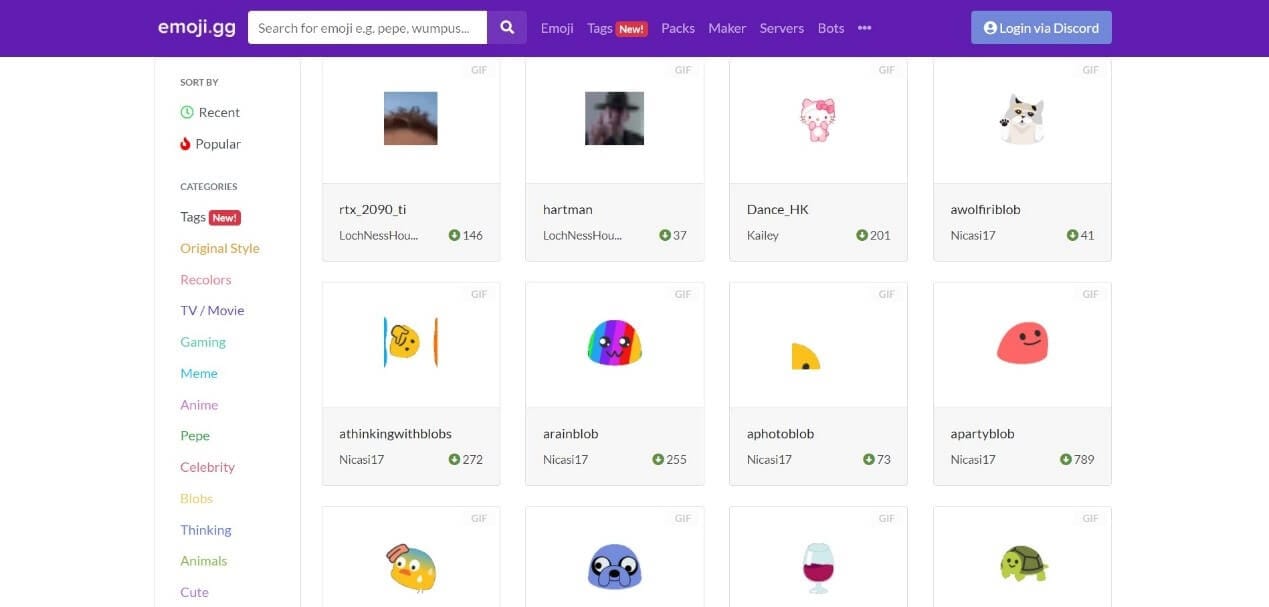
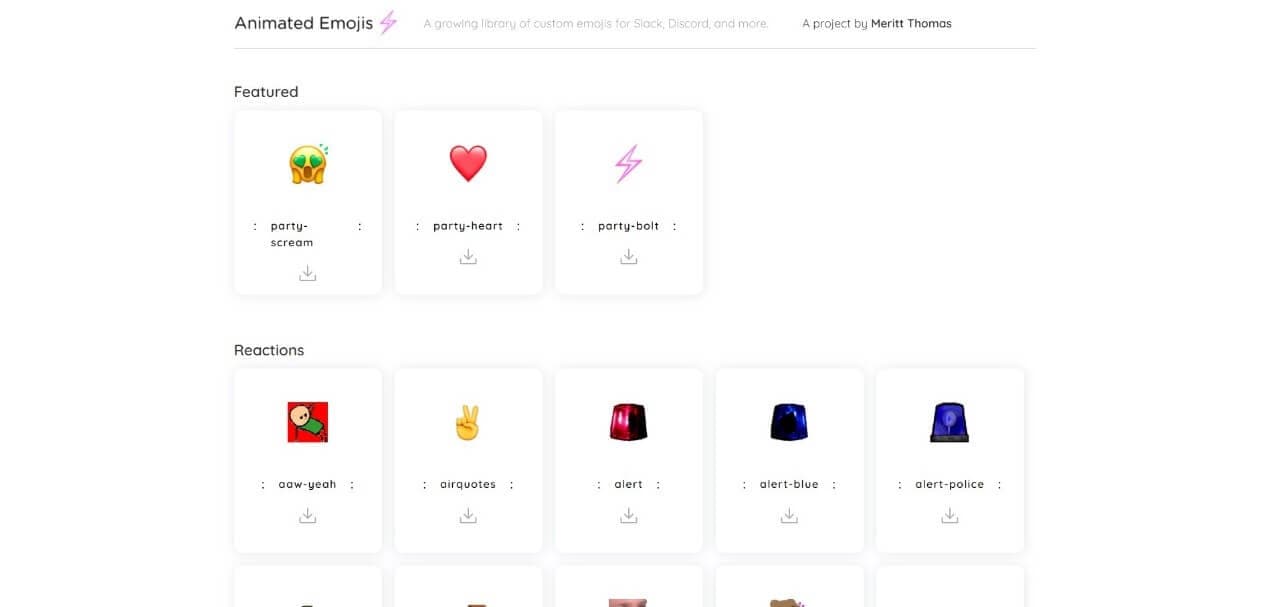
Now, if you’re a cool kid who owns their own server, you’ll want to upload your own. That’s where downloading them comes in. The best source is top.gg or just hopping onto Google Images and searching for “animated emoji pack.”

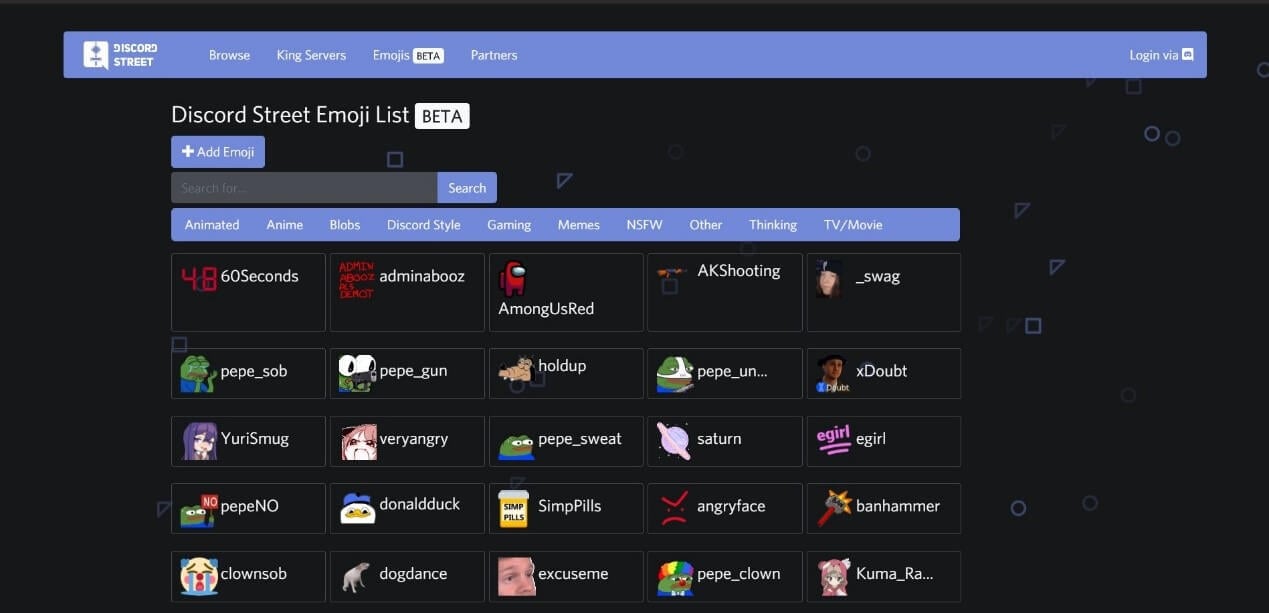
You’re looking for files with the .gif extension, or sometimes .png for static ones (but we’re not here for those). Websites like Emoji.gg and DiscordEmoji are absolute treasure troves. They have thousands of custom reactions, all ready to be downloaded and uploaded.
Just be careful to check the file size. Discord has a limit of 256kb for regular emojis. If a file is too big, it won’t upload, and you’ll be stuck with a frustrating error message. It’s like trying to fit into jeans that are three sizes too small—it ain’t happening.
Pro-Tip: The “Add Emoji” Button
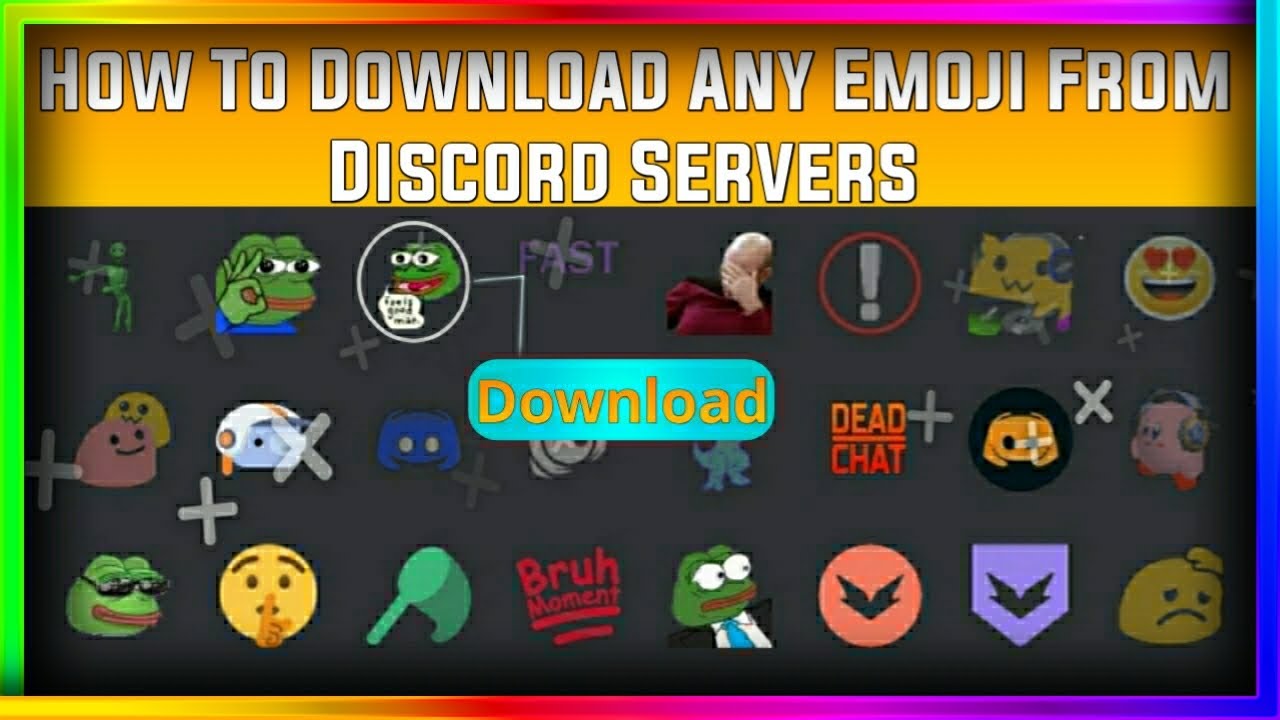
If you see a server that allows you to add emotes, there’s a super sneaky trick. You can often right-click on an animated emote in someone else’s message and click “Add Emoji” if you have the “Manage Emojis” permission. Boom! Instant copy. It’s the modern-day version of taking a bite of your friend’s sandwich without asking.
Just don’t do it to a server owner who’s super protective of their collection. You might end up on a hit list. And by that, I mean they’ll just remove the permission. Probably.
The Final, Dancing Cheese
So, go forth, my emoji-hungry friend. Dive into those servers, download that silly dancing cat, and turn your Discord chats into a vibrant, moving masterpiece. Your messages deserve to be a party, not a press release.
Remember, the goal is to make people smile or laugh. A well-placed animated emoji can turn a terrible day around or make a good joke absolutely legendary. You’re not just sending a picture; you’re sending a mood, a vibe, a whole entire performance. Now go out there and make your chat history the envy of everyone who sees it. Happy emoting!