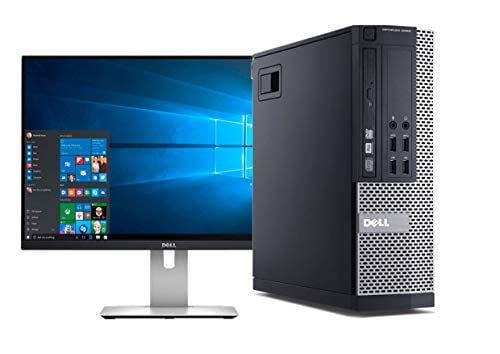
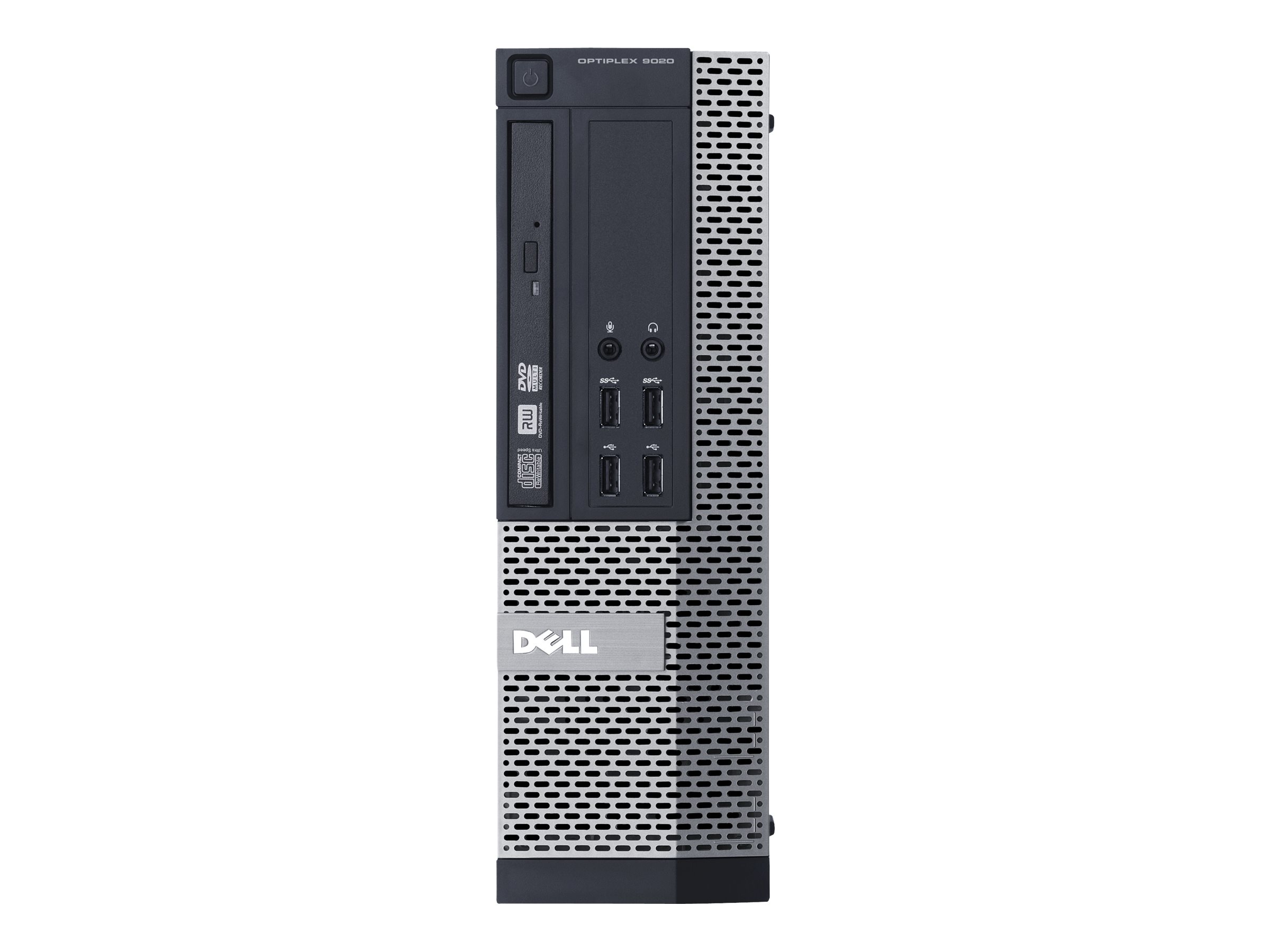
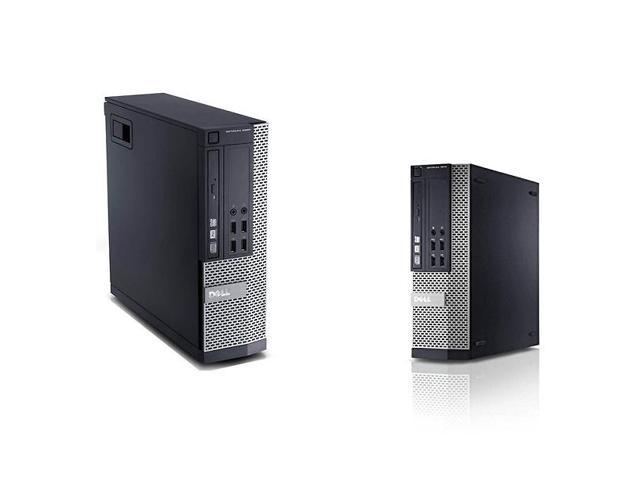
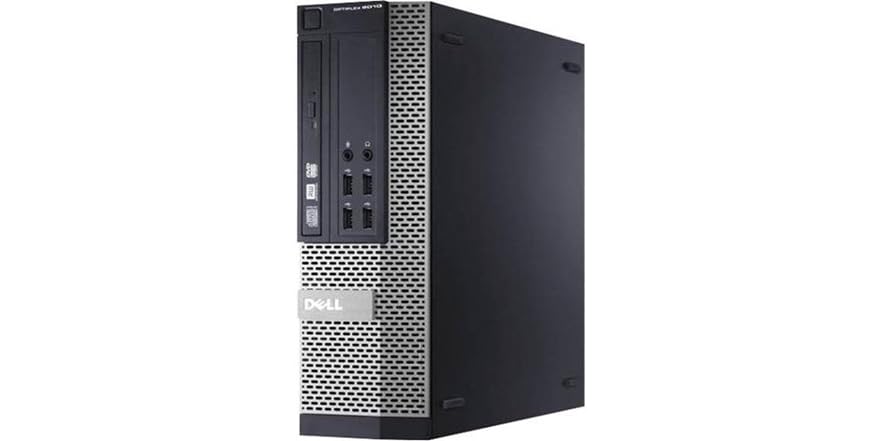
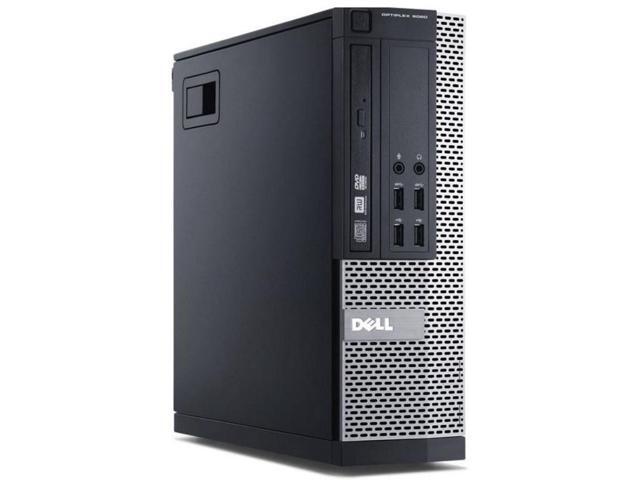
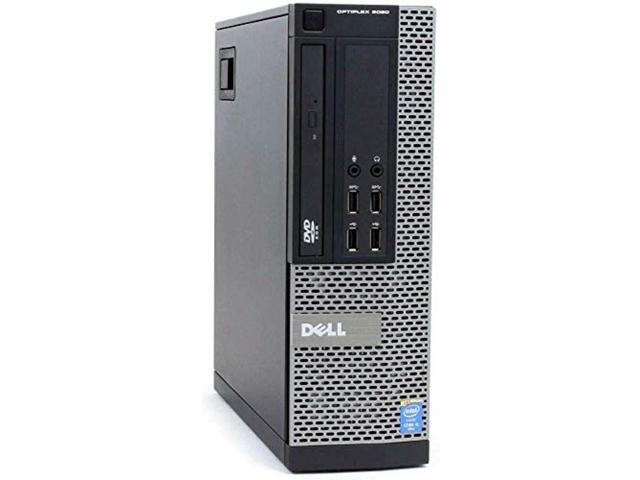
Dell Optiplex 9020 Small Form Factor
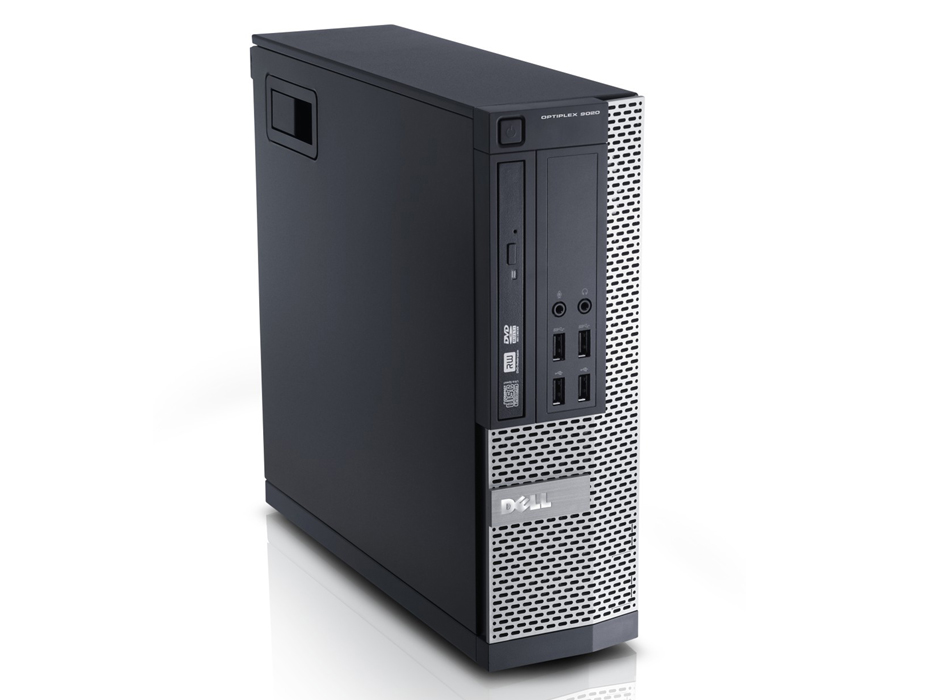
Have you ever wondered what happens to perfectly good office computers when a company upgrades? Often, they end up on the secondhand market, and that’s where the Dell OptiPlex 9020 Small Form Factor becomes an unlikely hero. It’s fun to learn about because it’s a budget-friendly gateway into the world of serious computing, without the flashy price tag of a new gaming rig. Instead of chasing the latest trend, you’re discovering the hidden potential in a professional workhorse.
This machine’s main purpose is simple: to be a reliable, compact, and quiet desktop for everyday tasks. Its small footprint means it can slide onto a crowded desk or sit discreetly under a monitor, saving precious space. The real benefit is its upgradeability; you can easily add more RAM, swap in a solid-state drive, or even install a low-profile graphics card to breathe new life into it. For a fraction of the cost of a new PC, you get a stable platform that handles web browsing, document editing, and media streaming with effortless grace.
Imagine a classroom where students are learning to code or write essays. A lab full of these OptiPlex machines provides consistent performance for a very low per-seat cost, allowing schools to stretch their tech budgets. At home, it’s perfect as a family computer for homework, managing finances, or running a small business server for file storage. You could even repurpose it as a dedicated retro-gaming console, using its modest power to emulate classic systems perfectly.
Must Read
If you’re curious, the best way to explore is to start with a used unit from a reputable seller, usually for under $80. First, check if it has a solid-state drive (SSD) or the older hard drive; if it’s the latter, upgrading to an SSD is the single most impactful change you can make. Next, consider bumping the RAM from 4GB to 8GB or 16GB, which you can often find for less than twenty dollars. Finally, remove the side panel and just look—the layout is surprisingly clean, and you’ll learn more about your computer’s anatomy in ten minutes than you ever thought possible.
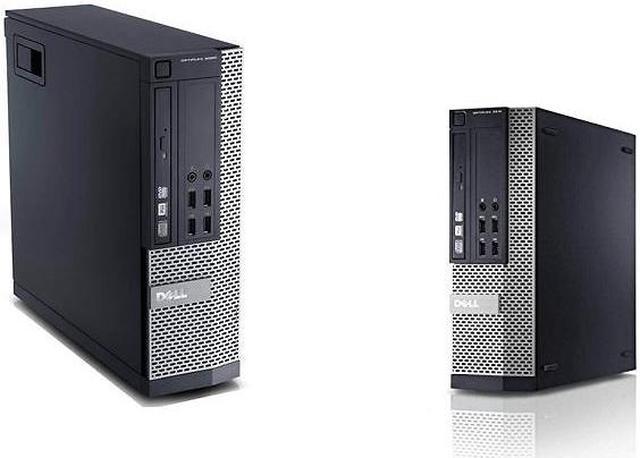
Don’t be intimidated by its business-like appearance; that beige and black chassis hides a surprisingly flexible machine. The Small Form Factor version specifically accepts low-profile PCIe cards, opening the door to improved audio or dual network ports. It’s also a fantastic project for anyone learning about hardware, because parts are plentiful and inexpensive. With a little patience and a Phillips screwdriver, you can transform this cast-off office tool into a personalized machine that suits your exact needs.
In a world obsessed with the newest and shiniest, the OptiPlex 9020 reminds us that value and practicality never go out of style. It’s not about winning a benchmark race; it’s about quietly getting things done without breaking the bank. So, next time you see an old office PC, take a second look. You might just be staring at your next favorite project.