Imagine you’ve just filmed your dog trying to eat a wasp. It’s chaotic, hilarious, and a little sad. You want to share this masterpiece with the world, but the raw video is 20 minutes of blurry zoom and your own confused yelling.
That’s where Cyberlink PowerDirector 365 comes waltzing in like a hero with a cape made of timeline tracks. It’s not just another boring editing app; it’s a magic wand for your everyday chaos.
The “I’m a Filmmaker Now” Feeling
You don’t need a film school degree to use this. The first time you drag a clip onto the timeline, you feel a sudden surge of power, like you’re Steven Spielberg, but with more snacks.
The best part is the sheer speed. My ancient laptop usually groans under pressure, but PowerDirector 365 just zips along, letting me cut, trim, and slap on silly stickers without waiting for a coffee break.
Before you know it, you’ve turned that wasp incident into a slow-motion thriller with dramatic music. Your friends will be amazed, and your dog will look like a misunderstood hero.
Your Personal Movie Studio & Magic AI
The coolest party trick is the AI-powered tools. There’s a feature that automatically finds the “best moments” in your footage, which is like having a super-smart friend who says, “Hey, that part where you fell off the chair is gold.”
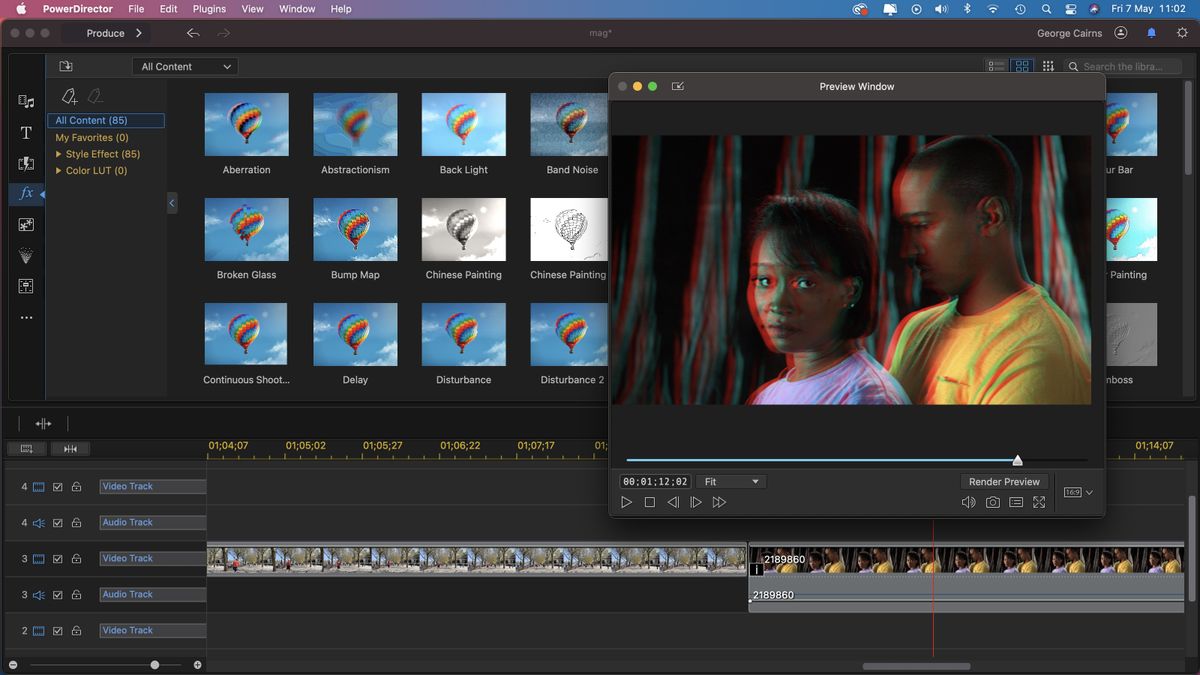
CyberLink PowerDirector 365 review | Digital Camera World
It also has this incredible object removal tool. I once used it to erase an angry neighbor who walked into my garden video, and honestly, it was more satisfying than any therapy session.
You just paint over the thing you hate, and poof — they’re gone. It’s like having a tiny digital eraser for real life.
The “Just In Case” Library
You get access to a massive library of stock videos, music, and transitions. I’m not talking about cheesy stuff either; there are actual cinematic sounds and cool effects.
The other day, I searched for “womp womp” sound effects, and they had three different versions. Three! That’s dedication.
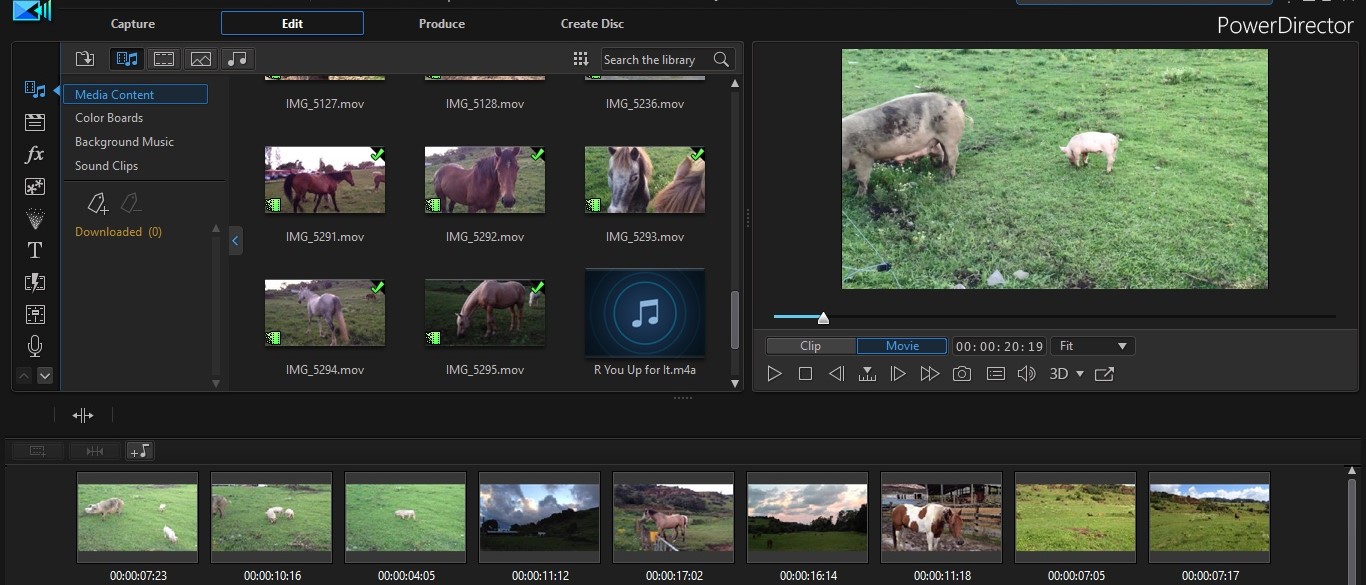
Cyberlink PowerDirector 365 review: Edit with AI tools... lots of AI
This library is your safety net. If you have no idea what music to use, you can literally type “epic horn” into the search bar and save your video from being totally lame.
It’s Not Scary, It’s Comforting
Unlike some editors that look like the cockpit of a spaceship, PowerDirector keeps things friendly. The buttons are labeled clearly, and the interface doesn’t scream at you confusing jargon.
Even when I messed up and accidentally put a title over my face, the undo button worked so smoothly that I almost cried. That’s the heart of the review, right there—it’s forgiving.
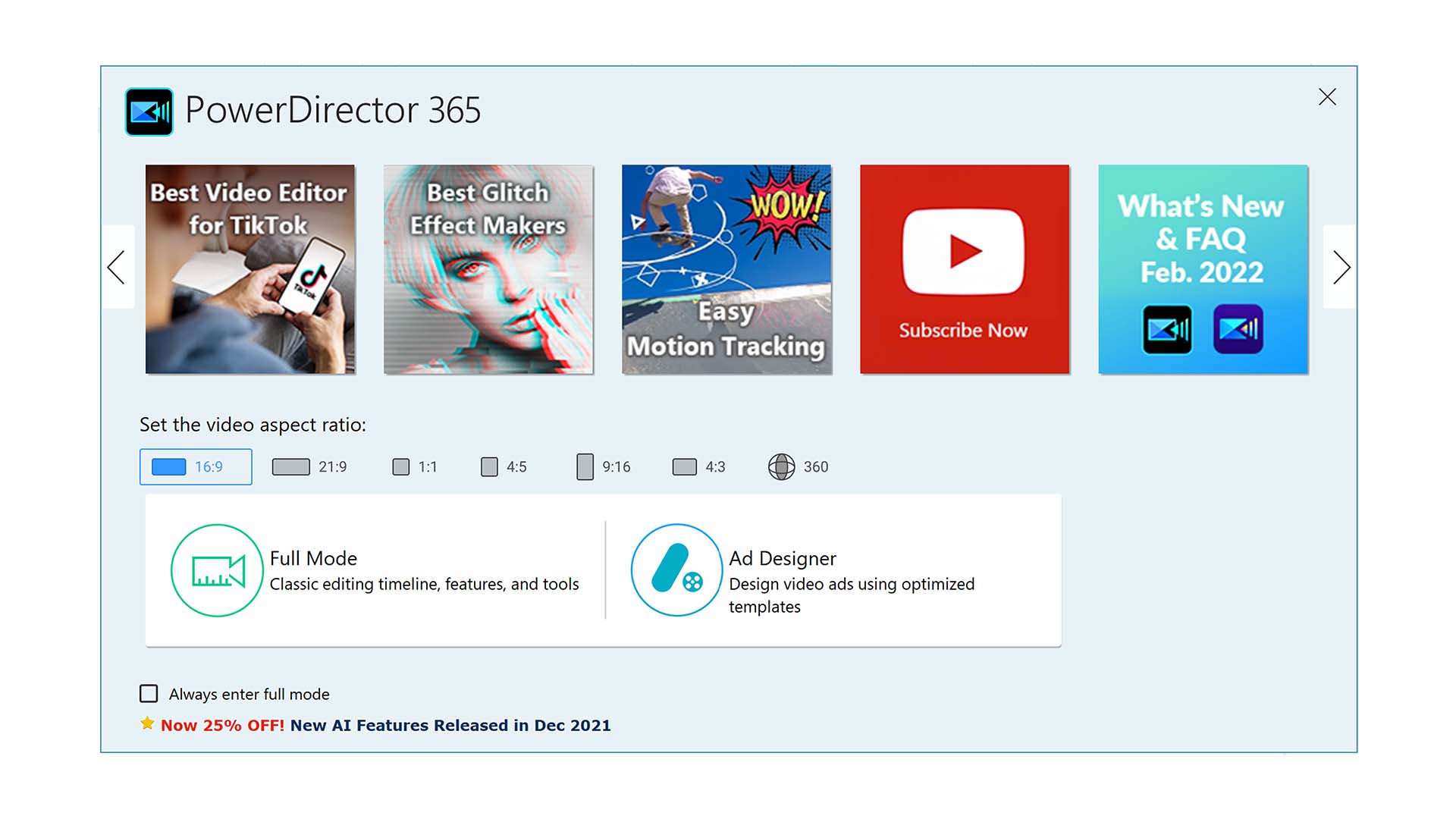
CyberLink PowerDirector 365 review | TechRadar
This software is perfect for beginners but secretly powerful enough for pros. You can grow into it without feeling like you’re drowning in a sea of color wheels and keyframes.
The Subscription Catch, But a Funny One
Yes, the “365” means it’s a subscription, which can feel like paying rent for software. But here’s the funny thing: they constantly add new features, so it’s like getting new toys every month.
One month, they added a Lifestyle Collection with bokeh overlays and glitter effects. I used them to make a video of my sourdough bread look like a celebrity—it was ridiculous and wonderful.
If you edit more than twice a year, the cost is totally worth it. If you only edit once, just use the free trial and pretend it’s a fun weekend fling.
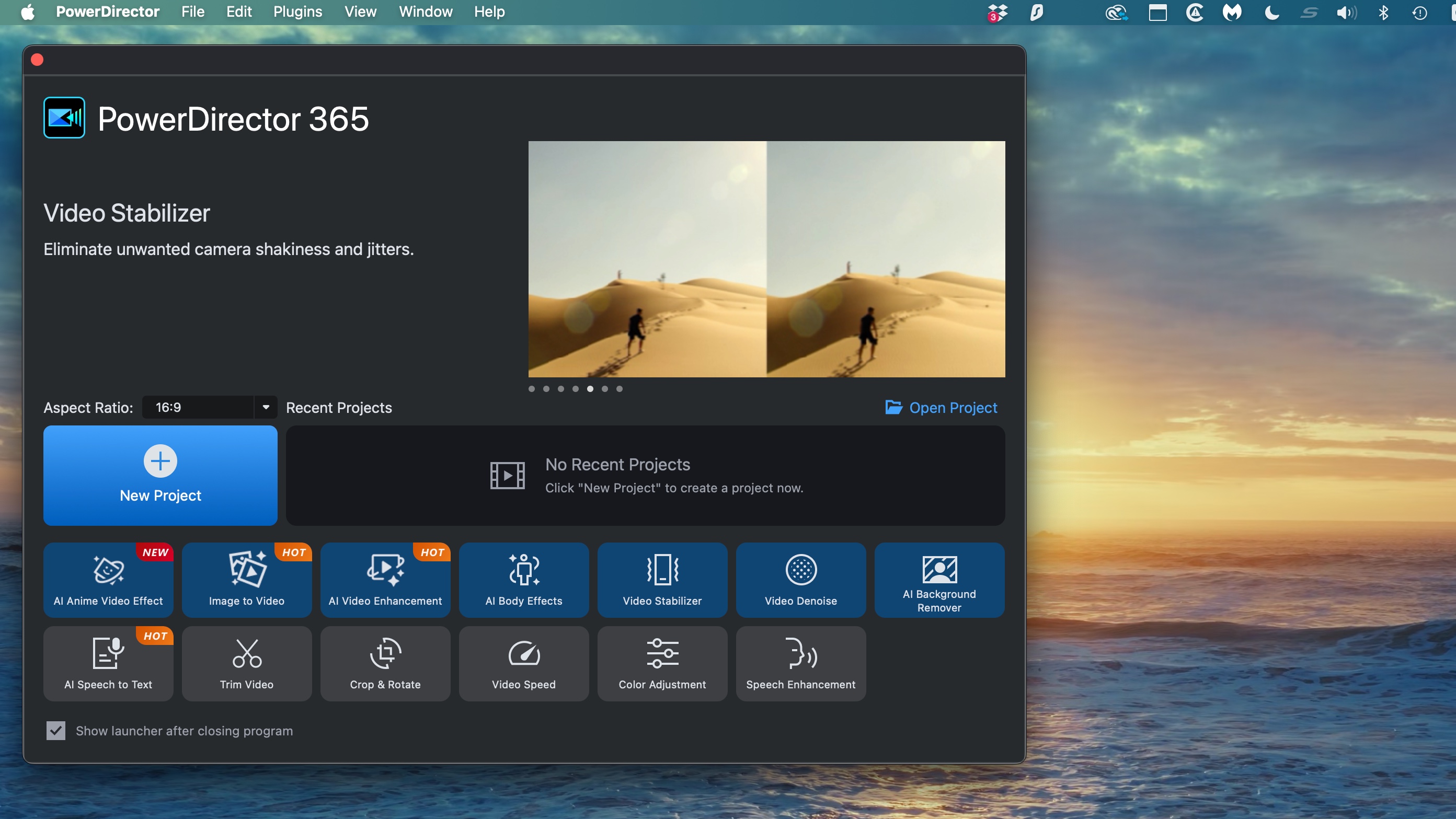
CyberLink PowerDirector 365 Review | PCMag
The Verdict: Get It, Make Something Weird
At the end of the day, PowerDirector 365 is like having a friendly robot tutor that wants you to have fun. It doesn’t judge your shaky hands or your obsession with cat videos.
The most heartwarming part? It lets you relive your silly, precious moments in a polished way. You can turn a boring birthday barbecue into an epic trailer with explosions of confetti.
So, if you’re tired of posting raw, unedited clips, give this a shot. You might just discover that you’re the director your family never knew you could be.
Go on, edit that wasp video. Your dog will thank you.