Create An Email Business Account
Setting up a business email account might sound like a chore, but it’s honestly one of the quickest ways to feel like you’ve got your act together. Whether you’re selling homemade candles or just want to stop using your “gamer4life” address for job applications, a dedicated business inbox is a game-changer. It’s not just for corporations—it’s for anyone who wants a little more polish and control in their digital life.
For beginners, the biggest win is credibility. When you email a supplier or a client from [email protected] instead of a free Gmail address, people instantly take you more seriously. It signals that you’re invested, organized, and ready to do real work. Plus, you get to separate your personal spam from your professional threads, which feels like a tiny mental vacation every time you open your inbox.
Families especially love this because it creates a shared hub for things like school committees, rental properties, or online side hustles. Instead of five people forwarding the same receipt to each other, you can have one mailbox that keeps everything in one place. Hobbyists—think bakers, photographers, or dog walkers—benefit too because it gives your passion a professional front door without needing a full website.
Must Read
Here’s a fun variation: you can create an email account for a project, not just a business. Planning a big family reunion? Set up “[email protected]” via a custom domain. Running a neighborhood newsletter? Make a dedicated inbox. The possibilities are endless, and it costs about the same as a cup of coffee each month if you use a custom domain—usually around $6 to $12.
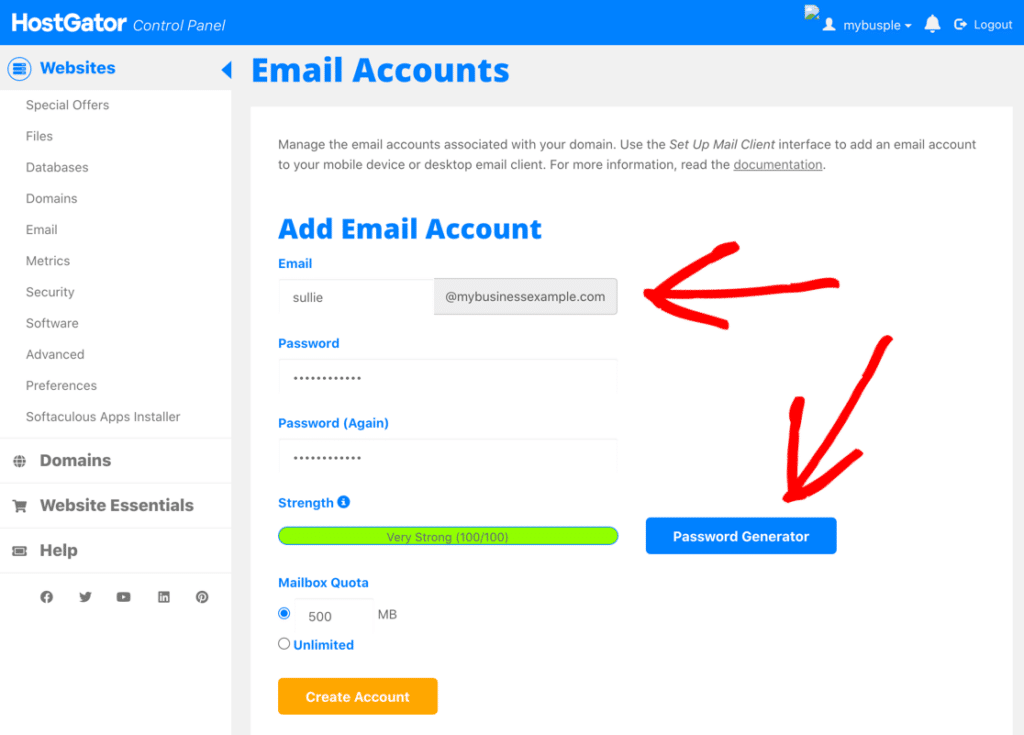
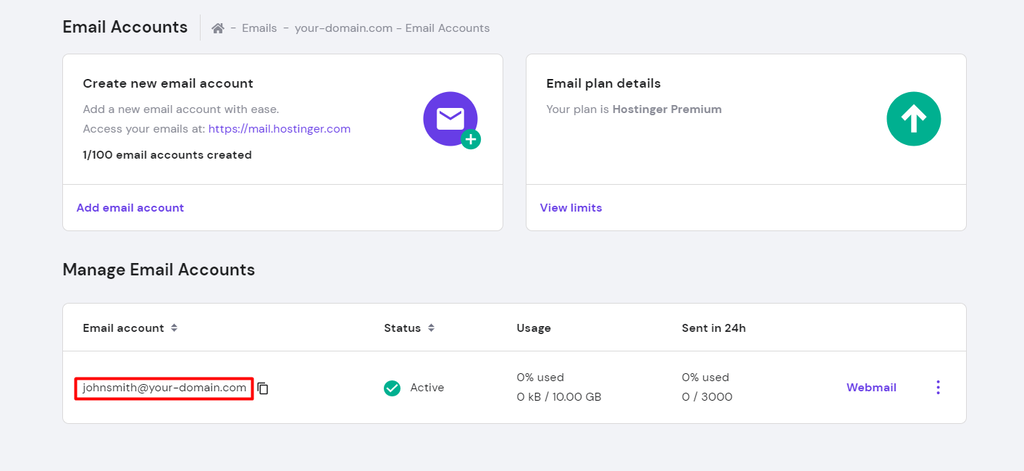
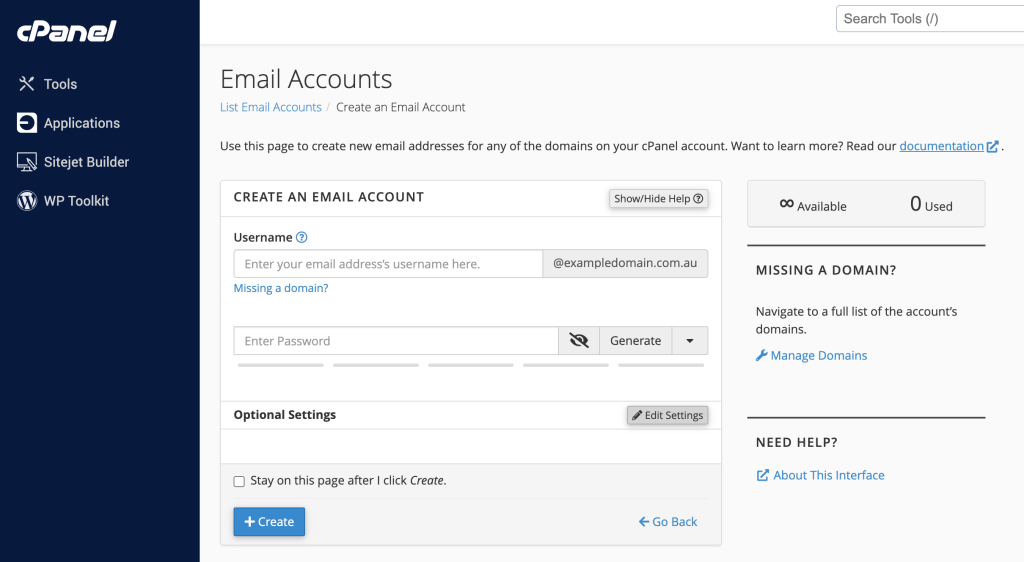
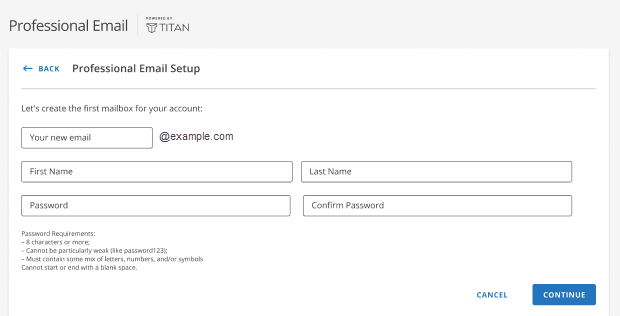
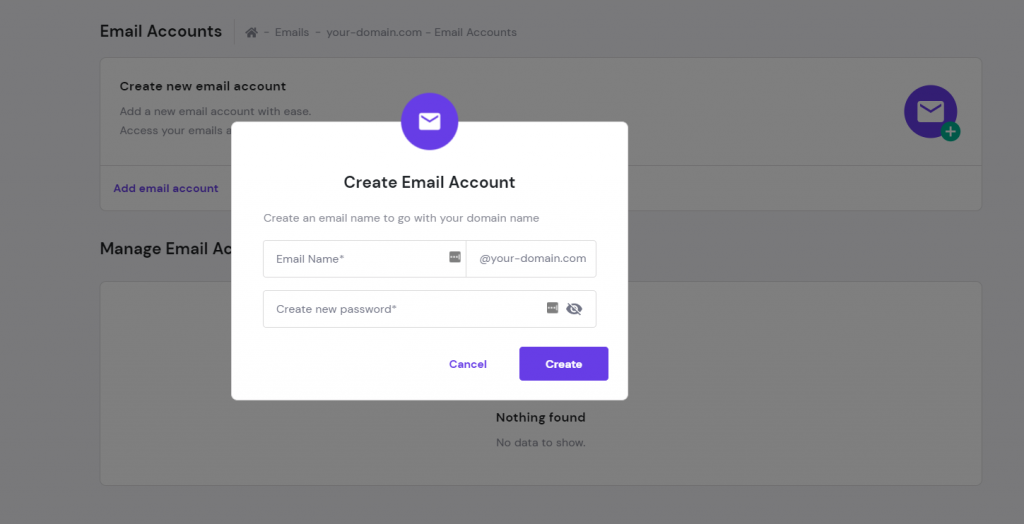
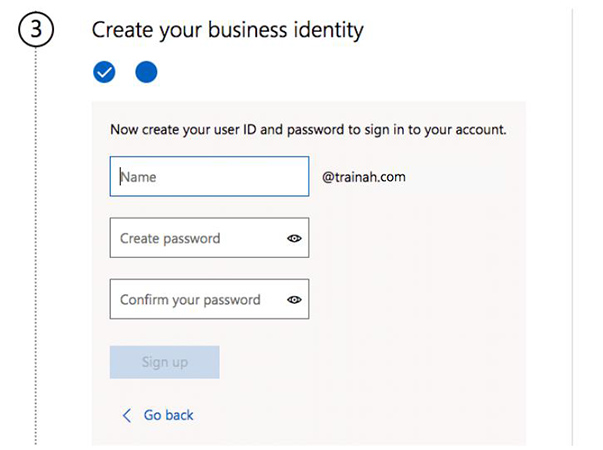
Now, let’s talk about the easy steps to get started. First, pick a domain name that’s short, easy to spell, and matches your vibe—like “oakandpine.shop” if you sell wood crafts. Then, choose a provider like Google Workspace or Microsoft 365; they both have simple, guided setup that takes under ten minutes. You’ll pick your email address (e.g., [email protected]), set a strong password, and then add a signature with your name and phone number.
One practical tip: do not use this account for every random signup or coupon. Keep it clean for client messages, invoices, and important updates. Also, set up a simple auto-responder for weekends so people know when to expect a reply—this instantly makes you look professional and respectful of their time. Don’t forget to forward all the essential emails to your phone so you never miss a lead.
If you’re worried about tech overwhelm, relax. Most providers offer a free trial, and they walk you through connecting your email to your phone and laptop with just a few taps. You don’t need any coding skills or a tech-savvy friend—just a little patience and a working internet connection. And if you get stuck, there are thousands of free YouTube tutorials that show each click in real time.
Finally, think of this as a small act of self-respect. You’re telling the world, “I’m serious about what I do, and I’m proud to share it.” It’s fun to see your name followed by your own domain—like a little digital business card that travels with you. You’ll also feel a boost of motivation every time you send that first invoice or reply to a customer inquiry.
So go ahead, grab a domain that makes you smile, and set up that business inbox today. It’s a tiny step with a big payoff in clarity and confidence. You’ll wonder why you didn’t do it sooner—and you’ll have a blast checking your new, professional mailbox.