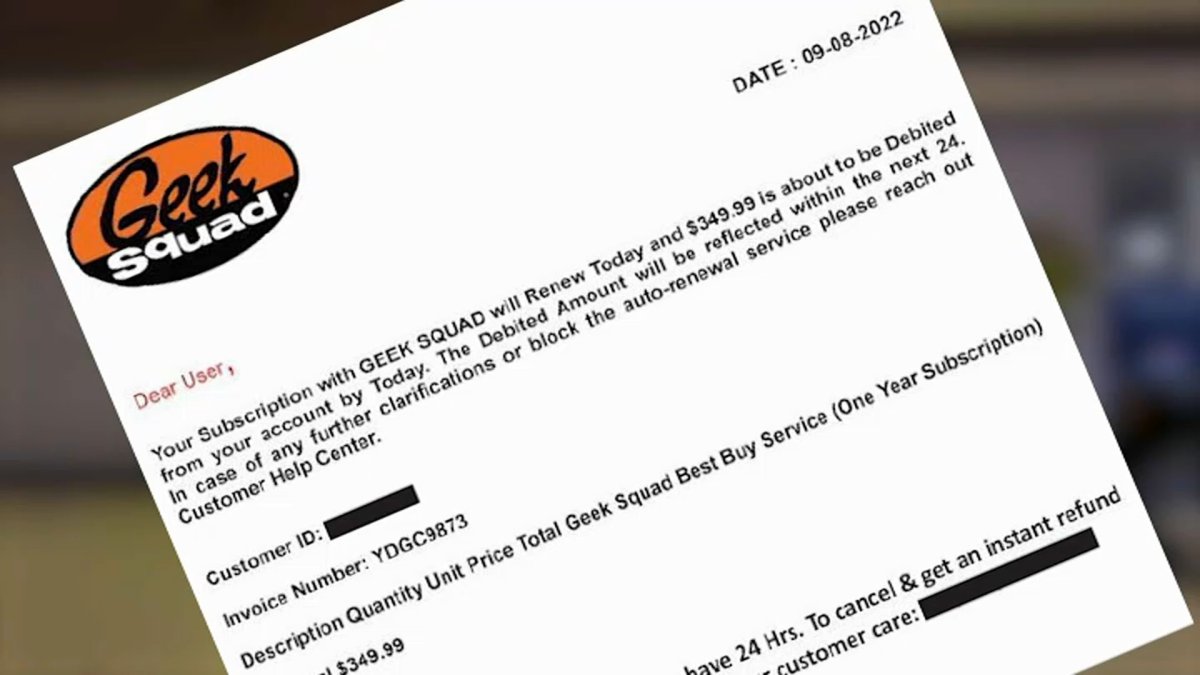
Cancel Geek Squad Automatic Renewal
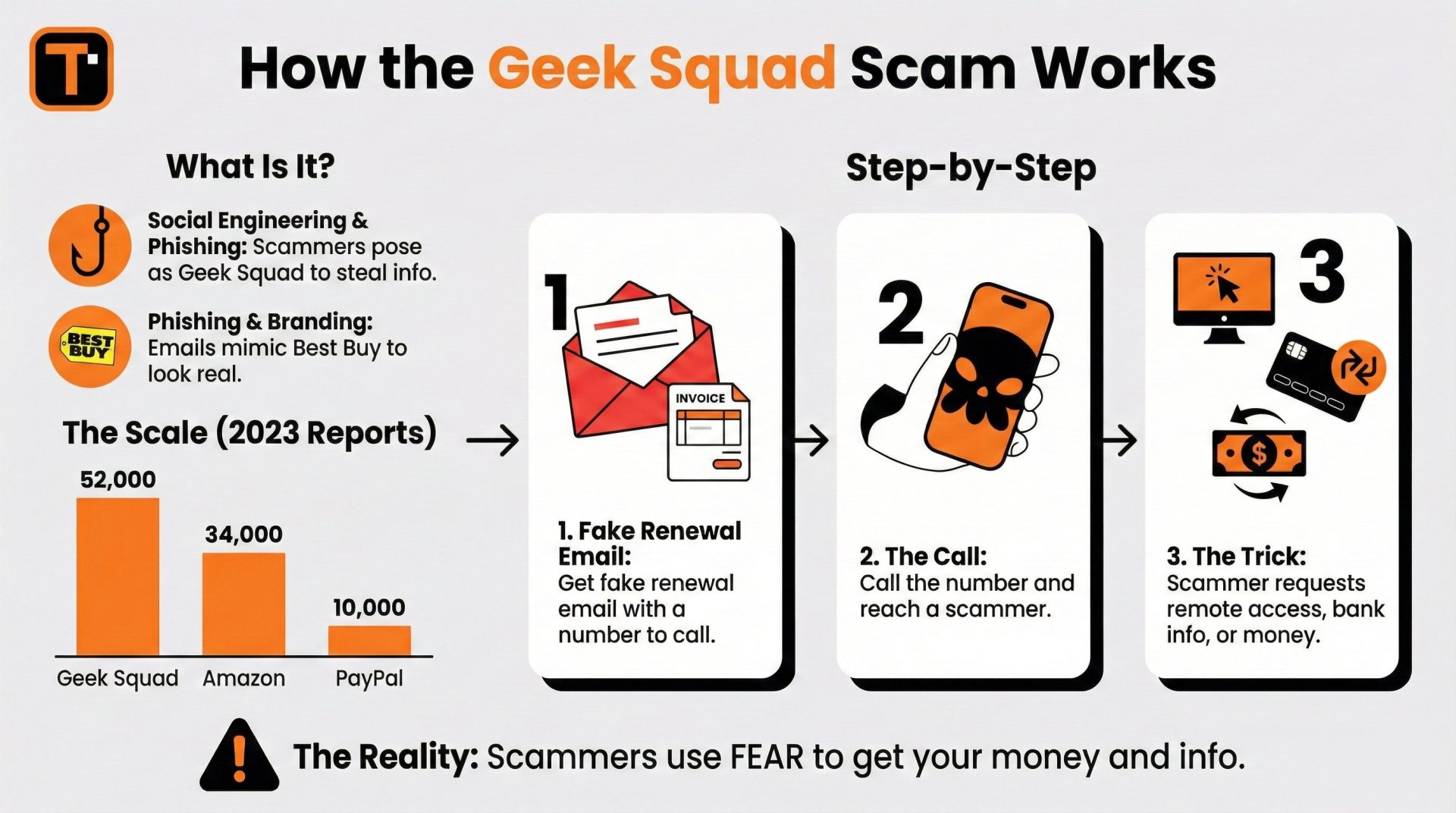
Last Tuesday, I found a $249 charge from Best Buy on my credit card, and for a solid ten minutes, I was convinced someone had stolen my identity to buy a very specific, very unnecessary amount of surround-sound speakers. My heart was racing, my fingers were shaking, and I was already drafting a strongly-worded email to my bank. Then I saw the note: “Geek Squad Renewal.” Oh. Right. That.
I hadn’t seen a Geek Squad agent since 2021, when a lovely guy named Marcus reinstalled my Wi-Fi driver after I accidentally spilled coffee on my laptop’s keyboard. He was great, but I didn’t need him anymore. My laptop is fine. My Wi-Fi is fine. Yet, for the past three years, I’ve been paying a monthly tribute to a tech-support army I never call. Sound familiar? (Be honest—you’re probably nodding right now, aren’t you?)
Here’s the thing: Geek Squad’s automatic renewal is a masterclass in quiet persistence. It doesn’t scream; it whispers. You get a friendly email about “peace of mind,” and then your bank statement just… absorbs the fee. It’s like a subscription to a gym you stopped visiting, except the gym at least sends passive-aggressive texts. Best Buy just assumes you’ll forget. And guess what? You do forget. That’s the whole business model, my friend.
Must Read
The Great Cancellation Hunt
So, after my heart rate returned to normal, I decided to cancel. How hard could it be, right? Wrong. It’s like trying to find a secret exit in a Las Vegas casino. You think you see the door, but it’s actually a mirrored wall with a sign that says, “Would you like to upgrade to Total Protection?” (No, thank you, I’d like to keep my $249.)
The first step is to log into your Best Buy account. Not the app—the website. Because the app really doesn’t want you to find it. You’ll navigate to “Account,” then “Settings,” then “Subscriptions,” and if you’re lucky, you’ll find a tiny link that says “Manage.” But here’s a pro-tip I learned the hard way: Don’t click “Chat with Us” unless you have a full hour to spare. The bot will ask you to describe your problem, and then it will “connect you to an agent” who might be a hologram named Kevin from Kolkata who keeps saying “I understand your frustration” in a way that sounds like a robot reading a script about empathy.
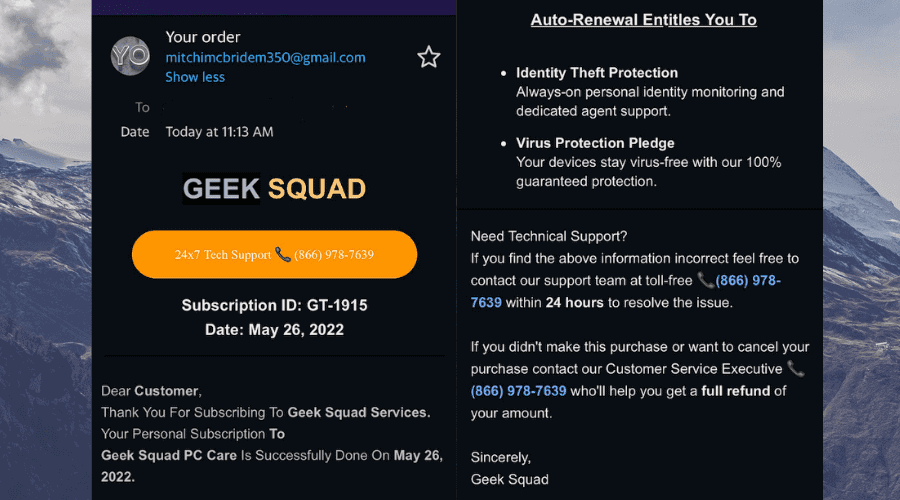
The Phone Call Gambit
If you’re brave, you’ll call the 1-800 number. I did. I waited on hold for 22 minutes, listening to generic elevator jazz that was clearly composed by someone who hates you personally. When a human finally answered, she was surprisingly nice, but she had to “authenticate” me by asking for the last four digits of my social security number, the make of my first car, and the name of my childhood pet. (It was a goldfish named Pancake, and yes, I’m still bitter about his untimely demise.)
After she verified that I am, in fact, me, she asked, “May I ask why you want to cancel?” And this is the moment where you have to be firm. Do not say “I’m broke,” because they’ll offer you a discount. Do not say “I’m tech-savvy,” because they’ll tell you about their new “Smart Home Diagnostic Suite.” Just say, “I no longer require this service,” and repeat it like a mantra. Politely. But firmly. (Think of it as a Jedi mind trick, but with more hold music.)

The Aftermath & The Irony
Finally, she confirmed the cancellation. I received a confirmation email within 30 seconds. That was suspiciously fast. You know what isn’t fast? The speed at which Best Buy is happy to start the service. But stopping it? That’s like pulling teeth from a very polite alligator. The irony is that you have to use your entire brain to cancel a service that was supposed to help you fix your tech issues. It’s a bit like having a personal trainer who only shows up to eat your snacks.
And here’s the kicker: Best Buy counts on you being busy. They know you have kids, a job, and a to-do list that’s longer than a CVS receipt. So, they make cancellation a “multistep journey.” It’s not malicious; it’s just… efficient for them. Ironic, isn’t it? They automate your renewal but automate nothing about your exit.

So, my advice? Check your bank statements right now. Not later, not next week. Right now. Scroll back three months. Is there a recurring charge from “BBY Geek Squad”? If yes, you know what to do. And if you’re on the fence, ask yourself: when was the last time I actually used this? If you can’t remember, you don’t need it. That’s not a splurge; that’s a donation to the Geek Squad’s coffee fund, and frankly, they make enough coffee money.
Look, I’m not saying Geek Squad is useless. For some people, it’s a lifeline. My grandma loves them. But if you’re a semi-functional adult who can restart a router by plugging it out and back in, you’re probably paying for a safety net you’ll never fall into. And that’s okay—just make it a conscious choice, not a sneaky autopilot. Save that $249 for something that sparks joy. Like a new coffee maker. Or a bag of goldfish crackers. (RIP, Pancake.)
So go ahead, cancel it. Be brave. The hold music won’t kill you, and the confirmation email is surprisingly satisfying. And if you get stuck, just remember: the Geek Squad is supposed to help you with tech problems. This is just another one of those problems. You got this.