Can You Use Apple Fitness+ Without Apple Watch
/article-new/2020/12/fitness-plus-workout-without-watch.jpg)
As the world becomes increasingly digitally connected, it's no surprise that fitness enthusiasts are looking for ways to stay active and healthy from the comfort of their own homes. With the rise of online workout platforms, Apple Fitness+ has emerged as a popular choice, offering a wide range of workouts and personalized recommendations. But can you use Apple Fitness+ without an Apple Watch, the ultimate fitness companion?
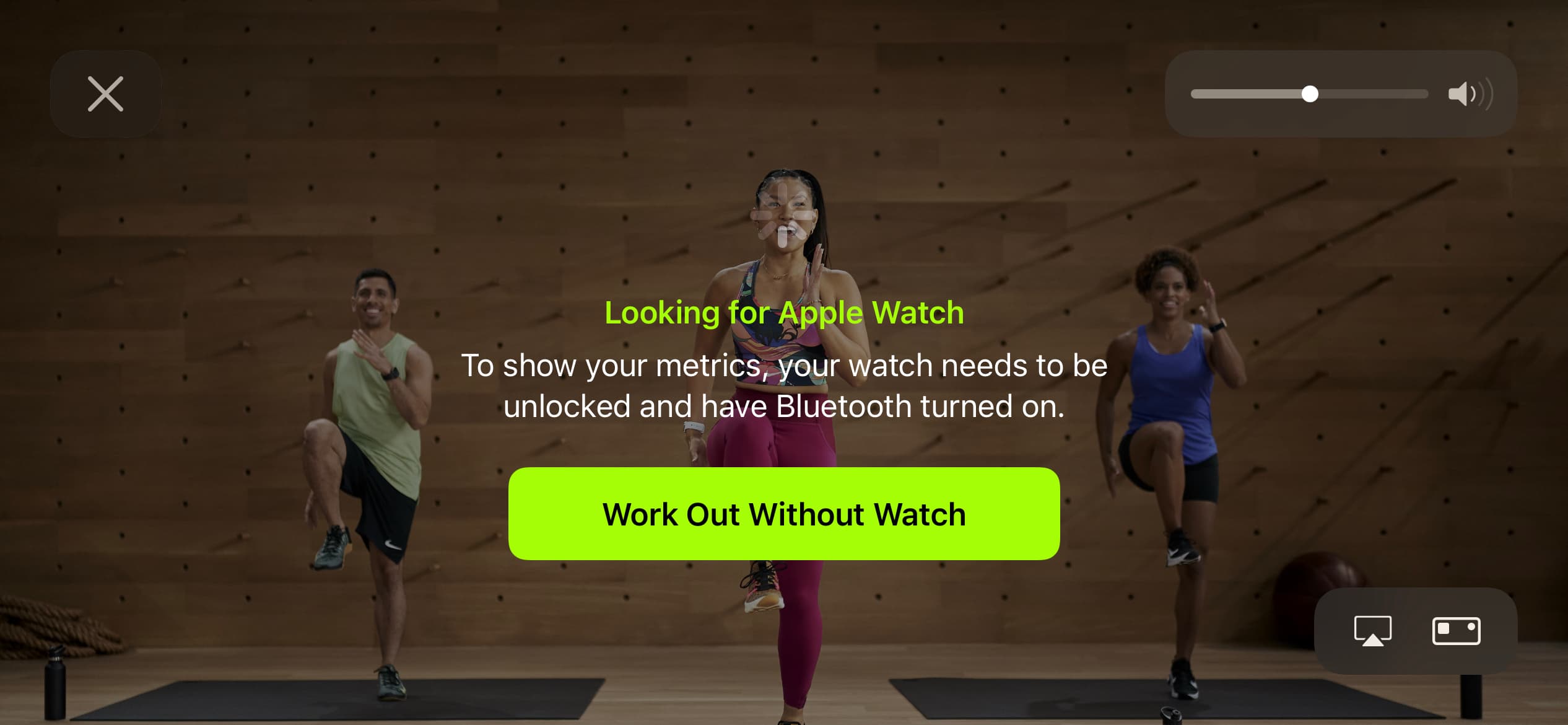
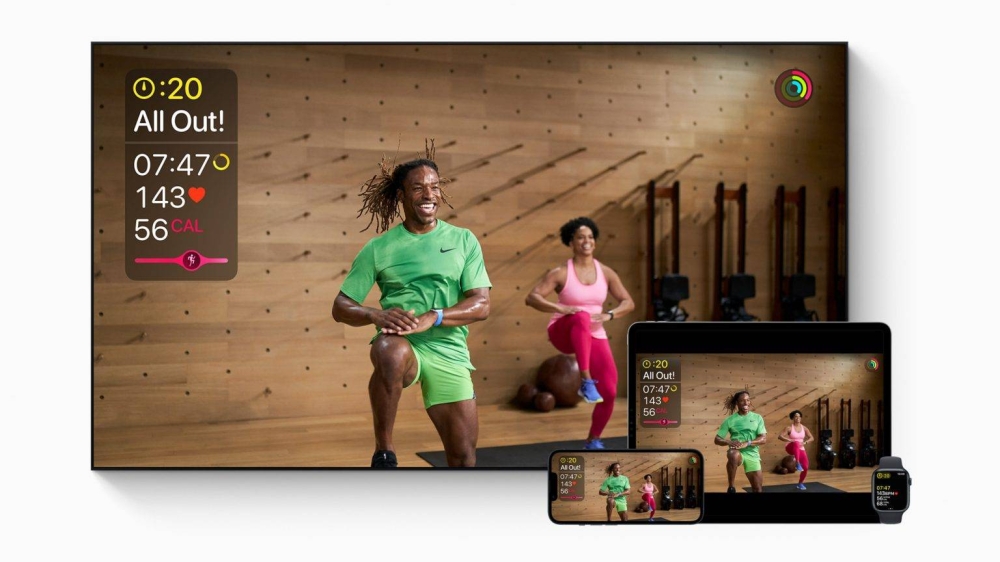
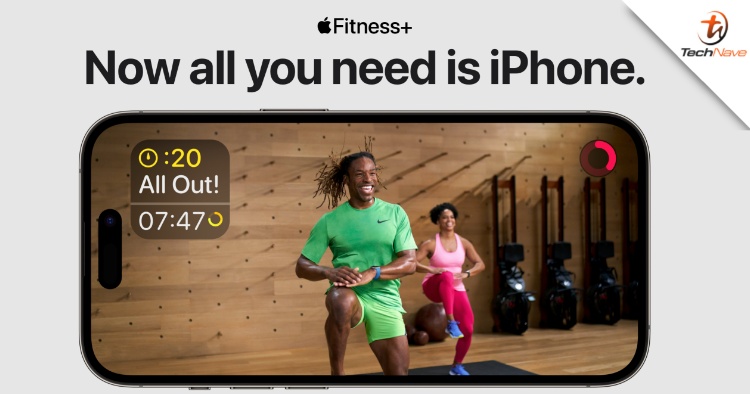
The answer is yes, you can still access Apple Fitness+ without an Apple Watch, although some features might be limited. You can use the Fitness+ app on your iPhone, iPad, or Apple TV, and follow along with the workouts, but you won't be able to track your progress or receive personalized recommendations based on your heart rate or workout history. This might be a bit of a bummer for those who love tracking their stats, but it's not a deal-breaker.
Getting Started
To get started with Apple Fitness+, you'll need to sign up for a subscription, which costs $9.99 per month or $79.99 per year. Once you've signed up, you can access the Fitness+ app on your chosen device and start browsing the various workout categories, from HIIT to yoga and strength training. You can even filter workouts by duration, intensity, and equipment, making it easy to find the perfect routine for your fitness level.
Must Read
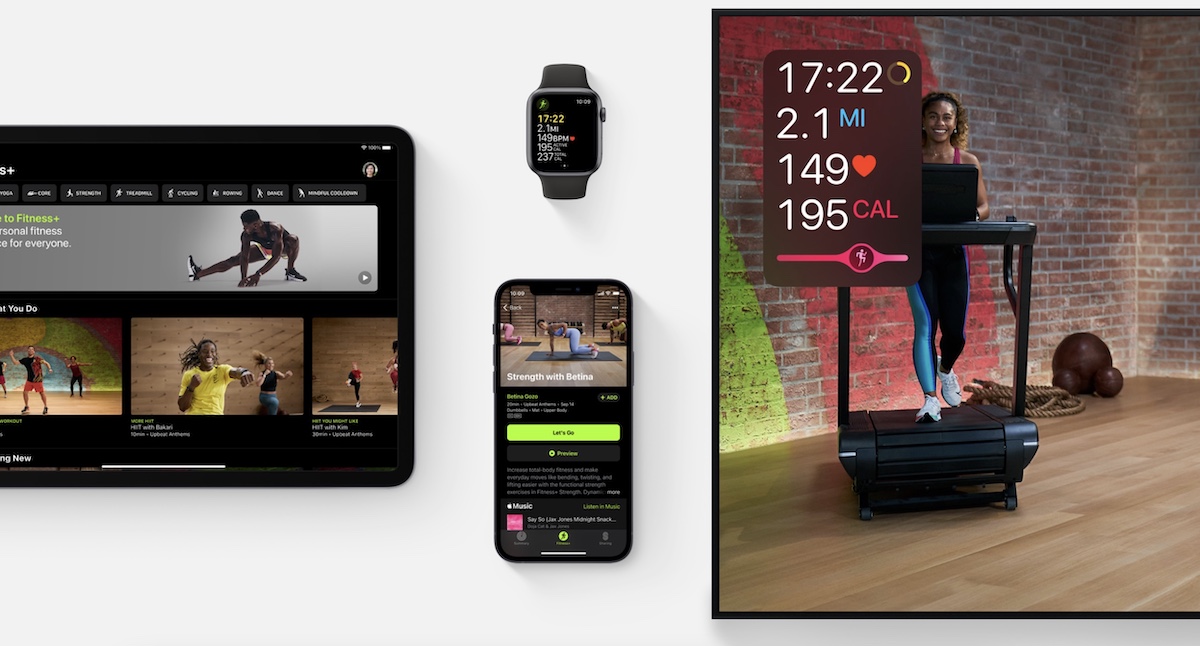
One of the best things about Apple Fitness+ is the variety of workouts on offer, with new content added every week. From Dance to Pilates, there's something for everyone, and the instructors are all super motivational and encouraging. Plus, the production quality is top-notch, with clear instructions and stunning visuals that make you feel like you're right there in the studio.
Tips and Tricks
If you're using Apple Fitness+ without an Apple Watch, there are a few tips and tricks to keep in mind. Firstly, make sure you have a stable internet connection, as the app requires a constant stream of data to function properly. You should also invest in a good pair of headphones, as the audio quality is a big part of the overall immersive experience. And don't forget to stay hydrated and warm up before each workout, to avoid any injuries or discomfort.
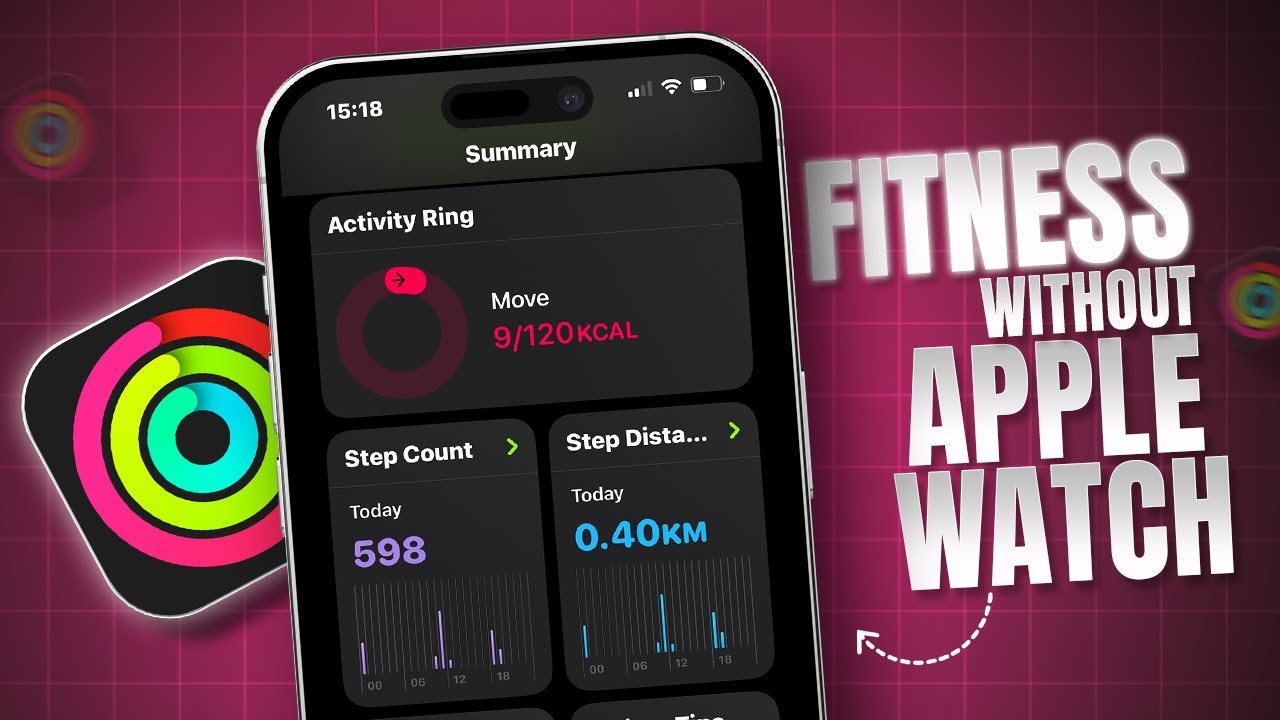
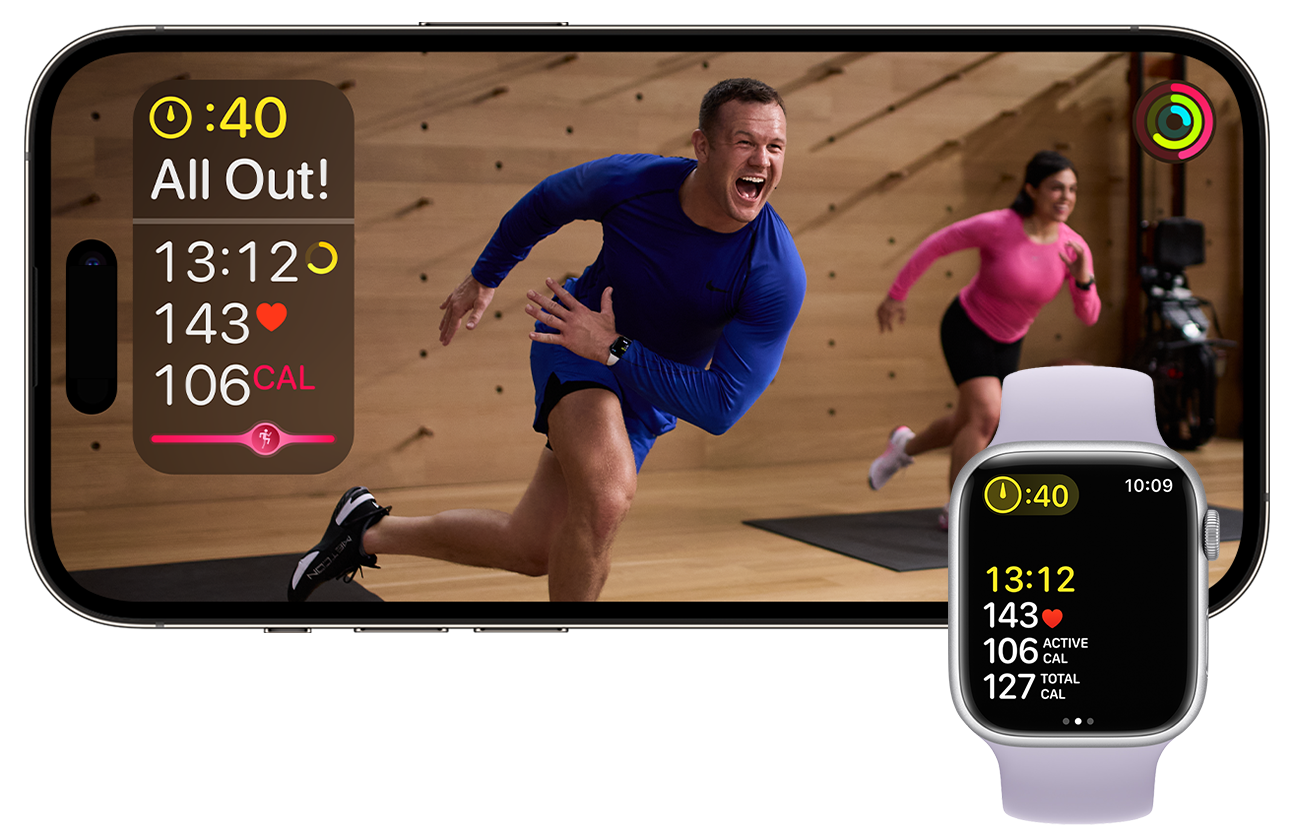
In terms of tracking your progress, you can still use the Fitness+ app to log your workouts and monitor your calories burned. However, you won't be able to see your heart rate or distance traveled, which might be a bit of a bummer for serious fitness enthusiasts. On the other hand, you can always manually log your workouts and track your progress using a separate fitness tracker or journal.
As the fitness landscape continues to evolve, it's exciting to see how technology is revolutionizing the way we work out. With Apple Fitness+, you can join a community of like-minded individuals, get motivated, and stay accountable, all from the comfort of your own home gym. And who knows, you might just discover a new passion or talent for fitness, just like Kelly Rowland or Chris Hemsworth, who are both big fans of home workouts.
A Reflection
As we navigate the ups and downs of daily life, it's easy to get distracted and lose sight of our fitness goals. But with Apple Fitness+, you can stay on track, even when you're not wearing an Apple Watch. By making fitness a priority and committing to a regular routine, you can transform your body and boost your mood, just like the transformative power of a good workout playlist.
So, whether you're a fitness newbie or a seasoned athlete, Apple Fitness+ is definitely worth checking out. With its user-friendly interface, variety of workouts, and motivational instructors, you'll be hooked from the very first sweat session. And who knows, you might just find that fitness becomes your new passion, or that you're able to inspire others to get moving and grooving to the fitness beat.
In the end, it's all about finding what works for you and sticking to it. Whether you're using Apple Fitness+ with or without an Apple Watch, the most important thing is that you're getting moving and having fun. So, go ahead, download the app, and get ready to sweat your way to a stronger, healthier, and