Can You Play Apple Arcade On Macbook

Picture this: you’re lounging on your couch, MacBook open, and a sudden urge hits to race a cartoon snail or battle a tiny dragon. The big question pops into your head: Can you actually play Apple Arcade on a MacBook? The short answer is a glorious, unapologetic YES. It’s not just a phone thing anymore, my friend.
Apple Arcade is like the secret buffet of gaming. You pay one flat fee, and you get hundreds of games with zero ads and zero in-app purchases trying to rob your wallet. And your MacBook? It’s not just a work machine—it’s a full-blown gaming portal that you probably didn’t know you had.
It’s Simpler Than Folding a Fitted Sheet
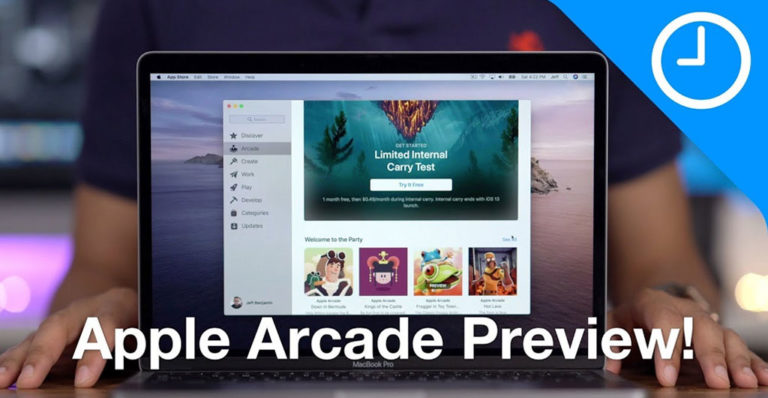
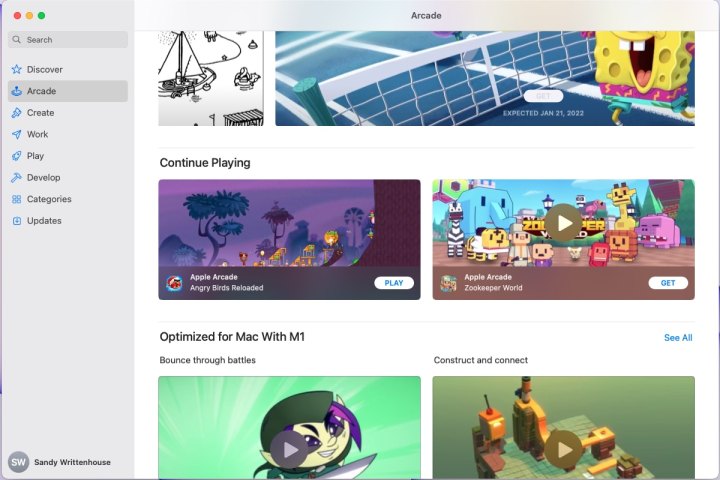
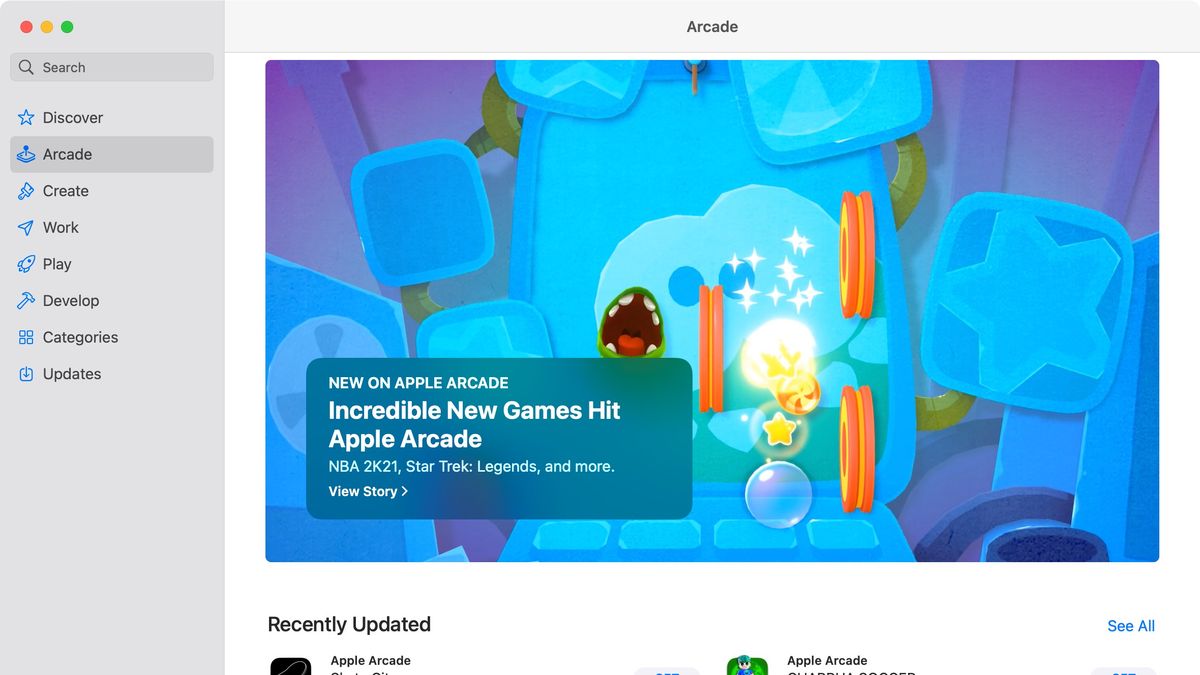
You don’t need a PhD in tech to get this running. If your MacBook runs macOS Monterey or later, you’re already in the club. Just open the App Store, click the Arcade tab, and boom—the gates swing open.
Must Read
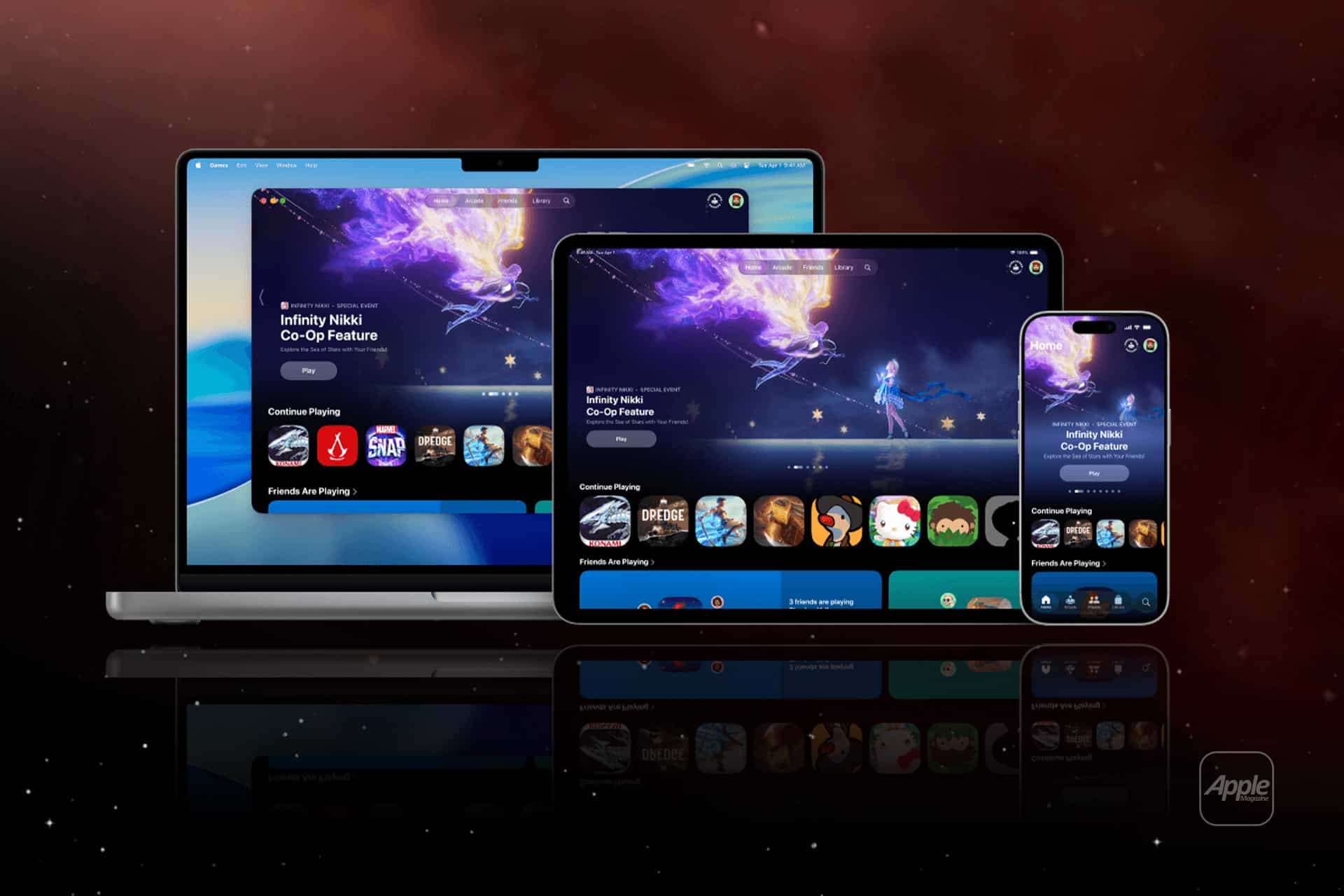
Here’s the kicker: your saves sync across all your Apple devices. Start a game on your iPhone in the bathroom, then seamlessly continue on your MacBook at your desk. It’s like magic, but with more pixels and less rabbit-in-a-hat.
The Best Part? Your Controller Is Probably in Your Drawer
Sure, you can use the trackpad and keyboard. But for the love of all that is cozy, grab a PlayStation or Xbox controller. It pairs via Bluetooth in seconds, and suddenly your MacBook transforms into a mini console that smells like coffee and productivity.
Funny detail: Some games on Apple Arcade were designed for touchscreens first. So on a MacBook, you might find yourself awkwardly poking the screen and wondering why nothing happens. It’s okay. We’ve all been there. Just switch to the keyboard or controller and pretend you meant to do that.
What’s Actually Worth Playing on Your MacBook?
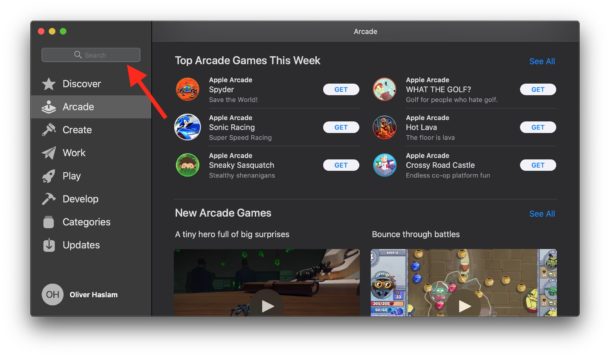
You’ve got “Sneaky Sasquatch”—a game where you’re literally a sasquatch stealing food and causing chaos. It’s ridiculous, heartfelt, and perfect for a laptop. Then there’s “Hello Kitty Island Adventure” which is like Animal Crossing, but with more bows and zero judgment for eating a whole cake.
Don’t sleep on “Fantasian” either. It’s made by the creator of Final Fantasy, and it looks like a diorama came to life. You’ll get lost in it for hours, and your MacBook fan might start whirring like a tiny jet engine. That’s not a bug—that’s passion.
Why This Is Secretly Awesome
Think about it: your MacBook is a productivity beast. But it’s also a gateway to games you’d never try otherwise. Apple Arcade doesn’t have those hyper-sweaty, pay-to-win nightmares. It’s quirky, chill, and sometimes just plain weird—and that’s exactly why it’s fun.
You can play “What the Car?” where you’re a car with legs, or “Osmos+” where you absorb smaller blobs to become a bigger blob. It’s philosophical, honestly. Blob on blob violence never felt so Zen.

Here’s the cherry on top: if you buy a new MacBook, you get three months free of Apple Arcade. That’s a whole season of guilt-free gaming. After that, it’s like $6.99 a month—cheaper than a single movie ticket, and way more replay value than that one superhero film you regret watching.
So, can you play Apple Arcade on a MacBook? Absolutely, wonderfully, and with surprising ease. Next time someone tells you Macs can’t game, just wink, open your laptop, and start racing a hamster in a rocket. They’ll get it.
Now go forth and download something weird. Your MacBook is ready when you are.

![Exclusive: Apple Arcade hands-on with early access games [Video]](https://9to5mac.com/wp-content/uploads/sites/6/2019/08/Apple-Arcade-Mac-App-Store.jpg)