Can I Upgrade My Alienware Laptop

So, you’re staring at your Alienware laptop, wondering if it’s time to crack it open and give it a turbo boost. The short answer is: Yes, absolutely—but with a few “alien” caveats. Unlike a desktop where you can basically rebuild the whole thing with a screwdriver and a dream, laptops are a delicate dance of proprietary parts and cleverly hidden screws. But don’t worry, we’re going to navigate this cosmic maze together.
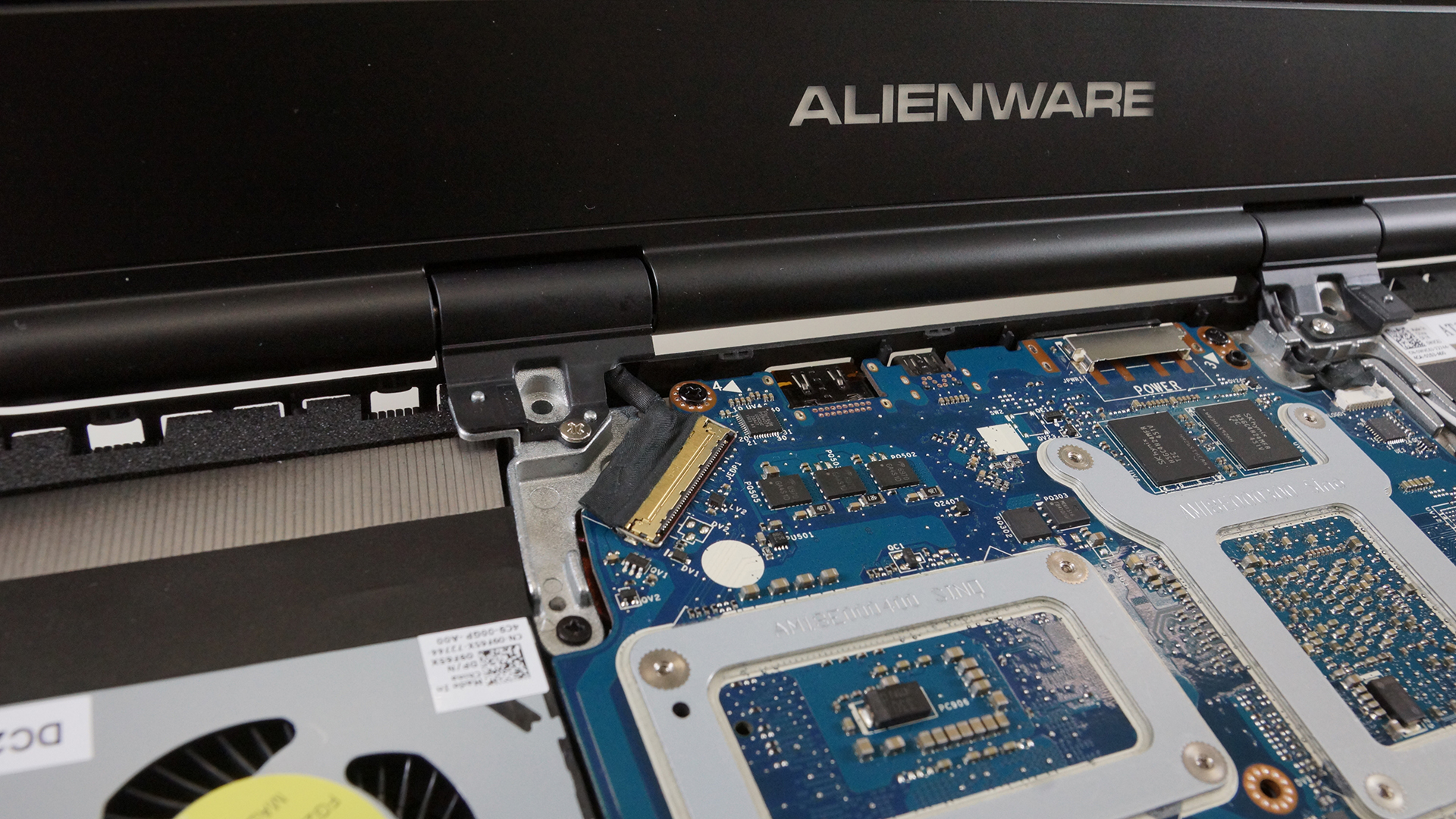
First, let’s get one thing straight: you’re not going to upgrade the CPU or GPU. Ever. These are soldered directly onto the motherboard like barnacles on a spaceship hull. If you try to swap them, you’ll likely end up with a very expensive, very shiny paperweight. So, let’s focus on the two upgrades that actually matter: RAM and storage—the dynamic duo of laptop performance.
RAM: The Quick-Witted Sidekick
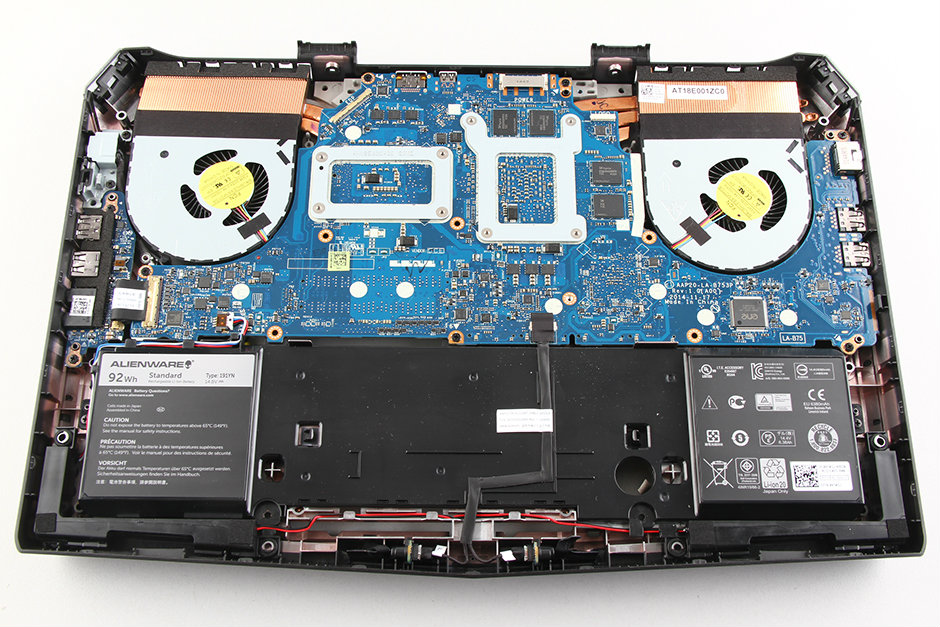
Adding more RAM is like giving your laptop a second cup of coffee—it just handles everything faster. Most Alienware laptops have two SODIMM slots, and you can usually pop in up to 32GB or 64GB, depending on your model. The best part? It’s the easiest upgrade you’ll ever do, and it’s nearly foolproof.
Must Read
You just flip the laptop over, unscrew a little hatch (or remove the entire bottom panel—we’ll get to that in a sec), and gently push the new sticks into place. Seriously, if you’ve ever built a LEGO set, you’re overqualified. Just make sure you buy the same DDR4 or DDR5 type that’s already inside, or you’ll have a very confused machine.
One small warning: Alienware loves to use proprietary screws that seem to have been designed by a sadistic engineer. You’ll need a small Phillips head, and maybe a tiny bit of patience (or a beer). But once that hatch is off, you’ll feel like a rocket surgeon.
Storage: Room for More Alien Artifacts
Storage is the other big win. Most modern Alienware laptops come with an M.2 NVMe SSD, which looks like a little stick of gum. You can usually add a second SSD if you have an empty slot, or simply replace the existing one with a bigger drive. That’s the best way to stop the “low disk space” panic attack when you’re installing a 150GB game.
Here’s the fun part: cloning your old drive is easier than it sounds. You can download free cloning software, plug in a USB-to-NVMe adapter, and copy your whole system like magic. It’s like moving to a bigger apartment, but all your furniture just teleports there. Just make sure your new SSD is on the “supported” list for your model—Alienware can be picky about brands, so check the manual before you drop cash.
If you’re lucky, your model will have a tool-free bay for the second drive. If not, you’ll be wrestling with a tiny screw that seems to have a vendetta against your fingertips. But hey, that’s just part of the bonding experience, right?

The “Secret” Bottom Panel Trick
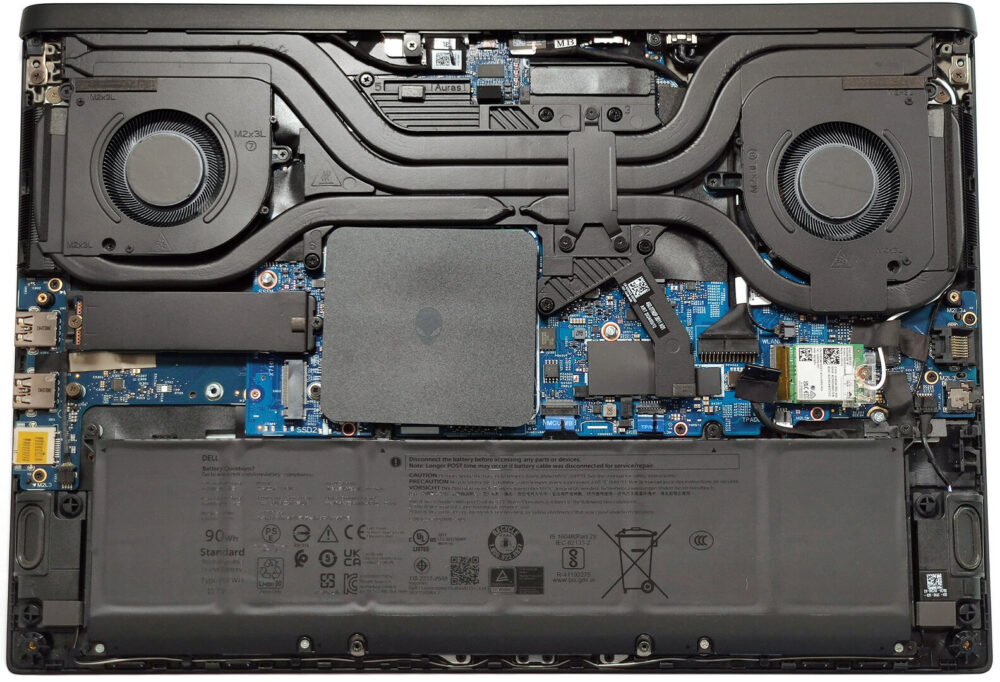
Here’s where things get spicy. On many Alienware laptops (the newer ones especially), you can’t just pop open a tiny hatch. You have to remove the entire bottom panel, which is held on by about 11 screws and a million plastic clips. It’s like trying to open a crab that’s really committed to staying closed.
Pro tip: use a plastic spudger or an old gift card to gently pry the seams—do not use a metal screwdriver unless you enjoy scratches and the sound of your heart breaking. Once you get it off (and you will, with a little wiggling), you’ll see a beautiful, tidy interior with labeled slots. It’s oddly satisfying, like looking at a well-organized fridge.

Before you touch anything, unplug the battery if you can. You don’t want to zap your motherboard and turn your precious alien into a toaster. It’s a small step, but it saves you from a world of regret.
What About the CPU and GPU? (The Sad Truth)
Okay, let’s address the elephant in the room. Can you upgrade the processor or graphics card? No. No, you cannot. They’re soldered on, and even if they weren’t, the cooling system is custom-tuned to specific chips. Trying to upgrade would be like putting a Ferrari engine in a Prius—it’s technically possible, but the car will burst into flames.
But here’s the silver lining: your Alienware is already a beast. The CPU and GPU that came with it are more than capable of handling today’s games. By upgrading the RAM and storage, you’re giving it a new lease on life, and you’ll probably squeeze another 3–4 years out of it. That’s a win in my book.

And hey, if you ever feel the itch to go further, you can always repaste the CPU with some high-end thermal compound. It’s a bit risky, but it can lower temps by 5-10 degrees. Just watch a YouTube video first—otherwise, you’ll be learning on the job with your $2,000 baby on the line.
The Final Verdict (With a Smile)
So, can you upgrade your Alienware laptop? Yes, for the things that matter most. RAM and storage are your golden tickets to a snappier, roomier machine. It’s not rocket science—it’s just a pleasant Sunday afternoon project with a few curse words thrown in.
And remember, even if you never crack it open, your Alienware is still a fantastic piece of tech. It’s fast, gorgeous, and it’ll make your friends jealous when it glows like a neon spaceship in a dark room. Upgrading is just a bonus—a little tune-up to keep the party going. So go on, grab a screwdriver, take a deep breath, and give your laptop the love it deserves. You’ll feel like a genius when it boots up faster than ever, and that smile? Worth every minute.