Bmw F10 Bluetooth Music Streaming

Okay, let’s talk about your BMW F10. You know, that glorious, executive-spec machine that makes you feel like a minor royal every time you slide into the leather. But there’s a catch, right? You want to blast your killer playlist, but the car’s infotainment system seems to have been designed by someone who thought cassette tapes were still cutting-edge. Let’s fix that, shall we? Forget the dealer’s scary upgrade quotes, because we’re about to become best friends with your car’s Bluetooth.
The Great Bluetooth Search
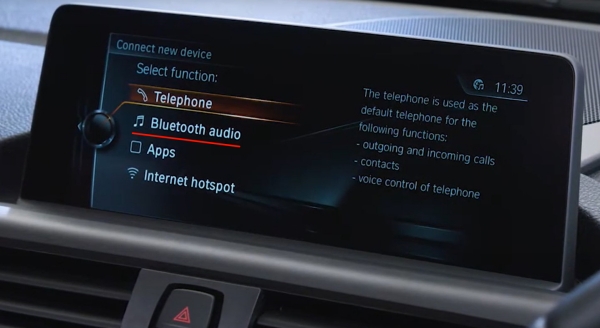
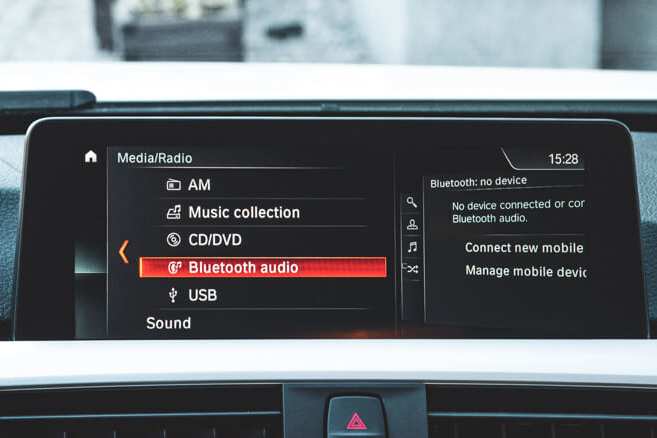
First things first, you need to find the hidden menu. It’s not buried under the seat, I promise. It’s in your iDrive system. You’re looking for the “Communication” or “Telephone” menu—depending on your software version, it’s like a digital treasure hunt.
Click on that, and then look for “Bluetooth” or “Add new device.” The car will start searching. It’s like a digital fishing expedition, and you’re the captain. Your phone should pop up eventually, looking all shy and nervous.
Must Read
When it does, select it. Then, the car will show you a code on the screen. It’s not a spy code; it’s just a pairing PIN. Your phone will ask for it, so just type it in. Boom, you’re connected, but don’t pop the champagne yet.
The “Comfort” vs. The “Curse”
Here’s the kicker. Your BMW has two ways to play music: via the normal Bluetooth audio profile, or via the Enhanced USB/Bluetooth option. If you just paired it, you might be stuck with phone calls only. That’s the curse of the basic setup.
To get the real streaming magic, you need to make sure your phone is not just connected for calls. You have to look for the music note icon or the “External devices” option in the iDrive. You might need to go into your phone’s Bluetooth settings and tap the little “i” next to your car’s name.

Make sure “Media Audio” or “A2DP” is checked. Without that, your BMW thinks you only want to talk, not to party. And let’s be honest, talking to people is overrated. We’re here for the bass drop.
Why Won’t My F10 Stream Properly? (The Gremlins)
So, you’ve paired it, you’ve checked the boxes, and still—silence. Or worse, it stutters like a nervous first date. Ah, the classic F10 gremlins. Don’t panic. It’s usually not your car’s fault, it’s just being a bit picky.
First, check for software updates on your phone. Apple CarPlay wasn’t a thing in these cars, but the Bluetooth stack can be old. A newer phone OS can sometimes clash with your car’s ancient firmware. It’s like trying to teach your grandpa how to use TikTok.
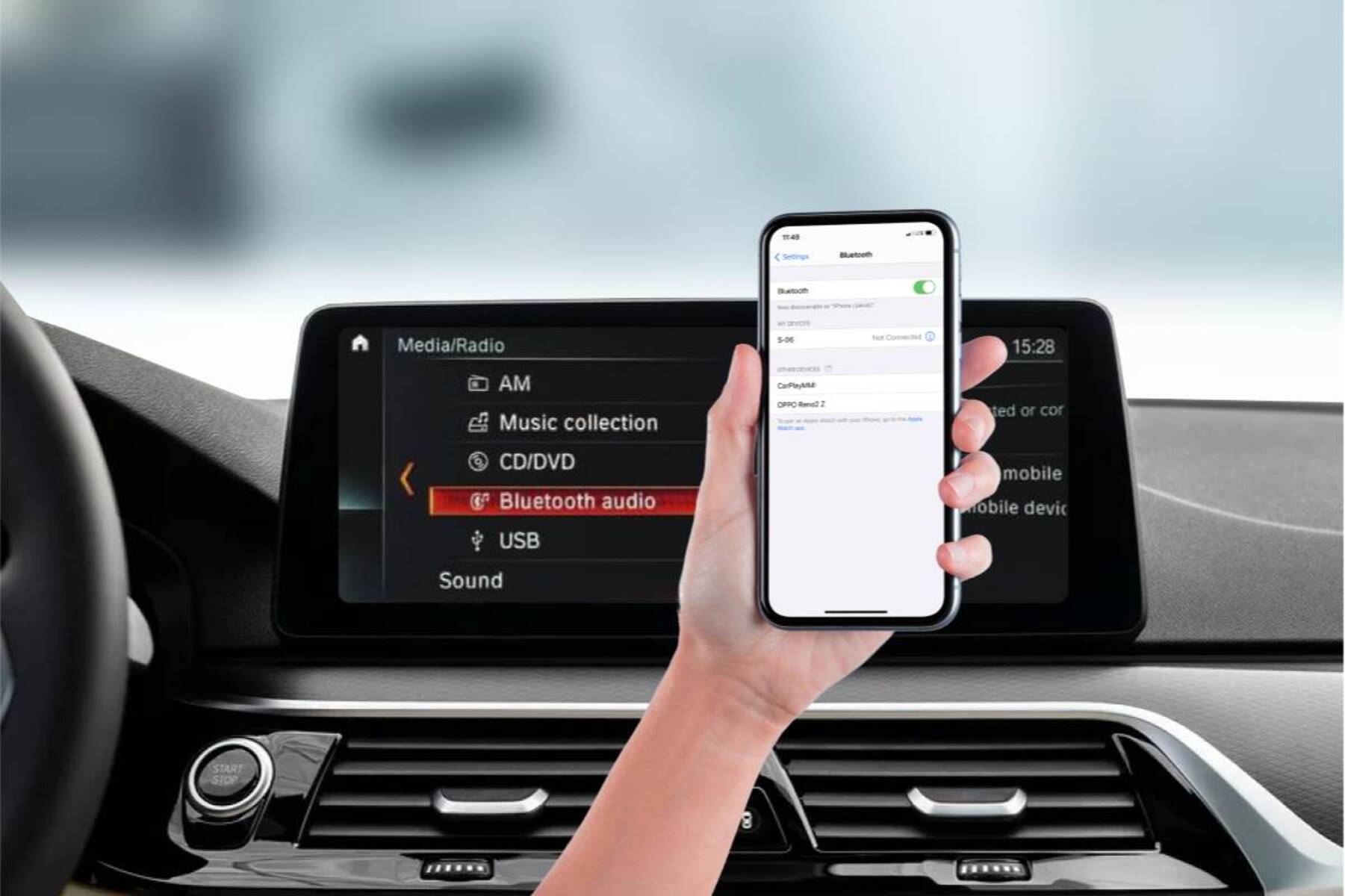
Another biggie: forget the old device and re-pair it. Seriously. Hold down the “Pair” button or delete the car from your phone’s list. Then start from scratch. It’s the digital equivalent of turning it off and on again, but it works 90% of the time.
The Sound Quality Mystery
Now, let’s talk about the sound. Does it sound like you’re listening through a pillow? That might be your phone setting. Some phones have a “High Quality” or “LDAC” option in the Bluetooth settings for media. Turn that on.
On the car’s side, you’ve got to play with the EQ. The F10’s stock sound system is okay, but it’s not a concert hall. Crank up the bass a little, maybe the treble, but don’t go crazy. You want to feel the beat, not break your windows.

Also, check if your music app has a built-in equalizer. Spotify and Apple Music have them. Sometimes the app’s EQ overrides the car’s. It’s a battle of the sound processors, and you’re the referee.
The “It Just Works” Ultimate Hack
If you’re still pulling your hair out, there’s a hero move. Forget the car’s native Bluetooth for music. Get a Bluetooth 5.0 adapter that plugs into the USB port or the aux input in the armrest. I know, it feels like cheating, but listen to me.
These little dongles bypass all the BMW drama. they pair instantly, they support high-quality codecs, and they honestly sound better than the car’s own system. It’s like giving your old car a sneaky upgrade without anyone knowing. Just hide the dongle in the center console, and voila—instant wireless freedom.
The best part? You leave the car, and the dongle just stays there. It doesn’t drain your battery, and it doesn’t mess with any of your car’s settings. It’s the low-maintenance friendship you always wanted.
Final Thoughts (And a Warning)
Look, the F10 is a fantastic car, but its tech is… dated. It’s like a proud grandpa who refuses to learn how to send emojis. But with a little patience, or a cheap adapter, you can get it to stream your jams without a fight.
Don’t fall for the dealer’s “Combox retrofit” that costs more than your rent. You don’t need it. You just need to poke at the right settings, and maybe buy a $25 gadget on Amazon. That’s the real lifehack.
So go on. Fire up your playlist, roll down the windows, and let the neighbors know you have impeccable taste in music—and a stubbornly old-school BMW. Just remember to lower the volume at stoplights. You don’t want to be that person. Happy streaming, you magnificent road captain. You’ve earned the bass.