
Best Way To Upload Photos From Iphone
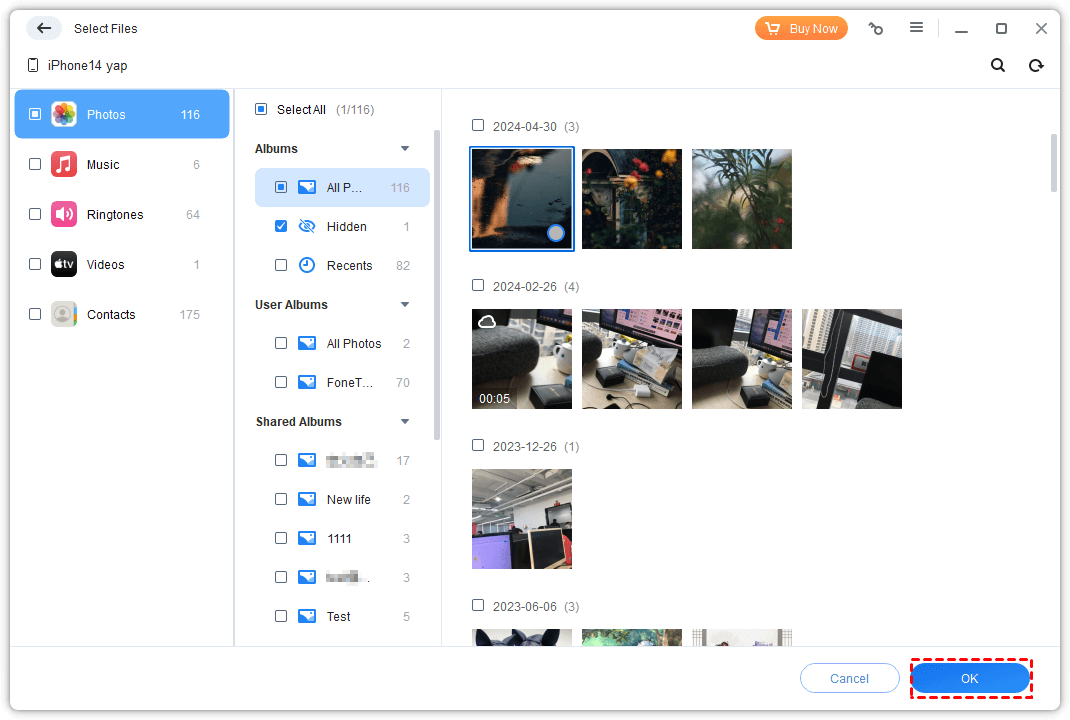
Let’s be honest—your iPhone photo album is basically a digital treasure chest filled with 47 near-identical pictures of your cat. And that amazing sunset? You took twelve shots, and they’re all just slightly different. The real challenge isn’t taking the photos; it’s getting them off your phone before you run out of storage and your phone starts crying for help.
The good news? Uploading photos doesn’t have to feel like a tech-support call with your grandma. There’s a magic way to do it that’s fast, painless, and almost… fun. Forget emailing photos to yourself one by one—that’s a slow dance from 2005. We’re going to talk about the AirDrop trick, the iCloud silent hero, and the surprisingly awesome Google Photos for anyone who wants free space.
Why AirDrop Is Your New Best Friend
If you’re sending photos to a Mac or another iPhone, AirDrop is pure wizardry. You don’t need cables, apps, or a degree in computer science—just a flick of a button. It’s like throwing a paper airplane that instantly turns into a USB drive.
Must Read
Here’s the fun part: you select a photo, hit the share icon, and presto—it flies through the air at lightning speed. No compression, no quality loss, and it’s so satisfying to watch the little circle animation. It makes you feel like a tech wizard in your own living room.
AirDrop is the closest thing to magic that Apple gives you. It only works between Apple devices, but when it does, it’s practically instant and always full quality.
The Cloud: Set It and Forget It
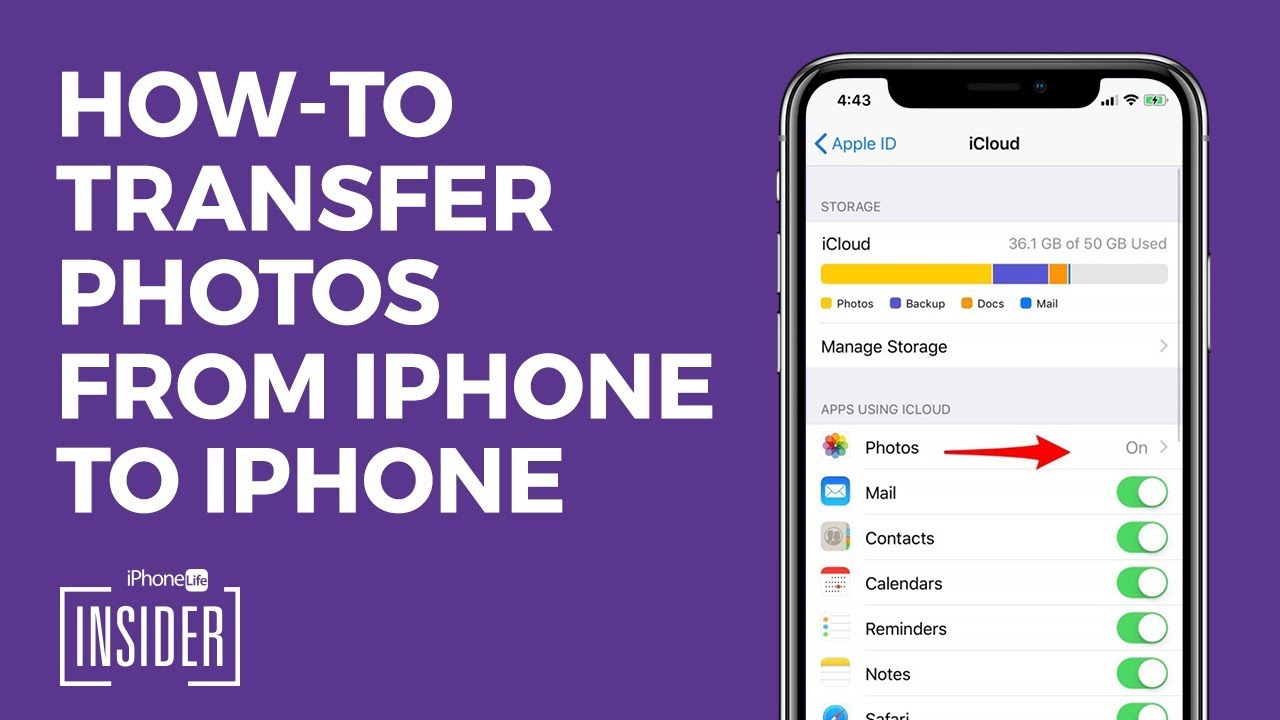
If you want a hands-off experience, iCloud Photos is your lazy genius. Turn it on once, and your photos automatically upload whenever you’re on Wi-Fi. You can literally forget about it, and one day you’ll check your Mac and see all your vacation pics waiting for you.

The trick is to go to Settings > your name > iCloud > Photos, and toggle on “Sync this iPhone.” That’s it. No cords, no thinking, no “oops, I forgot” moments. It’s like having a tiny invisible elf who copies your photos while you sleep.
Just be careful—iCloud only gives you 5GB free, which is like a thimble for your photo ocean. You might need to pay a few bucks a month for more, but honestly, it’s cheaper than a coffee and saves you from digital heartbreak.
Google Photos: The Free-for-All Hero
Now, for the crowd-pleaser: Google Photos. This app is the free-spirited cousin of iCloud. You download it, sign in, and it backs up unlimited photos for free (with slightly reduced quality, but your eyes won’t notice). It’s perfect for anyone who takes 500 screenshots of memes a week.
The magic here is search. You can type “dog” or “beach” and Google finds those photos automatically. It’s like having a tiny detective inside your phone, and watching it work is genuinely entertaining. Plus, it creates fun little movies and collages for you without asking—surprise! Your random lunch photo is now a “Memory” with a sad piano song.
Google Photos is the best “set it and forget it” for Android users or anyone who wants free storage. It’s not perfect quality, but it’s perfect enough for sharing with grandma.
Don’t Forget the Classic: Email & Messaging
Okay, sometimes the old ways still work. If you’re sending just two or three photos to a friend, just text them. Or email them to yourself and download on your computer. It’s not fancy, but it’s reliable—like a flip phone that still holds a charge for a week.
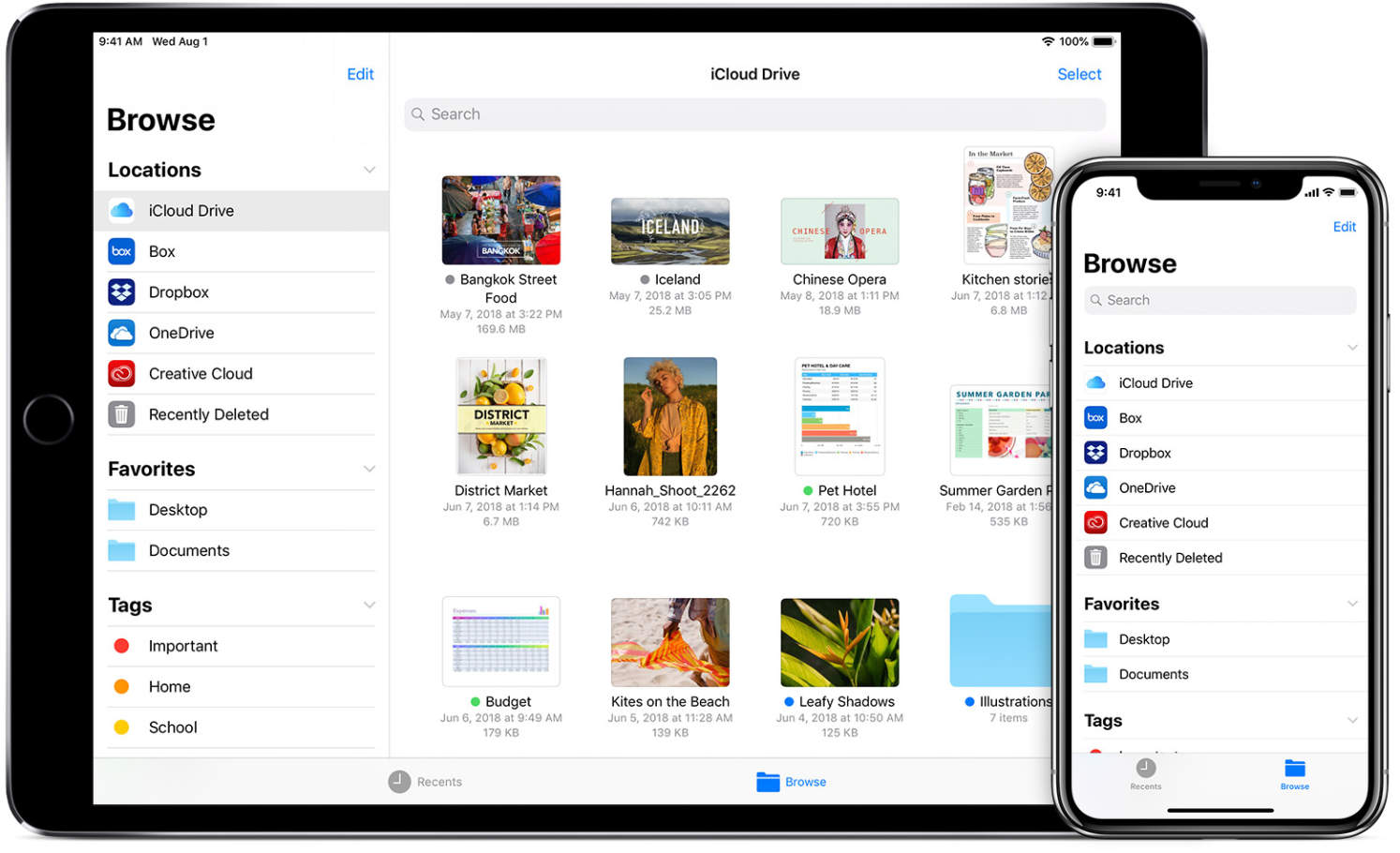
For bigger batches, though, don’t be a hero. Use a service like Dropbox or WeTransfer—they let you upload a whole folder and share a link. That’s the lazy person’s power move, and we’re all for it.
The best way to upload photos from your iPhone is whatever gets you back to living your life faster. Try AirDrop for quick sends, iCloud for automatic backups, and Google Photos for free, searchable chaos.
Go ahead, clear that camera roll. You’ll feel a pound lighter, and your phone will whisper “thank you.” And hey, if you lose a few blurry shots of your coffee cup? That’s a win.
![[5 Best Methods] How to Transfer Photos from iPhone to SD Card](https://mobiletrans.wondershare.com/images/images2025/how-to-transfer-photos-from-iphone-to-sd-card-9.jpg)
:max_bytes(150000):strip_icc()/003-transfer-photos-from-iphone-to-iphone-4161172-c81a232c4a1d4007bf85062f93fbed33.jpg)
![How to Transfer Photos from iPhone to Lenovo Laptop [6 ways]](https://mobi.easeus.com/images/en/screenshot/mobimover/transfer-photos-via-email-laptop.png)