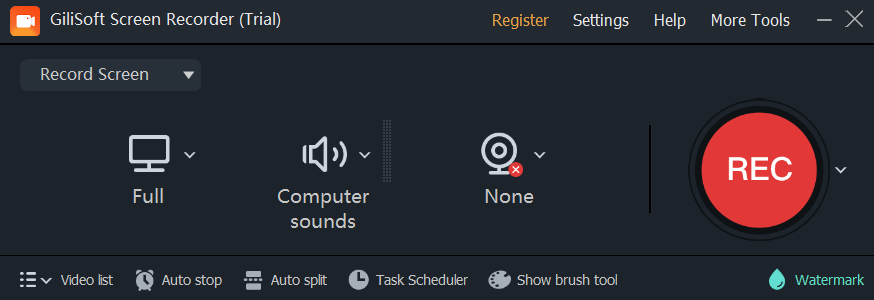
Best Screen Recorder For Valorant

Picture this: you’ve just hit a flick shot so filthy it would make a professional esports player weep into their energy drink. Your crosshair landed where angels fear to tread, and the kill feed sang your name. But unless you recorded it, that moment is gone forever—lost to the void like your last brain cell after a 3 a.m. ranked grind.
That’s where screen recorders come in. And not just any recorder, but one that can handle Valorant’s frantic 144Hz chaos without turning your PC into a PowerPoint presentation. Because let’s be real—nobody wants to watch your “amazing clutch” at a glorious 12 frames per second, looking like stop-motion animation made by a sleepy hamster.
The Heavyweight Champion: OBS Studio
OBS Studio is the free, open-source beast that refuses to die. It’s like that one friend who brings a forklift to move a couch when you only asked for a hand—overkill, but you’re grateful. It uses your GPU to encode video, so your game stays smooth while it captures every pixel of your glorious (or tragic) gameplay.
Must Read
The catch? Its settings menu looks like the cockpit of a 747. You’ll spend 45 minutes tweaking bitrate, keyframes, and “preset: slow”—only to realize you accidentally recorded your desktop background for an hour. Still, once you nail it, OBS delivers crisp 1080p at 60fps, and it costs exactly zero dollars—your wallet breathes a sigh of relief.
The “Set It and Forget It” Rebel: NVIDIA ShadowPlay
If you own an NVIDIA GPU, ShadowPlay (now called GeForce Experience) is the sneaky sidekick you already have. It has a magical feature called Instant Replay—which is basically a time machine for your last 30 seconds. Miss a crazy 1v4? Just hit the hotkey, and it hands you the clip like a butler serving champagne.

The best part? It runs in the background with almost no performance hit. You’ll forget it’s even there—until you scream “WHAT WAS THAT?” and then realize you can rewind real life. The downside is that it hates AMD cards, so if you’re team red, you’re out of luck. Sorry, AMD fans; your GPU is great, but ShadowPlay is a jealous lover.
The Simpleton’s Savior: Xbox Game Bar
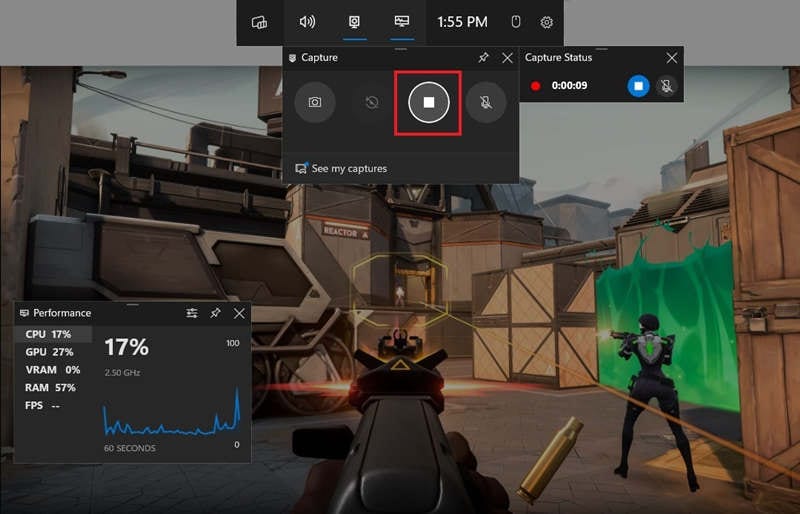
Built into Windows 10 and 11, the Xbox Game Bar is like the free ketchup packet at a fast-food joint—functional, slightly sticky, and surprisingly handy. Press Win + G, hit record, and you get a decent 1080p capture without installing a single thing. Perfect for when you need a clip right now and your brain is mush.
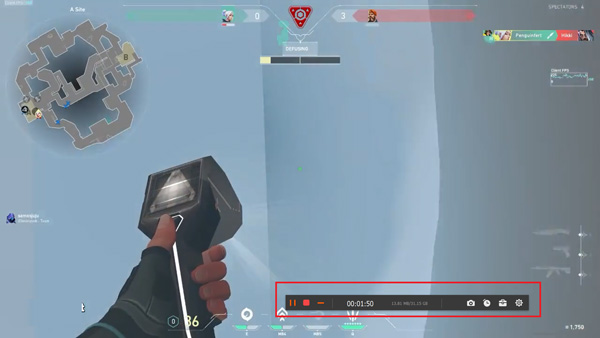
But here’s the kicker: it’s a bit of a diva. It might refuse to record if your game is running in certain fullscreen modes, and the audio mixing is about as intuitive as a tax form. Still, for a casual “hey look, I shot someone!” moment, it beats fumbling with a phone pointed at your monitor—please, for the love of God, never do that.
The Secret Weapon: Medal.tv
Now let’s talk about Medal.tv, which is what happens when a screen recorder gets a personality injection. It’s free, lightweight, and automatically detects “epic moments” in Valorant—like when you get a triple kill or when you stupidly walk into a Jett ult. You can clip on the fly, add dumb captions, and share directly to Discord without uploading to YouTube first.
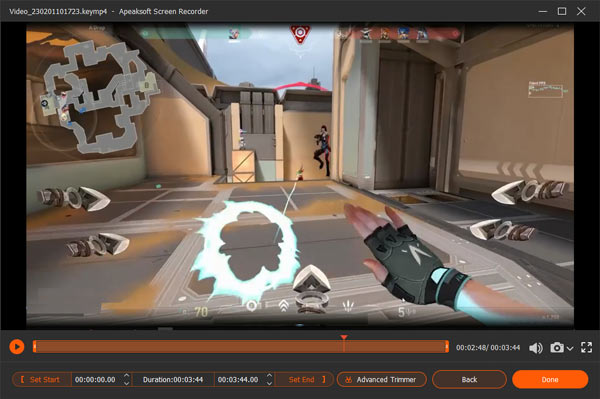
The trade-off? It records in a compressed format that’s not perfect for editing. But who cares? You’re not making a Hollywood film; you’re making your friends laugh at your whiffed OP shots. Bonus: it’s got a built-in meme generator, so you can put a laughing cat over your face while you miss every bullet. That’s art.
So, Which One Is Actually the Best?
For pure power and customization, OBS wins the crown—just be ready to sacrifice an afternoon to settings. For effortless, always-on recording, NVIDIA ShadowPlay is your best buddy. For lazy people who just want a clip now, Xbox Game Bar is the zero-effort baseline. And for social butterflies who need clips instantly, Medal.tv is the party favor you didn’t know you needed.
Here’s a crazy fact: footage from Valorant has been used to catch cheaters—so your recordings aren't just for ego, they’re for justice. But also, remember: no screen recorder can fix the fact that you have a 20% headshot rate. That’s on you, champ. Now go clip something awesome, and please, don’t forget to record your own salty rage scream afterward—that’s the real content.