Best Music Making Apps For Microsoft
Let’s be honest—most of us have a music studio hiding in our heads. You know the one: where you’re the genius producer, and the grocery store beep becomes a snare drum. The only thing missing is the actual software that doesn’t cost more than your rent.
If you’re on a Windows machine, you’ve probably felt like the nerdy sidekick in a movie about cool Mac producers. But here’s the secret: Microsoft users have some seriously underrated tools for making beats, and you don't need a PhD in audio engineering to use them.
The “I Just Want to Mess Around” Zone
For those days when you’re pretending to work but really just want to loop a funky bassline, BandLab is your best friend. It’s completely free, runs in your browser, and feels like the audio equivalent of a yoga class—zero pressure, total flexibility.
Must Read
Think of it as the fast-food drive-thru of music apps: you get a tasty track in minutes, and there’s no messy cleanup. You can record your guitar, add a drum machine, or just hum a melody and let it magically turn into a synth. It’s perfect for when your cat walks across the keyboard and accidentally lays down a killer hook.
The “I’m Kind of Serious Now” Step
When you’re ready to move from lo-fi daydreams to something that doesn’t sound like it was recorded in a tin can, try Cakewalk by BandLab. This one is a full-fledged professional DAW—digital audio workstation, for the uninitiated—and it’s absolutely free for Windows users.

It’s like getting a professional chef’s knife set when you only know how to boil pasta. There’s a learning curve, sure, but you’ll feel like a god the first time you cut a vocal track in half and reverse it. Just remember to save your project, because nothing kills a vibe like your laptop crashing after three hours of tweaking a hi-hat.
The “I Have an Idea at 2 AM” Savior
Ever woken up in a cold sweat with a melody in your head? FL Studio is the app for that, and it’s been the go-to for Windows producers forever. It’s basically a digital playground where you can drop a beat, a piano riff, and a weird underwater sound effect all within ten minutes.
The free trial gives you access to everything, but you can’t reopen saved projects—it’s the musical equivalent of writing in disappearing ink. Pro tip: just leave the app open overnight if you need a break, and treat your computer like a tiny, humming nightclub. When the inspiration hits, you’ll be ready to throw down a bass drop that makes your neighbors question their life choices.
The “I Actually Want to Sound Good” Choice
If you’re past the “mess around” stage and genuinely want to produce something for streaming, check out Studio One Prime (the free version). It’s user-friendly but has a professional sheen that makes you feel like you’re driving a luxury car—except the car is your mouse, and the destination is a song about your houseplant.
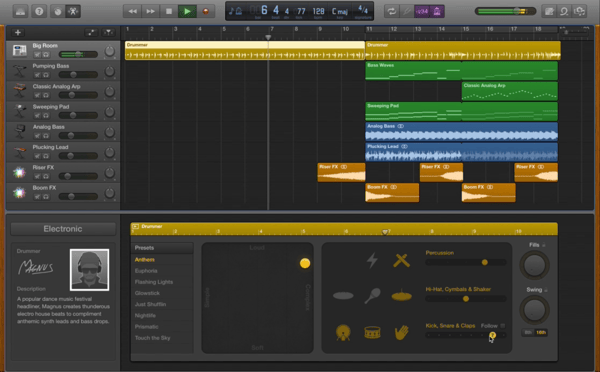
It handles multitrack recording like a champ, and you can drag and drop loops until your heart’s content. The best part? The interface is clean enough that you won’t need to google “how to un-mute a track” in tears at midnight. That’s a win in my book.
One More Hidden Gem: LMMS
For the truly budget-conscious (i.e., broke college students or people who just bought a house), LMMS is a free, open-source powerhouse. It’s a bit clunky, like an old pickup truck that somehow still hauls heavy loads.
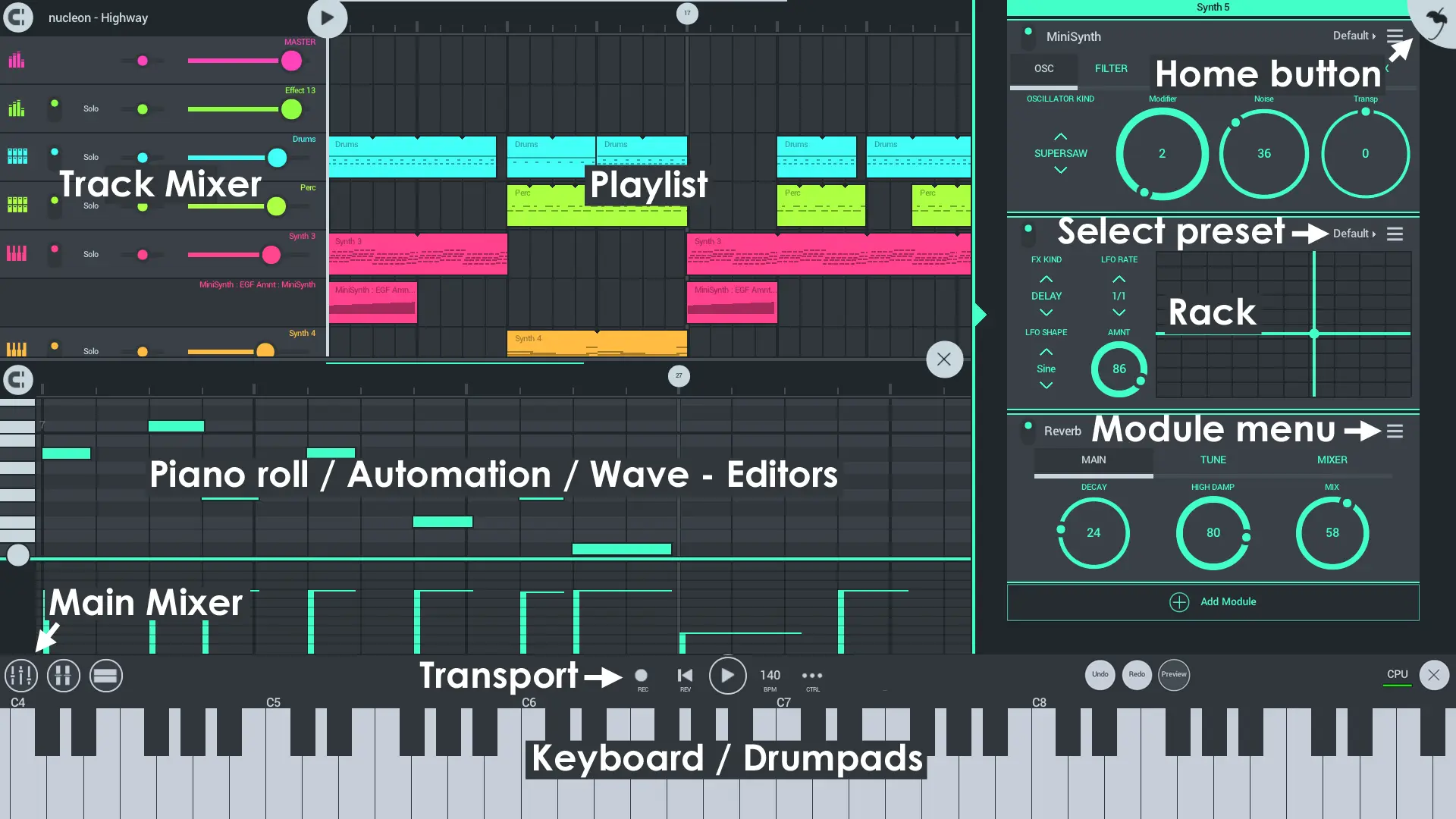
You can make chiptune, electronic, or even a weird ambient track that sounds like a washing machine in a cathedral. It’s not pretty, but it’s free, and the community is full of troubleshooting wizards who’ve seen it all. Just don’t expect any hand-holding—this one’s for the DIY crowd.
Final Thoughts From a Recovering App-Hopper
I’ve spent more hours downloading and abandoning music apps than actually making music, so trust me when I say: start with the free ones. You’ll realize that the best app is the one you actually open more than once, not the one with the slickest logo.
Go make your masterpiece, even if that masterpiece is just a 20-second loop that sounds like your microwave beeping in a rainstorm. Your Windows laptop is more capable than you think, and you’re basically one download away from being the cool person in the coffee shop who nods at their screen like a DJ. The beat waits for no one.