Best Free Partition Software 2016
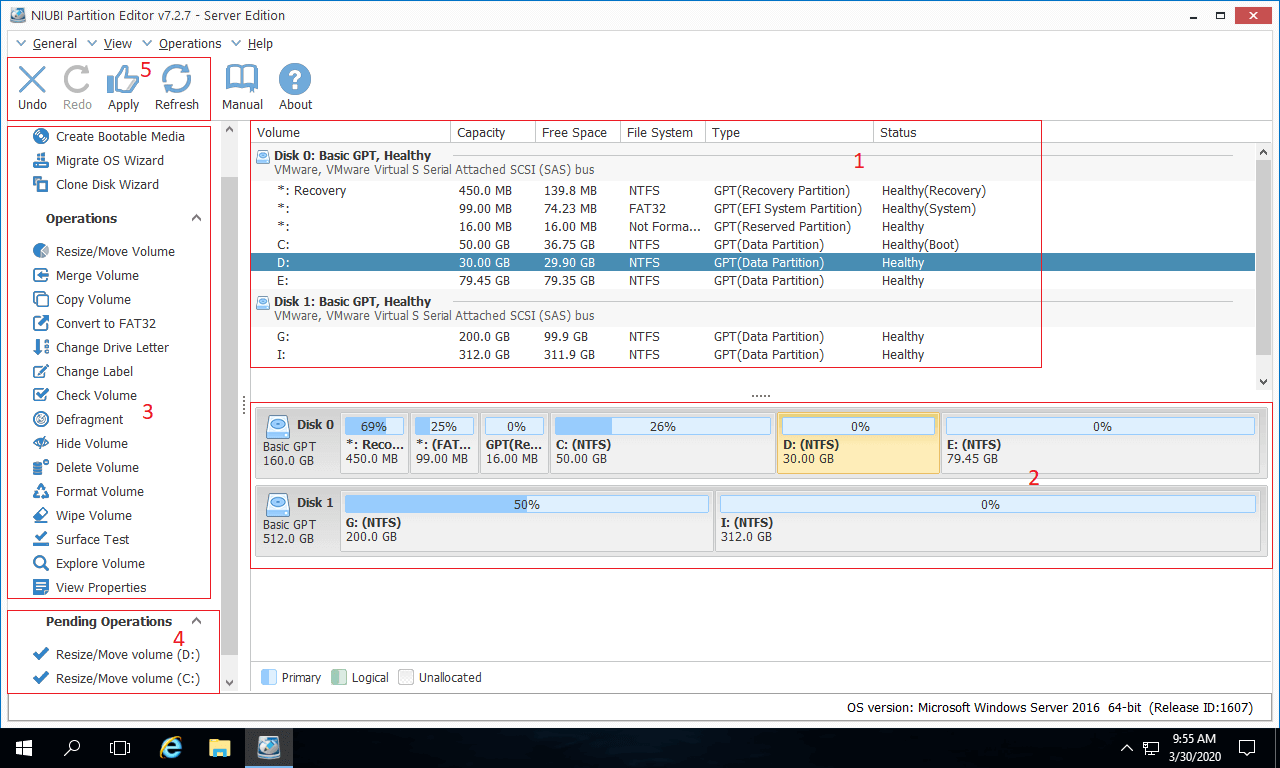
Let’s be honest: your hard drive is a lot like your closet. It starts out pristine, with everything in its designated spot, and then life happens—downloads, game installs, that one folder called “Misc” that now holds 40GB of chaos. By 2016, the digital mess had become a universal struggle, and the solution wasn’t a therapist, but a solid piece of partition software.
Thankfully, the era of overpriced, clunky disk tools was already crumbling. The free market (pun intended) delivered a wave of robust, no-cost utilities that could slice, dice, and rearrange your storage without a single credit card. If you wanted to shrink your C: drive to make room for a Linux experiment, or just carve out a safe zone for your Steam library, 2016 was the golden year of DIY disk management.
The Heavyweight: AOMEI Partition Assistant
Think of AOMEI Partition Assistant as the Swiss Army knife you actually use, not the one that sits in a drawer. Its free edition was a beast, offering features that used to be locked behind a paywall, like resizing, moving, and even cloning partitions. The interface was clean enough for a novice but deep enough for a tinkerer, which is a rare balance.
Must Read
One of its killer features was the “Migrate OS to SSD” wizard. In 2016, solid-state drives were becoming affordable, but reinstalling Windows felt like a root canal. AOMEI made the transfer a three-click affair, so you could swap your old platter drive for a lightning-fast SSD without losing your saved passwords or that one precious meme folder.
Pro tip: Always create a full backup before any partition surgery. It’s the digital equivalent of putting on a helmet before riding a bike—unfashionable, but a literal lifesaver.
The Minimalist’s Choice: MiniTool Partition Wizard
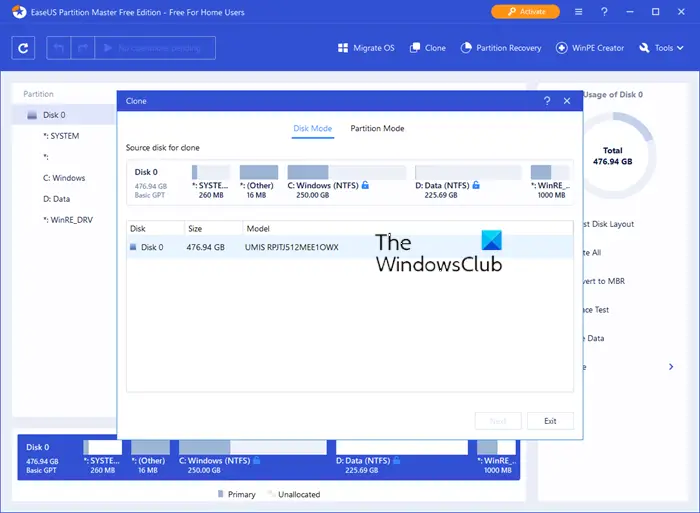
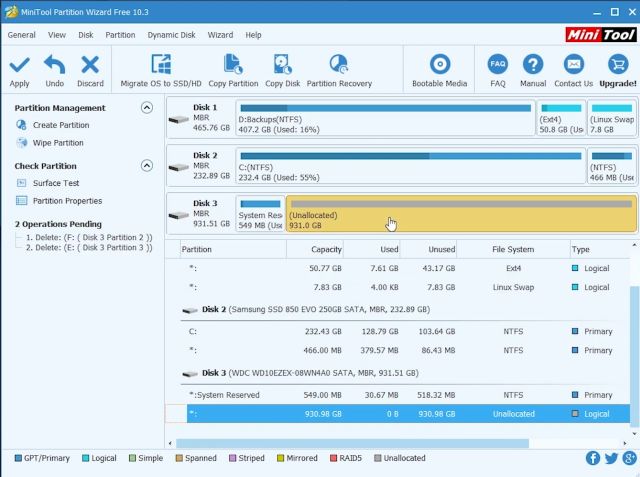
If AOMEI is the multitool, MiniTool Partition Wizard is the perfectly balanced chef’s knife. Its free version was sleek, responsive, and surprisingly powerful, offering all the core functions you’d need for 99% of home users. The interface felt like a breath of fresh air, especially compared to the dated menus of Windows’ built-in Disk Management.
What made MiniTool stand out was its “Check File System” and “Surface Test” tools. These were not just gimmicks; they diagnosed bad sectors and file corruption with a level of detail that saved you from sudden blue screens. It was like having a stethoscope for your hard drive, listening for the tiny clicks before they became a death rattle.
Cultural reference? Remember the scene in The Matrix where Neo sees the code? MiniTool’s partition map gave you that same god-like overview of your disk, turning raw sectors into a visual, manageable grid. You weren’t just a user; you were an architect of your data.
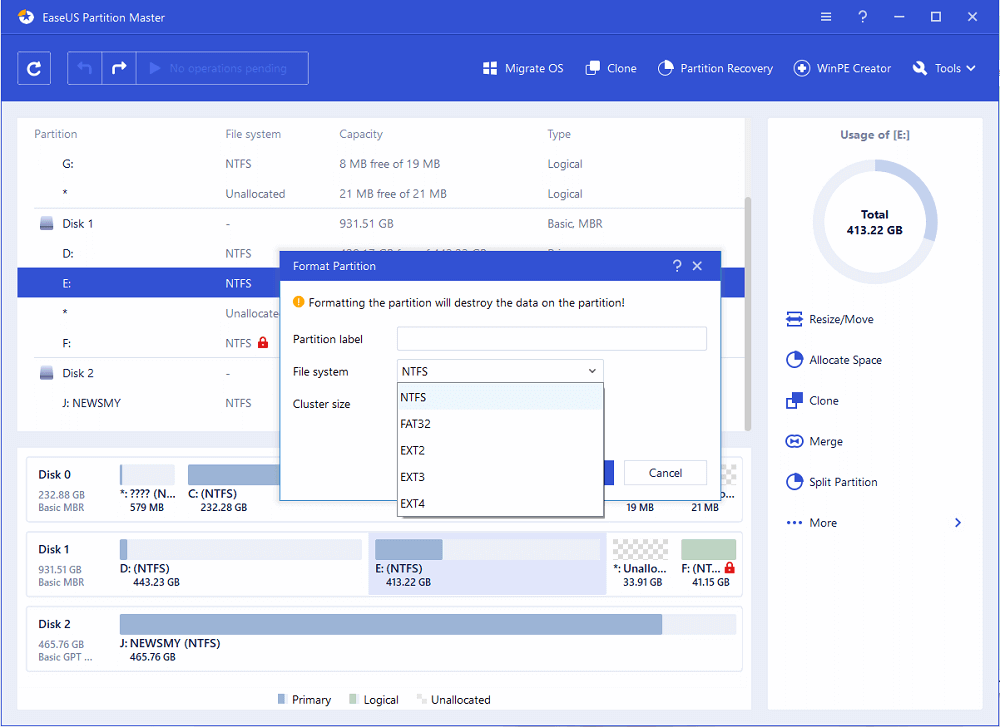
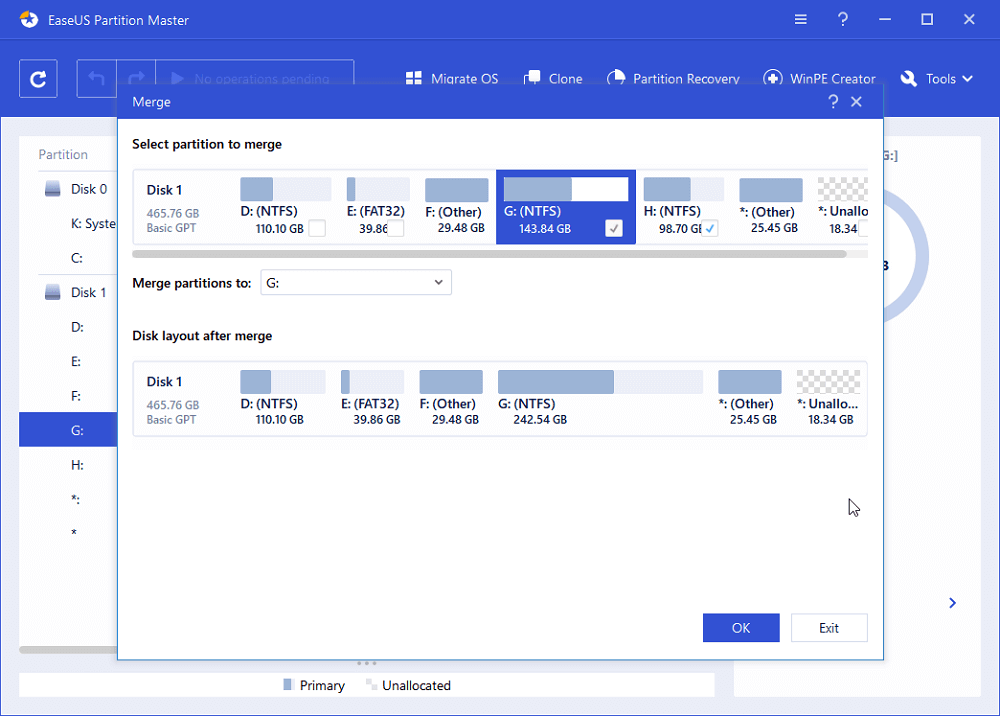
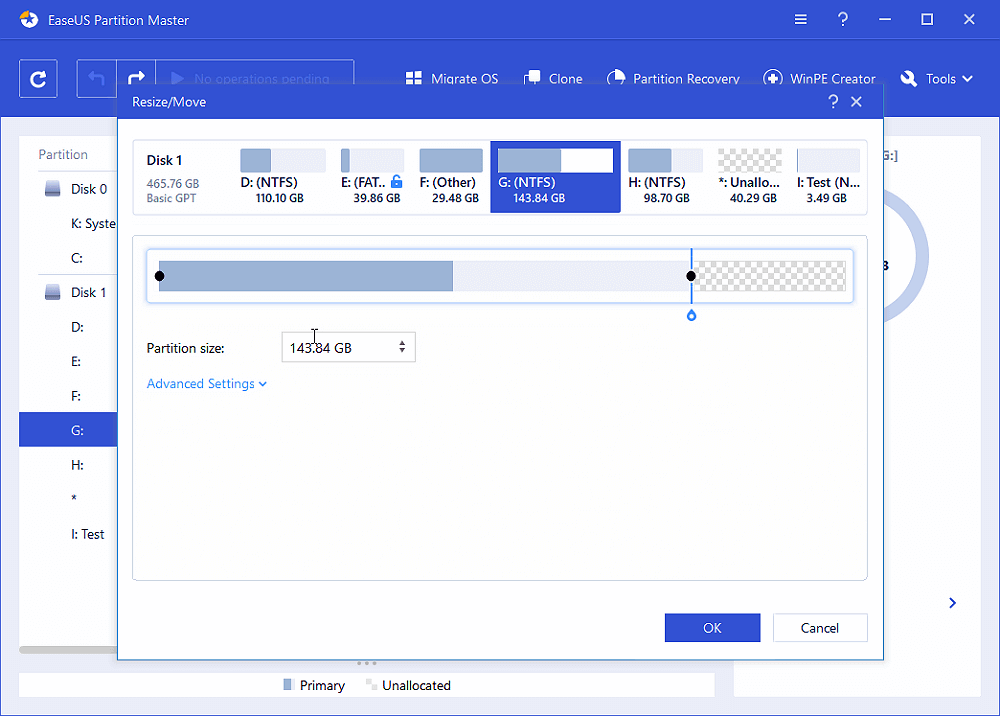
The Old Guard: EaseUS Partition Master Free
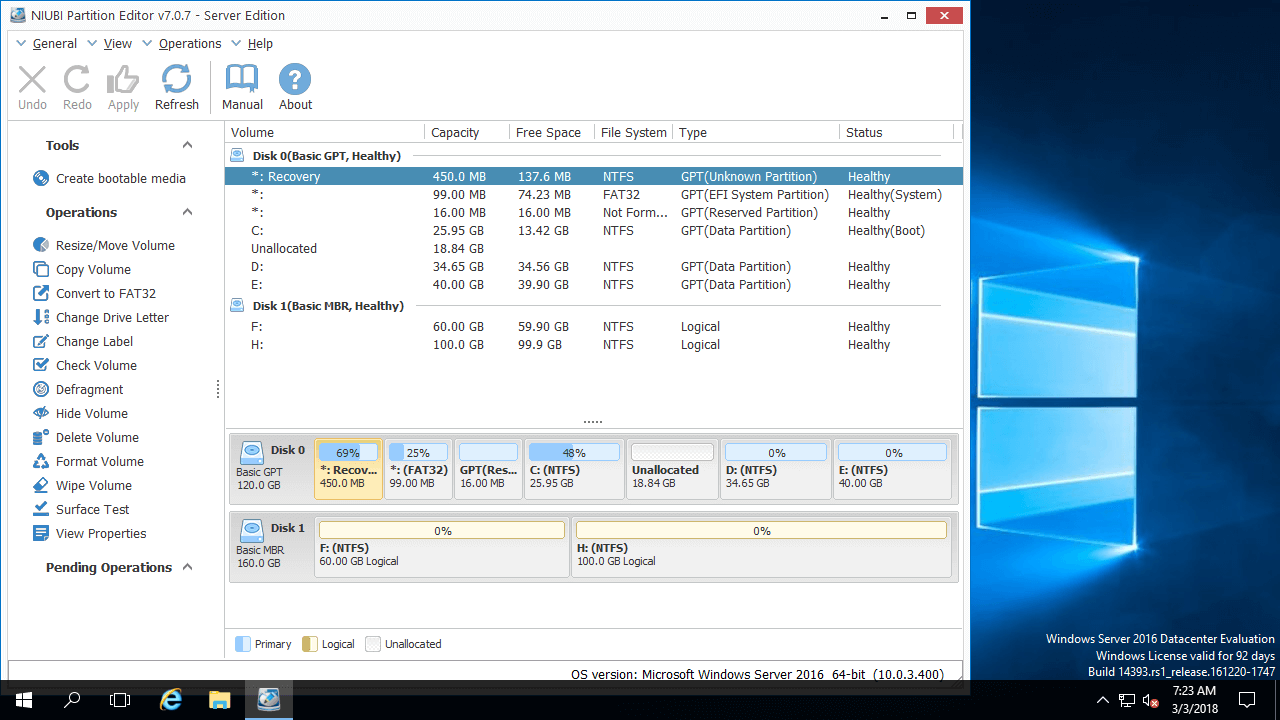
EaseUS had been around for ages, and by 2016, its free version was refined to a fine polish. It was the reliable friend who always shows up to help you move—no drama, no judgment. The wizard-based approach walked you through every step, making it the best choice for your tech-averse cousin who just wants “more space for photos.”
The magic of EaseUS was its recovery module, which could resurrect deleted or lost partitions. While the free version had a cap on recovery size, it was enough for a last-ditch rescue mission. It’s the digital equivalent of finding a $20 bill in an old jacket pocket—unexpected, but deeply satisfying.
Fun fact: In 2016, the average user had about 200GB of data, but 40% of that was likely duplicates or forgotten downloads. Partitioning didn’t just organize space; it forced you to confront your digital hoarding habits.
Why Bother? The Zen of Organization
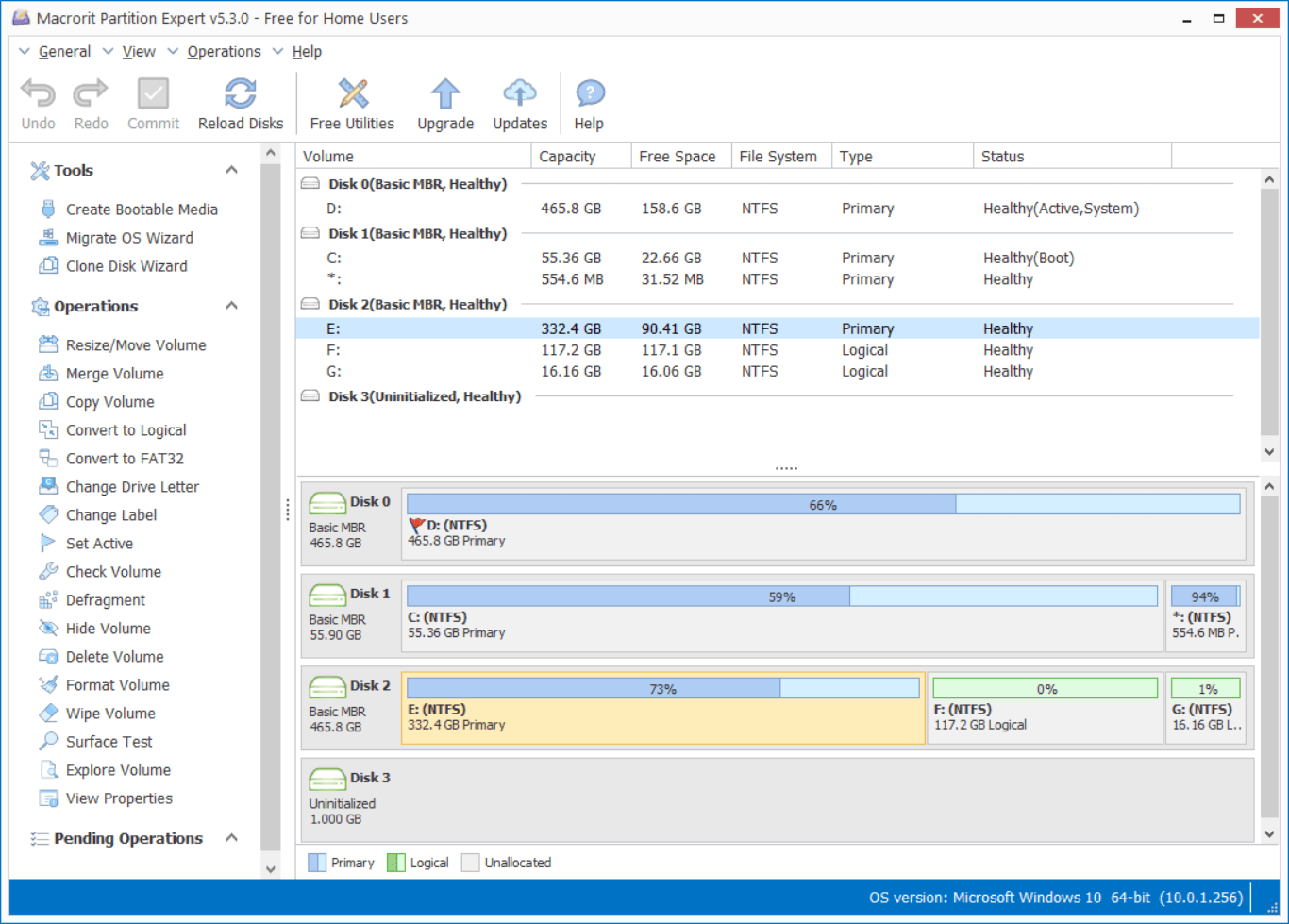
You might ask, “Why partition at all? I just use folders.” And that’s fair—until a corrupted system drive wipes everything in one go. Partitioning is about isolation. You put your OS on one drive, your games on another, and your personal files on a third. If one crashes, the others survive, like a financial portfolio hedged against a market crash.
Plus, partitioning dramatically speeds up defragmentation and file indexing. It’s like having three small, tidy closets instead of one massive, overflowing room. Your computer feels lighter, faster, and far less stressed—and honestly, aren’t we all looking for that in 2016?
For the power users, creating a separate partition for a hackintosh or a lightweight Linux distro was the ultimate flex. It allowed you to dual-boot without the fear of bricking your Windows installation, turning your PC into a playground for experimentation.
The Bottom Line
The best free partition software of 2016 wasn’t about raw power; it was about empowerment. Tools like AOMEI, MiniTool, and EaseUS gave ordinary users the superpower to manage their digital real estate with confidence. They were the quiet heroes behind smoother upgrades and safer data.
But here’s the deeper lesson: just as you organize your hard drive to avoid clutter, your mind works the same way. We all need to create a little “free space” in our daily schedules—a partition for rest, a partition for work, and a partition for pure play. Without that separation, everything gets corrupted, fragmented, and painfully slow.
So, take a moment to shuffle your priorities, back up your sanity, and maybe—just maybe—defrag your weekend. After all, a little logical partitioning can make the whole system run a whole lot smoother.