Best App To Delete Duplicate Photos
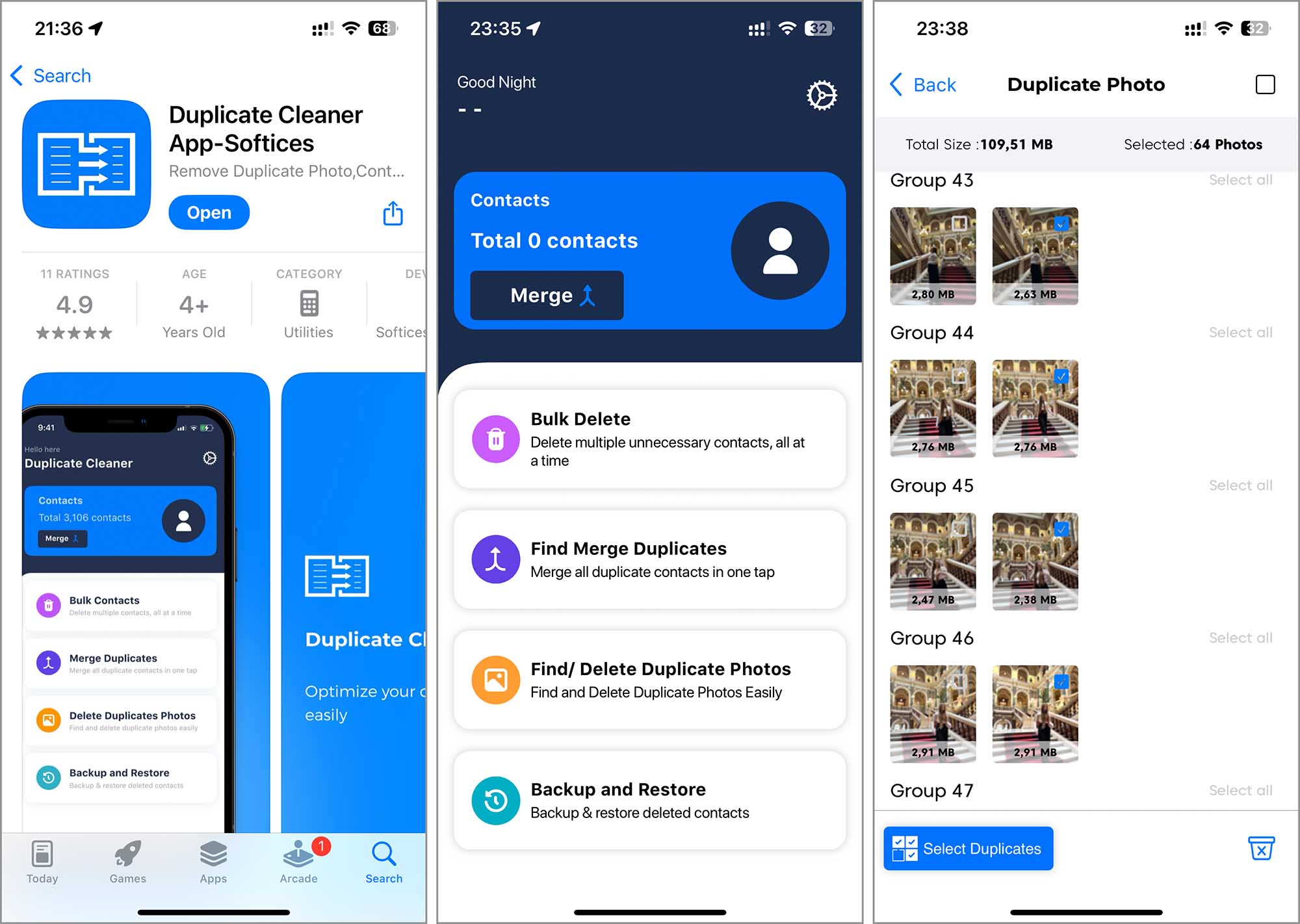
Let’s be honest: your camera roll is a digital landfill. We’ve all been there—scrolling through 1,847 photos of the same slightly blurry sunset, or that one brunch plate captured from eleven different angles. It’s the modern-day equivalent of hoarding old newspapers, except these papers are secretly eating your phone’s storage for breakfast.
The good news? You don’t need to be a tech wizard to fix it. You just need the right tool, and honestly, the search for the perfect one can feel like choosing a Netflix show—overwhelming, with too many options.
The Usual Suspects: Why Your Camera Roll is a Mess
Before we dive into the app of the hour, let’s give credit where it’s due: your phone is an overachiever. Burst mode, Live Photos, and screenshot habits have turned your gallery into a chaotic time capsule.
Must Read
Did you know the average smartphone user takes over 2,000 photos a year? That’s a lot of duplicates, especially when you factor in that sneaky “download again” from iMessage or WhatsApp. It’s like your photo library is hosting a reunion where everyone is wearing the same outfit.
So, what’s the solution? We’ve tested a stack of apps, and one consistently rises above the rest. It’s not just about deleting—it’s about doing it smartly, without accidentally nuking the one good picture of your dog.
Meet the MVP: Gemini Photos
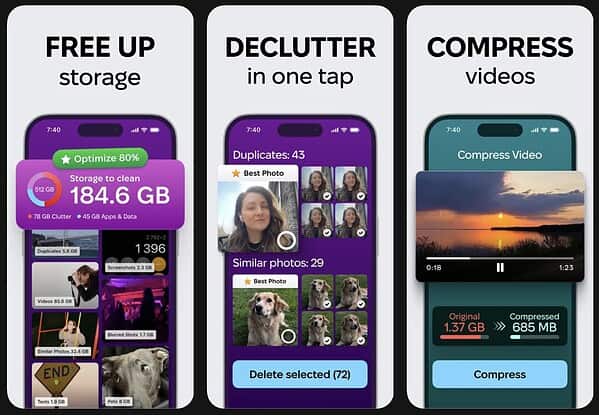
For iOS users, Gemini Photos is the undisputed heavyweight champion. It’s sleek, it’s fast, and it feels less like a utility and more like a personal assistant who actually respects your time.
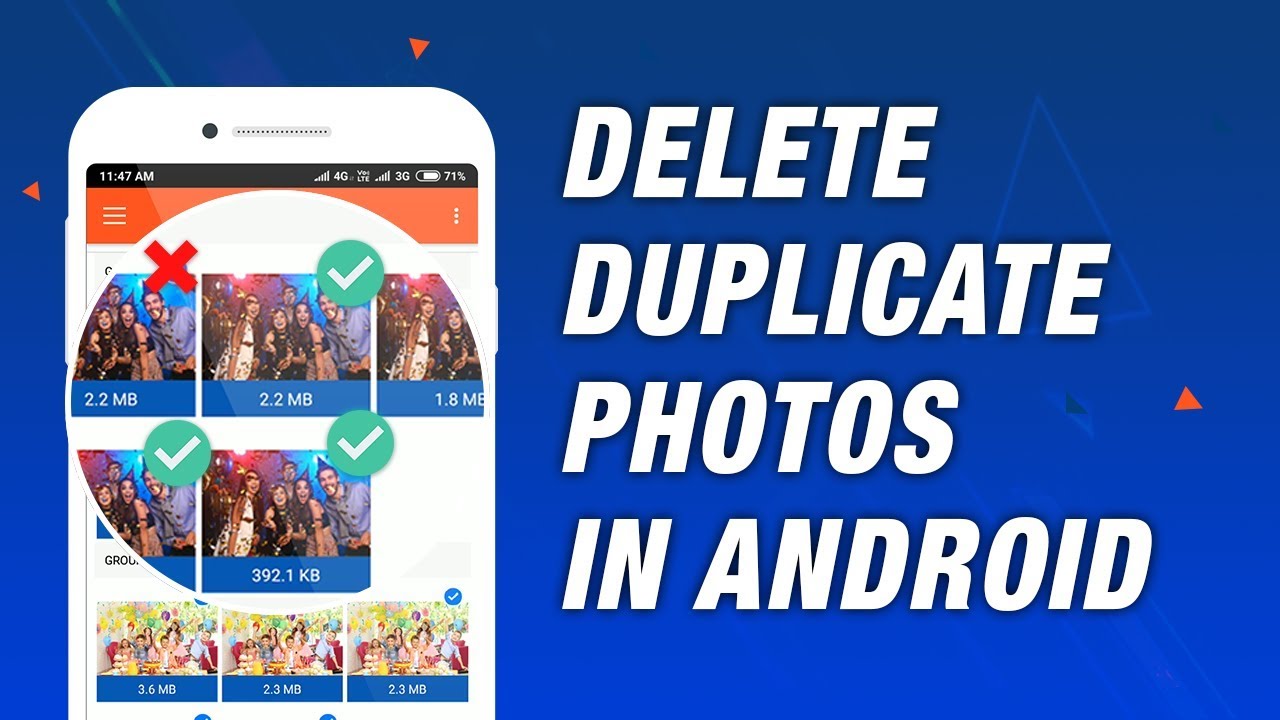
What makes it shine? The app uses clever on-device AI to spot not just exact copies, but also similar shots—like the 14 versions of your friend mid-laugh. It groups them into tidy “stacks,” letting you swipe left on the blurry ones and keep the gold.
And here’s the kicker: Gemini doesn’t upload your photos to the cloud. Privacy folks, you can exhale. It’s all processed locally, which is a rare flex in 2024’s app store.
The Android Alternative: Photo Cleaner Pro
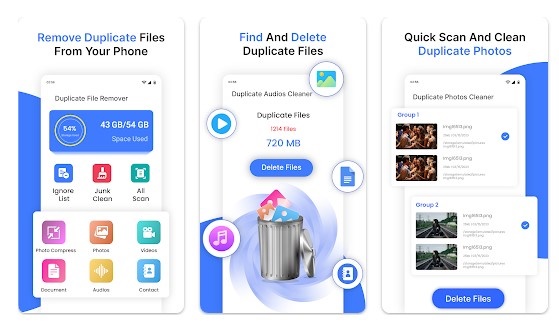
Android users, don’t feel left out. Photo Cleaner Pro is your trusty sidekick. It’s a bit more utilitarian, but it packs a punch with batch selection and a “safe delete” feature that shows you a preview before anything vanishes into the void.

Think of it as the Marie Kondo of your gallery—it asks, “Does this spark joy?” and then helps you toss the rest with a confident nod. Just remember to grant it storage permissions; otherwise, it’s just a pretty icon on your home screen.
Fun fact: Duplicate photo apps have been around since 2015, but the early versions were clunky—they’d compare file sizes and leave you with a pile of false positives. Today’s AI is scary good, recognizing faces, scenes, and even slightly rotated versions of the same selfie.
Practical Tips for a Cleaner Launch
First, always back up your library before you start. Use Google Photos or iCloud for a safety net. Yes, it feels redundant, but future-you will send a thank-you card when you accidentally delete a holiday pic.
Second, don’t do a “mass sweep” after a glass of wine. That’s a recipe for disaster. Instead, tackle it in 10-minute chunks—like flossing, but way more satisfying. The app’s smart filters let you sort by “screenshots” or “oldest” to make the job faster.
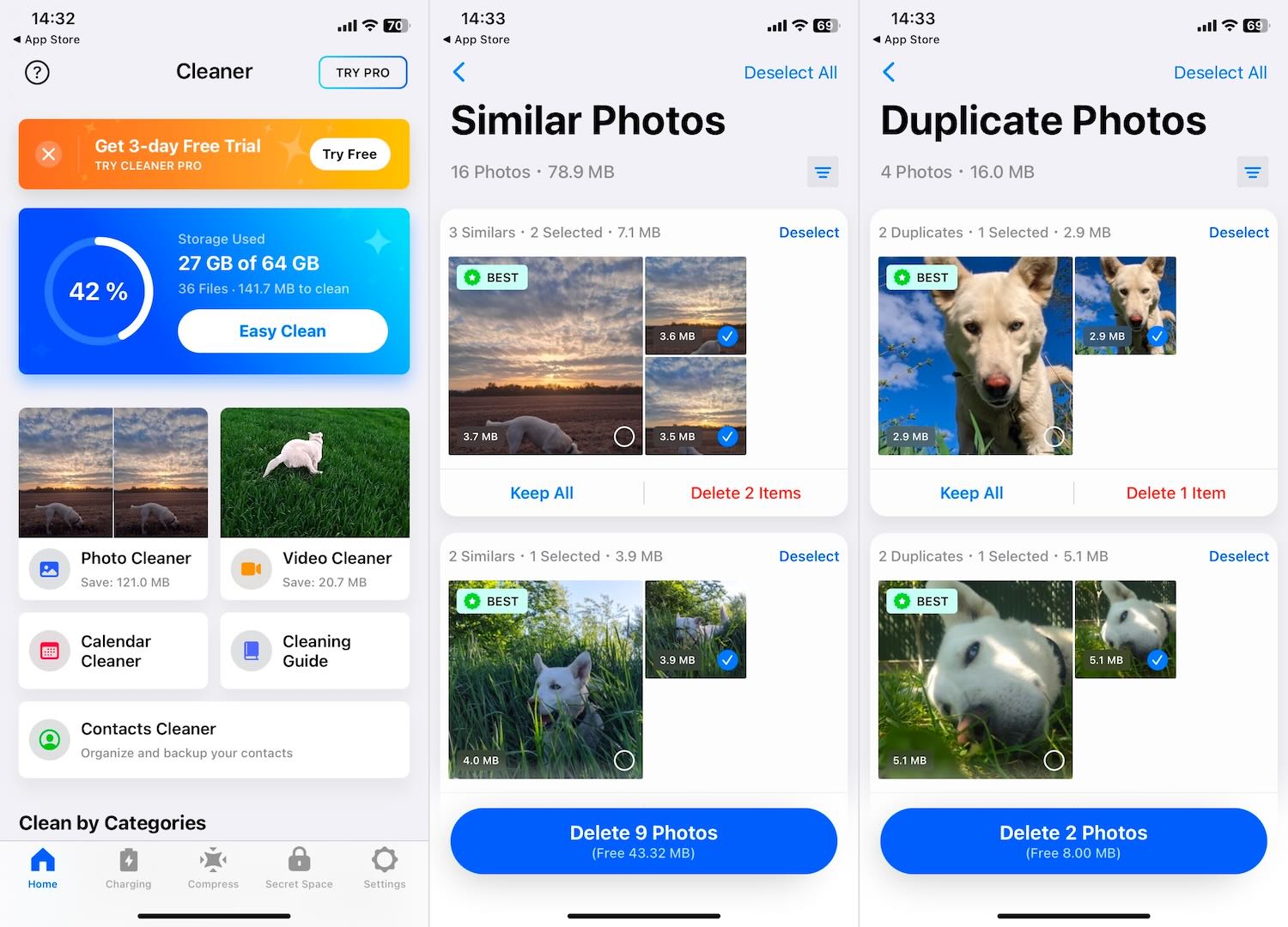
Another pro tip? Check the “similar” category on Gemini. It’s where the magic—and the hard decisions—happen. That’s where you’ll find the same skyline shot from three different subway exits. Choose one. Let the others go.
The Gen Z Angle: It’s All About Vibes
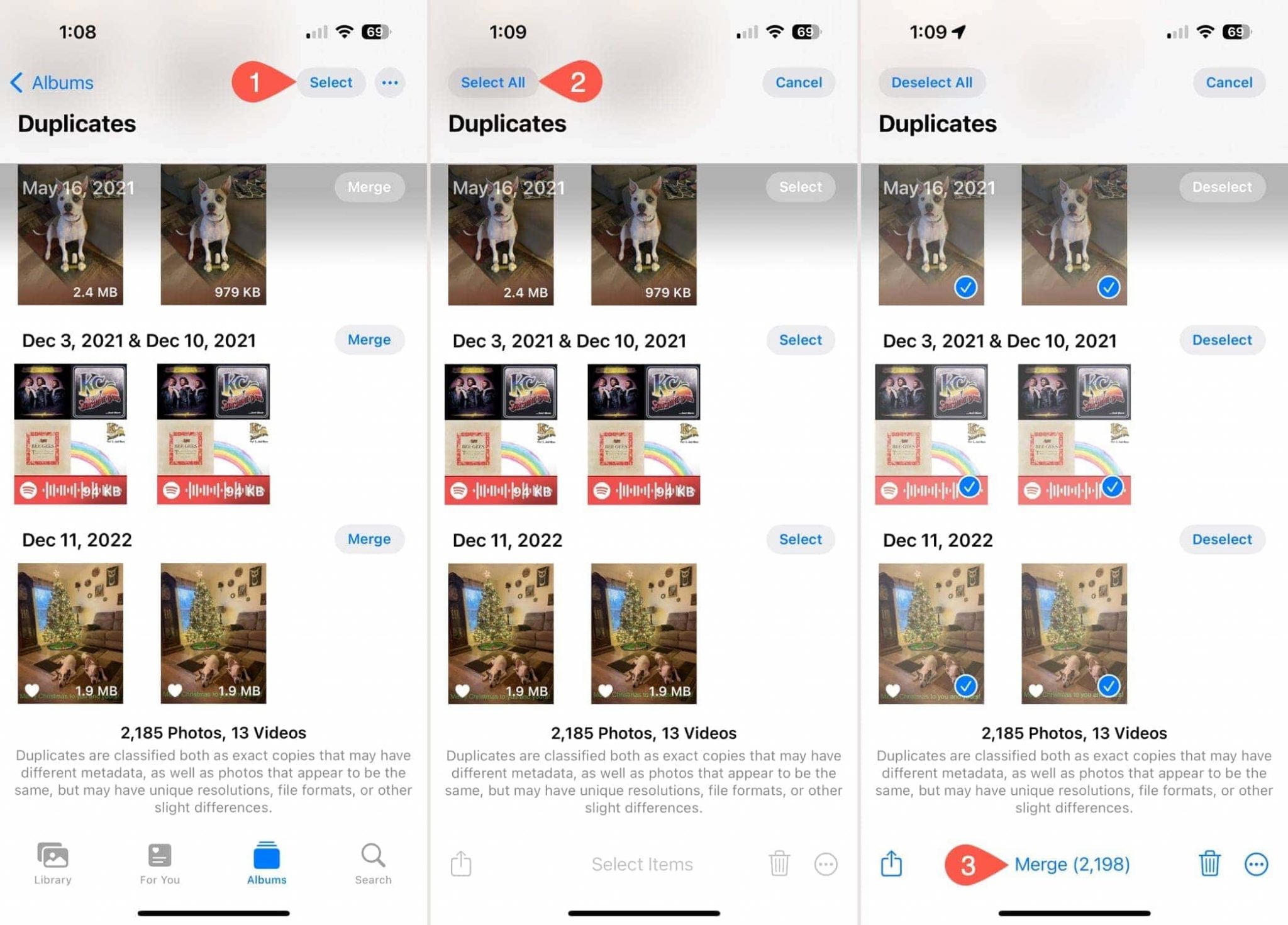
Your iPhone’s built-in “Recently Deleted” folder is a good starting point, but it’s like using a butter knife to slice a steak. Dedicated apps offer a satisfying “Total Space Recovered” counter at the end of the session.
Watching that number climb from “2.3 GB” to “4.1 GB” is pure dopamine. It’s the digital equivalent of finishing a jigsaw puzzle, minus the missing edge pieces.
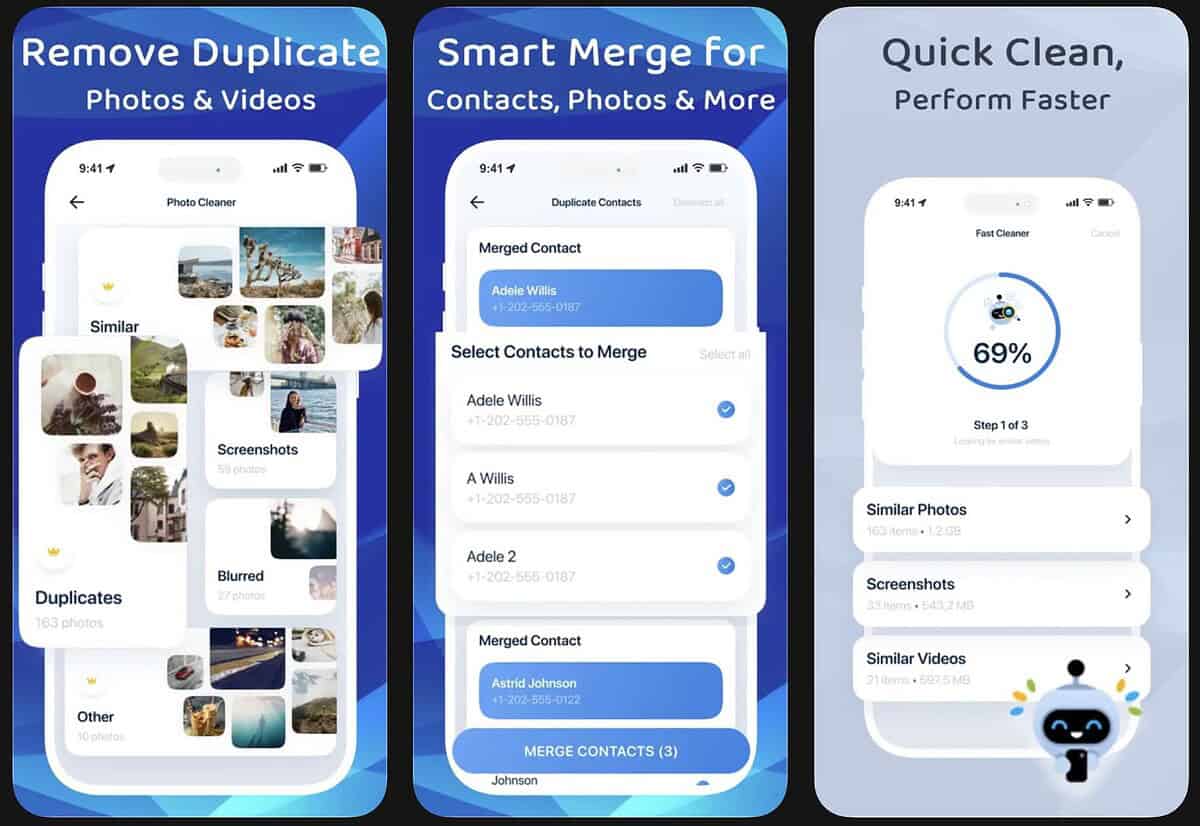
Plus, think of the cultural relevance: Marie Kondo’s “spark joy” tidying method, the viral “dump your camera roll” TikTok trend, and even Eminem’s “Cleanin’ Out My Closet”—they all point to the same truth. Less clutter, more clarity.
Final Reflection: More Than Just Storage
Here’s the thing—deleting duplicates isn’t really about saving 3GB for more cat videos. It’s about curating your own narrative. Your camera roll is your memory, and if it’s full of noise, the good moments get drowned out.
When I finally cleared my own library, I found a photo of my grandmother that I’d forgotten—nestled between 80 screenshots of memes. I almost deleted it by accident. That’s the reminder we all need: Delete the junk, but keep the soul.
So go ahead. Give Gemini (or Photo Cleaner Pro) a try this weekend. Pour some coffee, put on a podcast, and treat your phone to a spa day. You’ll walk away with a lighter device and, oddly, a lighter head. The best app isn’t just about cleaning up—it’s about finding a little peace in your pocket.