Automotive Graphic Design Software

So there I was, at 2 AM, hunched over my laptop like a goblin guarding a treasure chest, trying to slap a racing stripe onto a digital Porsche. I’d spent forty-five minutes perfecting the curve, only to realize I’d accidentally painted the stripe onto the background, not the car. My coffee had gone cold, my cat was judging me from the shelf, and I was ready to throw the whole computer out the window. That, my friends, is the unglamorous reality of diving into automotive graphic design without the right tools.
But here’s the thing: that frustrating night is why I’m writing this. Because once you find the right software, that same stripe takes about ten seconds, and you feel like a genius instead of a goblin. The world of automotive design software is vast, weird, and surprisingly accessible, whether you’re a pro wrapping real cars or a hobbyist mocking up a build you’ll never afford. Let’s peel back the vinyl and see what’s actually under the hood.
The Heavyweights: When You Mean Business
If you’re designing graphics for a client who’ll wrap a delivery van, you’re probably living in Adobe Illustrator or CorelDRAW. These are the industry standards, the ones with a learning curve steeper than a mountain pass. Illustrator’s vector tools let you scale a logo from a matchbox to a billboard without losing a single pixel of sharpness—that’s non-negotiable for real-world wraps.
Must Read
But let’s be honest, the interface feels like a spaceship cockpit designed by someone who hates you. You’ll spend your first week just trying to find the pen tool, and your second week crying when curves snap to the wrong anchor point. Side note: if you ever hear a designer mutter “just make it a vector,” they’re not being pretentious; they’re begging the universe for a smoother path.
CorelDRAW is the scrappy cousin that a lot of vehicle wrap shops secretly love because it handles large files and precise alignments a bit more gracefully. The reality is, though, both are powerful, expensive, and overkill if you just want to see what your Honda Civic would look like with a flame job.
The Accessible Middle Ground: 3D Modeling & POV-Ray Light
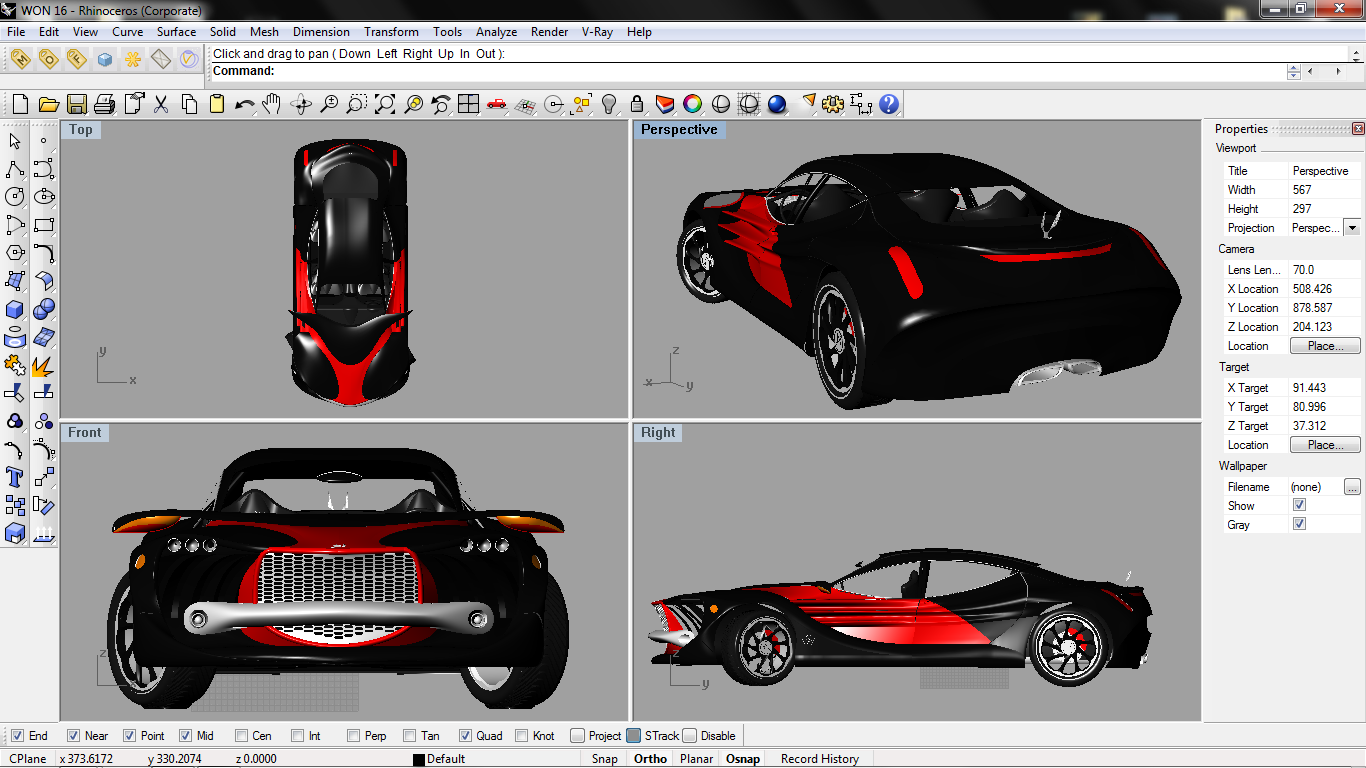
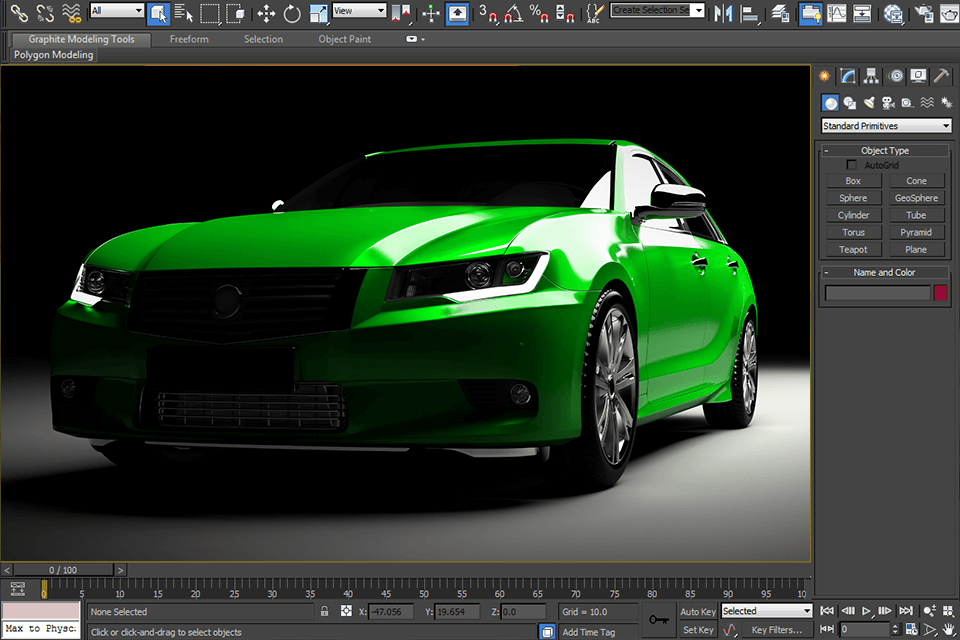
Now, for the rest of us who aren’t print professionals, there’s the 3D route. Think Blender (it’s free, which is a miracle) or Photoshop with some fancy 3D layers. This is where you get to show off, because you can rotate the car, change the lighting, and see how your design looks in a sunset rather than a flat white void. I once spent a whole Saturday putting a dragon decal on a virtual Mustang in Blender, and I’ve never felt more powerful.
The catch? Blender feels like learning a new language where every verb is a keyboard shortcut. But oh, the payoff is sweet. You can import a real 3D model of your car, slap your design on it, and render a photorealistic image that could fool your Instagram followers—dare I say, even your insurance adjuster. Just remember to turn off the “viewport shading” at some point, or you’ll be designing in the dark ages.
For a quicker fix, Photoshop is still the go-to for static mockups. You’re not modeling the car; you’re just distorting your artwork to fit the curves using the ridiculously fun Warp tool. It’s like a digital green screen, except the screen is a fender, and the actor is a giant skull decal. It’s crude, but it works for portfolio pieces and race livery concepts.

The Underdog Heroes: Specialized Tools & Mobile Apps
Here’s where it gets ironic. Some of the most fun you’ll have is in tools that are not high-end at all. Apps like Pixel Wrap or Vehicle Wrap Design Pro (yes, that’s a real app name) are designed for one job: wrapping a 2D photo of a car. You upload a side shot, line up some anchor points, and the app squeezes your design around the wheels, bumpers, and mirrors automatically. It’s not perfect, but it’s fast, and the “magic wand” often works better than your smartest friend.
These tools are perfect for the “what if” game. You know, when you’re sitting at a traffic light and think, “That delivery truck would look sick in neon green with racing stripes.” Thirty seconds later, you have a mockup to send your annoying buddy who disagrees. The downside? You can’t get photorealistic angles, and the templates are limited, so don’t expect to pitch a multi-million dollar branding campaign from your phone.
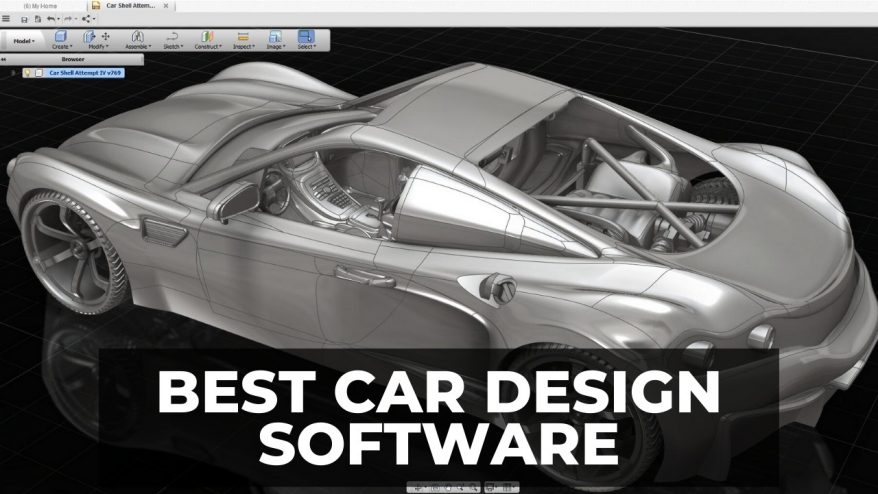
And let’s not forget the dark horse: vector-free raster editors like Affinity Designer. It’s a one-time purchase (hello, saving rent money) and it handles curves and text beautifully without the monthly Adobe blood-sucking subscription. It’s become my personal weapon when I need to trace a complex contour without the software crashing on me. If Illustrator is a mansion with a complicated alarm system, Affinity is a cozy apartment that still has a killer espresso machine.
Closing Thoughts: Don’t Let the Perfect Be the Enemy of the Fun
At the end of the day, the best software is the one you’ll actually use. I have a friend who designs killer drift car liveries entirely in Paint.NET—a free, bare-bones program from 2004. He does it by zooming in 800% and placing individual pixels like he’s painting a mosaic. It’s insane, it’s inefficient, and his results are genuinely stunning. So, ignore the gatekeepers who say you need a $600 suite.
My advice? Start with the free trials. Play with Blender’s raw power, feel the frustration of Illustrator’s pen tool, and revel in the dumb simplicity of a mobile wrap app. Your first design will look like a melted crayon, and that’s fine. The key is to make the software bend to your vision, not the other way around. And hey, if you end up throwing your laptop at 2 AM, just remember: even the pros use Ctrl+Z. Now go make something loud—your virtual garage is waiting.