Adobe Creative Cloud Teacher Discount
There’s a quiet moment in every teacher’s life when you realize your lesson plan needs a glow-up. The photocopied worksheet just isn’t cutting it anymore, and your students are scrolling past your carefully crafted slides like they’re yesterday’s news. Enter Adobe Creative Cloud—the digital Swiss Army knife that can turn a mediocre history project into a cinematic masterpiece, or a biology diagram into an infographic that actually gets pinned to the dorm room wall.
But here’s the kicker: you don’t have to pay full price for that creative power. Adobe’s Teacher Discount is the best-kept secret in education, and it’s easier to snag than a last-minute sub plan. For a fraction of the standard subscription cost, you get access to the entire suite—Photoshop, Illustrator, Premiere Pro, InDesign, and about 20 other apps that will make you feel like a production studio on a school budget.
Why This Deal is a Straight A+
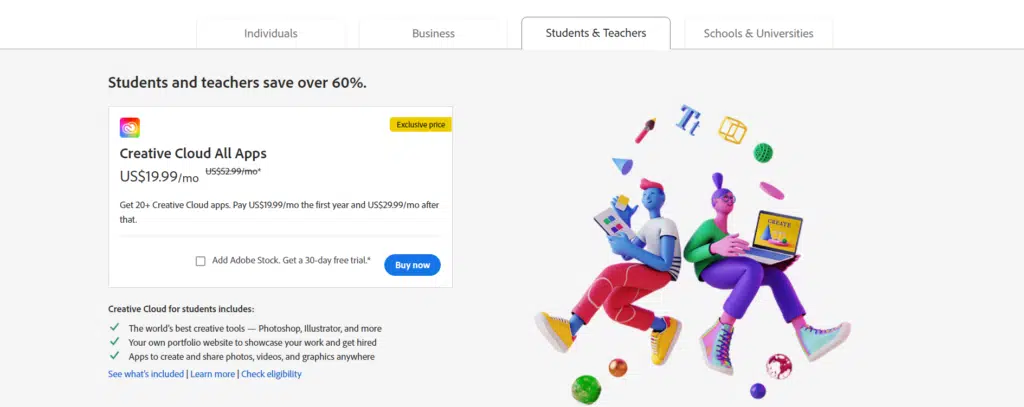
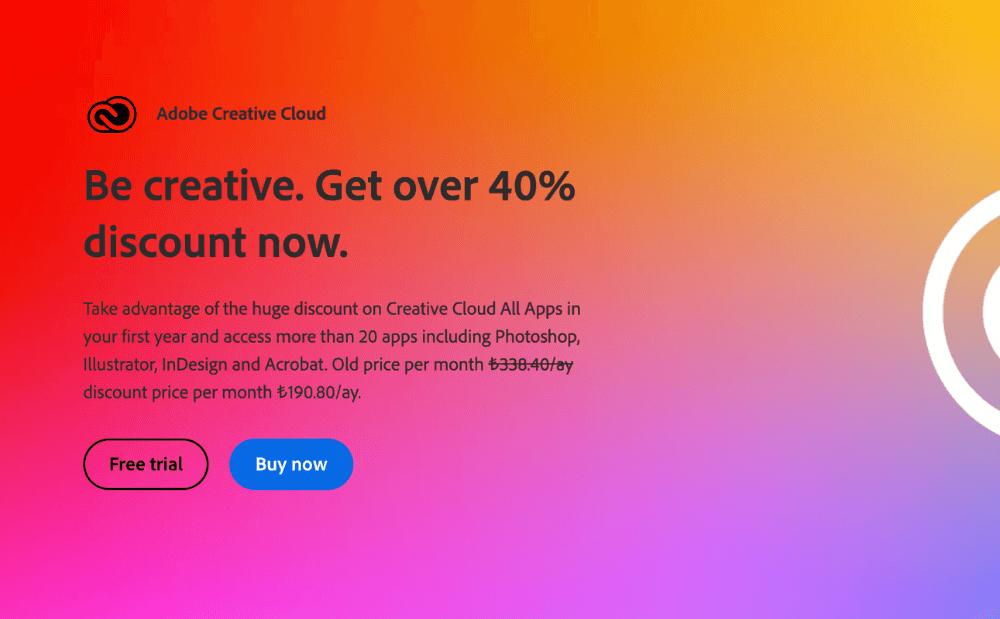
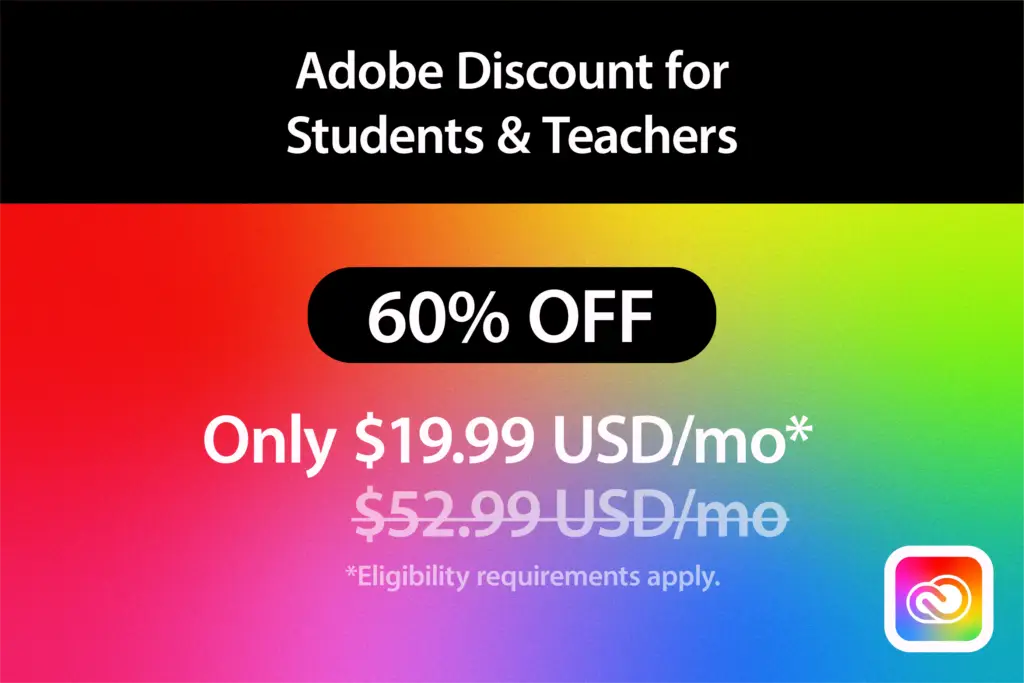
Adobe offers a hefty discount of over 60% for educators, bringing the monthly cost down to around that of a fancy coffee run. You’re not getting a watered-down trial version either—it’s the full, unlimited-access Creative Cloud, with all future updates included. That means you can edit a video, design a poster, and animate a character all before your prep period ends.
Must Read
The best part? It’s not just for the art department. Math teachers can visualize complex data, English teachers can build mood boards for novels, and science teachers can create labeled diagrams that don’t look like they survived the 90s. You’re not just teaching content; you’re teaching visual literacy—a skill that students will use long after they’ve forgotten the quadratic formula.
How to Get Your Discount (No Red Tape Nightmares)
Think of the verification process as a smooth, five-minute hallway pass. Head to Adobe’s education page, click on the “Teachers” tab, and you’ll be asked to verify your employment status. You can do this with your school email address, or if your district is a bit old-school, you can upload a document like a pay stub or a teaching certificate.

Adobe uses a third-party service called SheerID, which is basically the bouncer at the teacher’s lounge—they check your ID, wave you through, and you’re in. It’s renewable every year, so you don’t have to stress about losing access when your contract rolls over. One pro tip: don’t wait until August. Verify in May, when the system is less crowded, and you can enjoy your discount throughout the summer planning season.
Fun fact: Adobe was founded in 1982, and the first version of Photoshop was released in 1990. That means your students’ grandparents were using the same brand to edit photos of flannel-clad rock bands. You’re part of a legacy now.
Practical Tips for Getting Your Money’s Worth
First, don’t just install Photoshop and call it a day. Dive into Adobe Spark (now part of the suite) for quick social-media-style graphics that work perfectly for classroom announcements. Use Premiere Rush for editing student video projects on a phone or iPad, because let’s be honest—the future is vertical and mobile.
Second, sign up for Adobe’s free online tutorials and live sessions. They have entire courses geared toward K-12 educators that walk you through project-based learning ideas. You’ll be creating stop-motion science labs and podcast covers before you can say “professional development.”

And third, share the love. Your discount includes access for two devices, but you can also use the Creative Cloud apps on your phone and tablet. Don’t be shy about letting students use your logged-in account on a classroom computer—just make sure you log out afterward, unless you want your third-period class to add a mustache to your official school portrait.
The Cultural Connection: From “Don’t Copy That Floppy” to “Go Make It Viral”
Remember the 90s-era anti-piracy ads with the creepy floppy disk? That fear of “copying” has evolved into a culture of creation. By using these tools, you’re showing students that they can produce original work, not just consume it. Whether it’s a digital zine for English class or a photo essay for social studies, you’re giving them a voice that goes beyond a blue-book exam.
Plus, there’s something wonderfully democratic about it. A kid with a basic laptop and your classroom login can make something that looks like it came from a Netflix title sequence. That’s not just a lesson; that’s a door opening.
A Little Reflection for Your Daily Grind
After a long day of grading and meetings, the last thing you might want is another “tool” to learn. But here’s the gentle truth: you’ve earned this shortcut. The discount is a small acknowledgment that you don’t just shape minds—you shape visuals, stories, and experiences. Taking advantage of it isn’t being lazy; it’s being smart with your time and energy.
So go ahead, download that app, and make a beautiful mess of a lesson. Your students will notice, your stress level will drop, and you might even remember why you fell in love with teaching in the first place. Because sometimes, the best way to connect with a classroom isn’t a lecture—it’s a color-graded, perfectly animated, and thoughtfully designed idea that speaks their language. And that’s a grade worth celebrating.