Adobe After Effects Title Animation

Ever watched a video intro and thought, “Whoa, that title just exploded with style”? That’s not magic—that’s Adobe After Effects. It's the digital playground where boring words turn into superheroes that leap, spin, and slam onto your screen.
Your First Title: No Superpowers Needed
Think of After Effects like a giant Lego box for moving graphics. You don’t need a film degree—just a curious brain and a bit of patience. Start by typing your name or any word, then hit that “Animate” button like you’re pressing a giant, red candy button.
Suddenly, your text can fly in from the moon, wiggle like jelly, or pop like bubble wrap. The best part? There’s no wrong way to play. Even a “mistake” often looks like an accidental masterpiece.
Must Read
If your title doesn’t make you giggle on the first try, you’re not using enough keyframes.
Keyframes: The Secret Handshake
Here’s the juicy secret: keyframes are just “start” and “end” points for your animation. You say, “Hey, word, start here as a tiny dot,” and then, “Now, end as a giant, flaming balloon.” After Effects does all the in-between magic.
Imagine teaching a dog to spin—you show it the left turn, then the right turn, and it’s chaos until it clicks. That’s keyframing! You set two tiny diamonds on a timeline, and the software becomes your hyperactive puppy, filling in every wiggle.
Text Animators: Sprinkle Some Fairy Dust
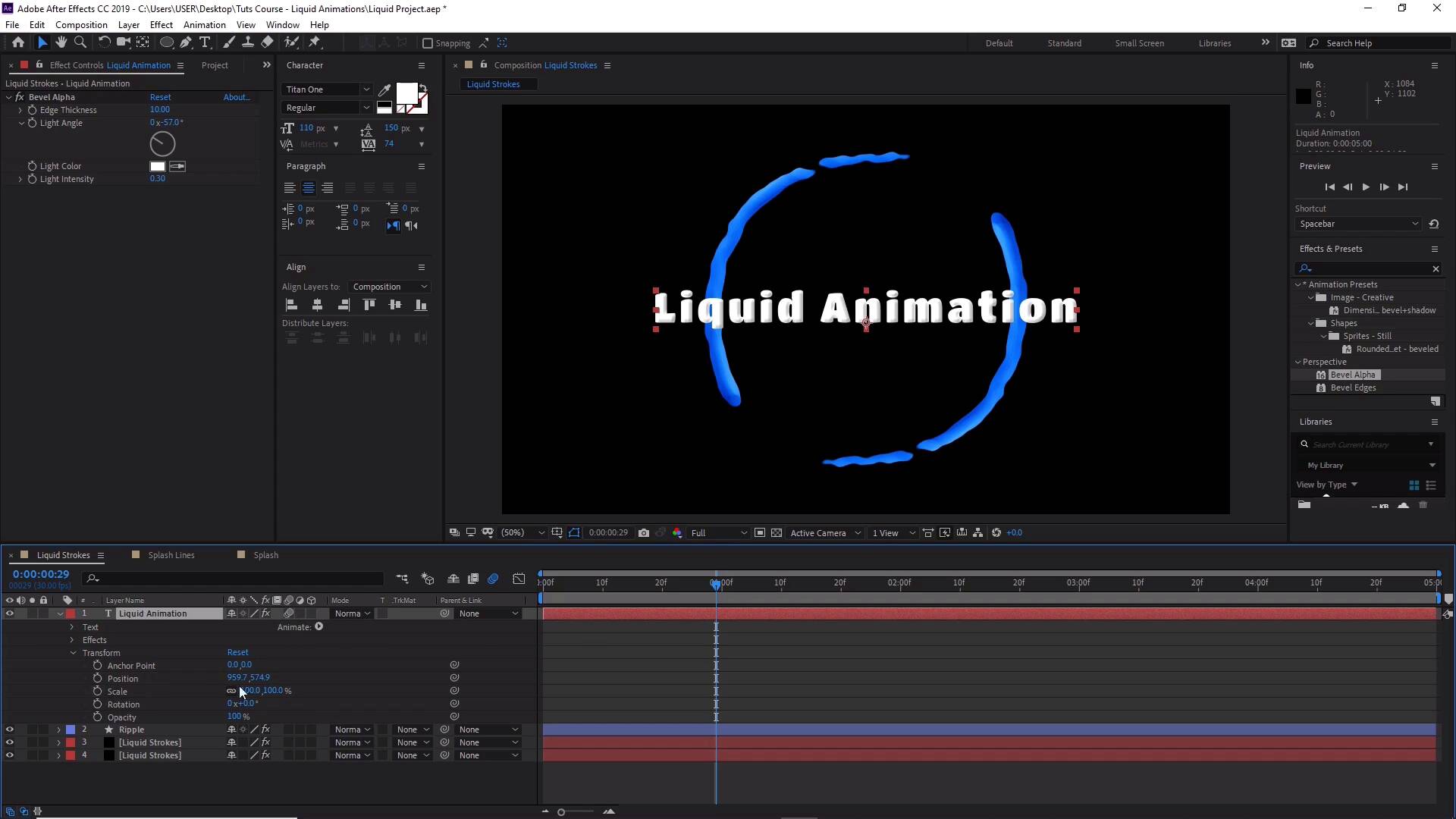
Forget clicking a hundred buttons—use text animators. These are like pre-made party tricks. Select “Blur” or “Fade Up” and watch your letters behave like they’re walking down a red carpet, one graceful step at a time.
You can make each letter twist like a corkscrew, bounce like a basketball, or slide in like they're on roller skates. It feels like you’re playing with a keyboard that has a mind of its own—and you’re the playful puppeteer.
The “Wobble” Effect: Your New Best Friend
Let’s talk about scale and rotation. These two are the bread and butter of title joy. Make your title start at 0% size, then jump to 110%—it looks like a kangaroo hop.

Add a tiny rotation (like “-10” to “+10”) and boom—your title just shimmied into the frame like a disco dancer. Overdo it? Great. Underdo it? Also great. The only fail is not trying at all.
Easing: The Smooth Operator
Nothing kills a title like robotic, stiff movement. That’s where easing comes in—it’s the “slow down at the end” skill. Right-click that last keyframe, choose “Easy Ease,” and instantly your text glides like butter on hot toast.
Quick tip: think of it as a car braking softly at a red light, not slamming on the brakes. Your eyes will thank you, and your titles will feel like they’re breathing—not just snapping.
Easy Ease is the difference between a robot mumbling your name and a rockstar singing it.
Presets: Steal Like a Pro
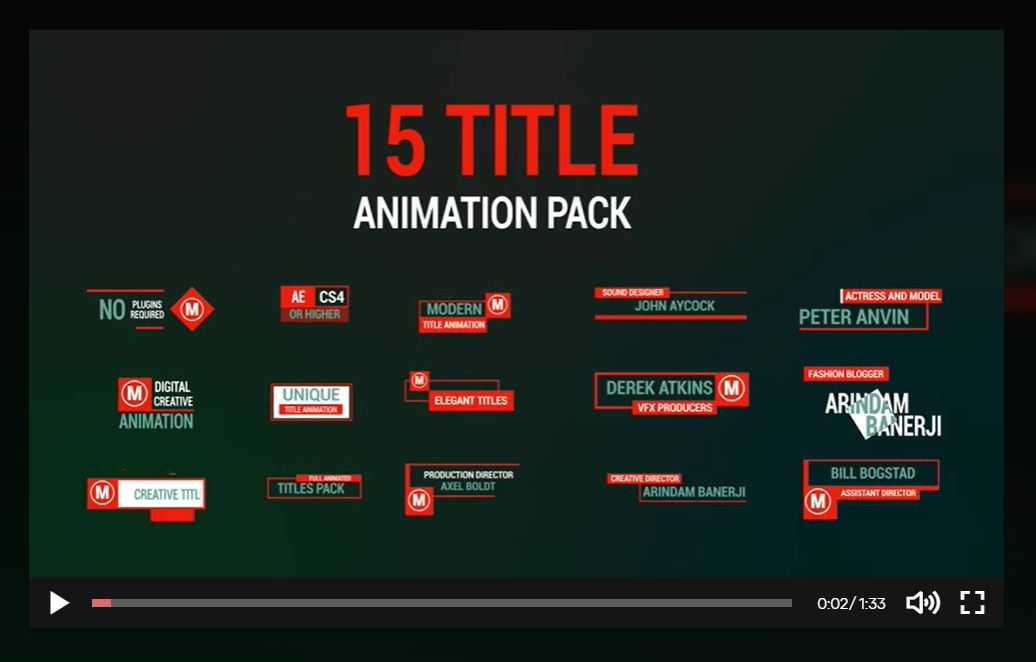
Don’t feel like building from zero? Use animation presets—they’re like frozen pizza for your titles. Open the Effects & Presets panel, search “Title,” and you’ll find gems like “Smooth Slide Up” or “3D Flip.”
You can even drag and drop a preset onto your text and immediately feel like a genius. It’s legal, it’s fun, and nobody will know you didn’t spend three hours hand-tuning it.

Go Make Something Silly
Here’s the real talk: your first title will probably look like a neon sign having a seizure. That’s perfect. Every pro started by making text fly in circles while accidentally turning it purple.
So open After Effects, type your cat’s name, and make it explode into confetti. You’ll laugh, you’ll swear, and then you’ll make it bigger. That is the title animation joy—messy, loud, and ridiculously satisfying.
Remember, the goal isn’t perfection—it’s the happy dance you do when your words finally leap off the screen. Now go press some keyframes, you magnificent chaos maker.