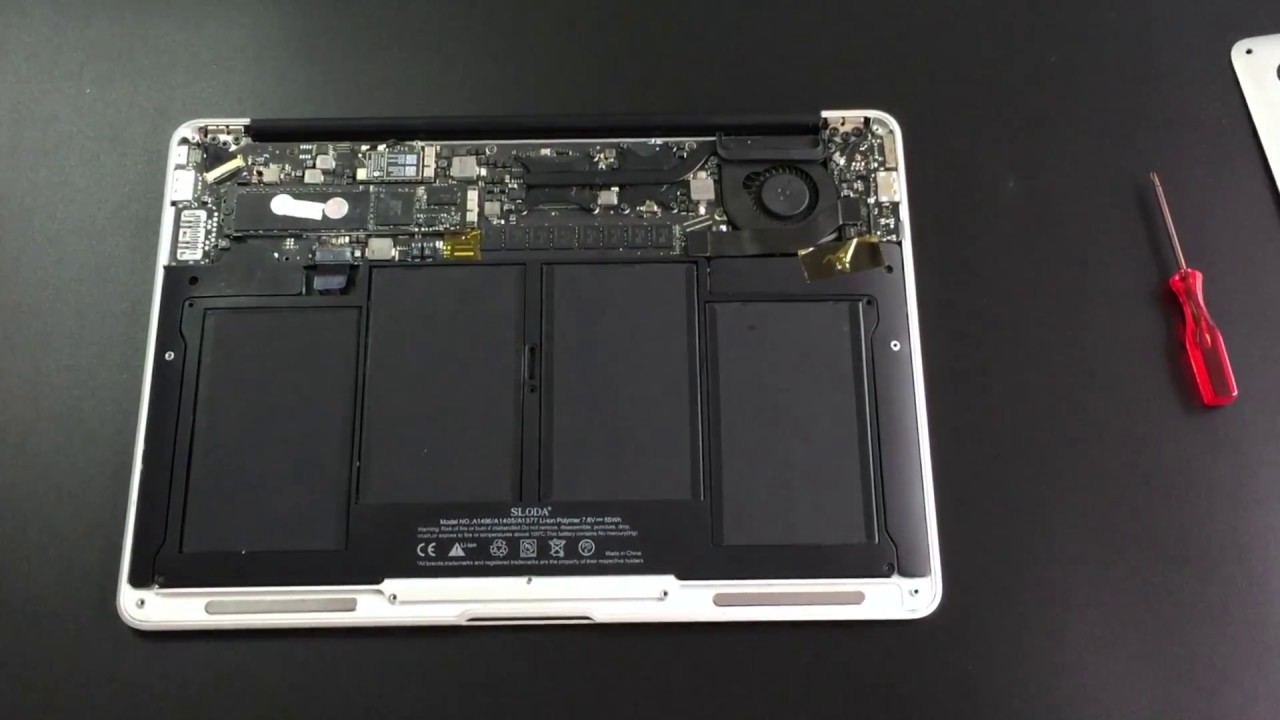
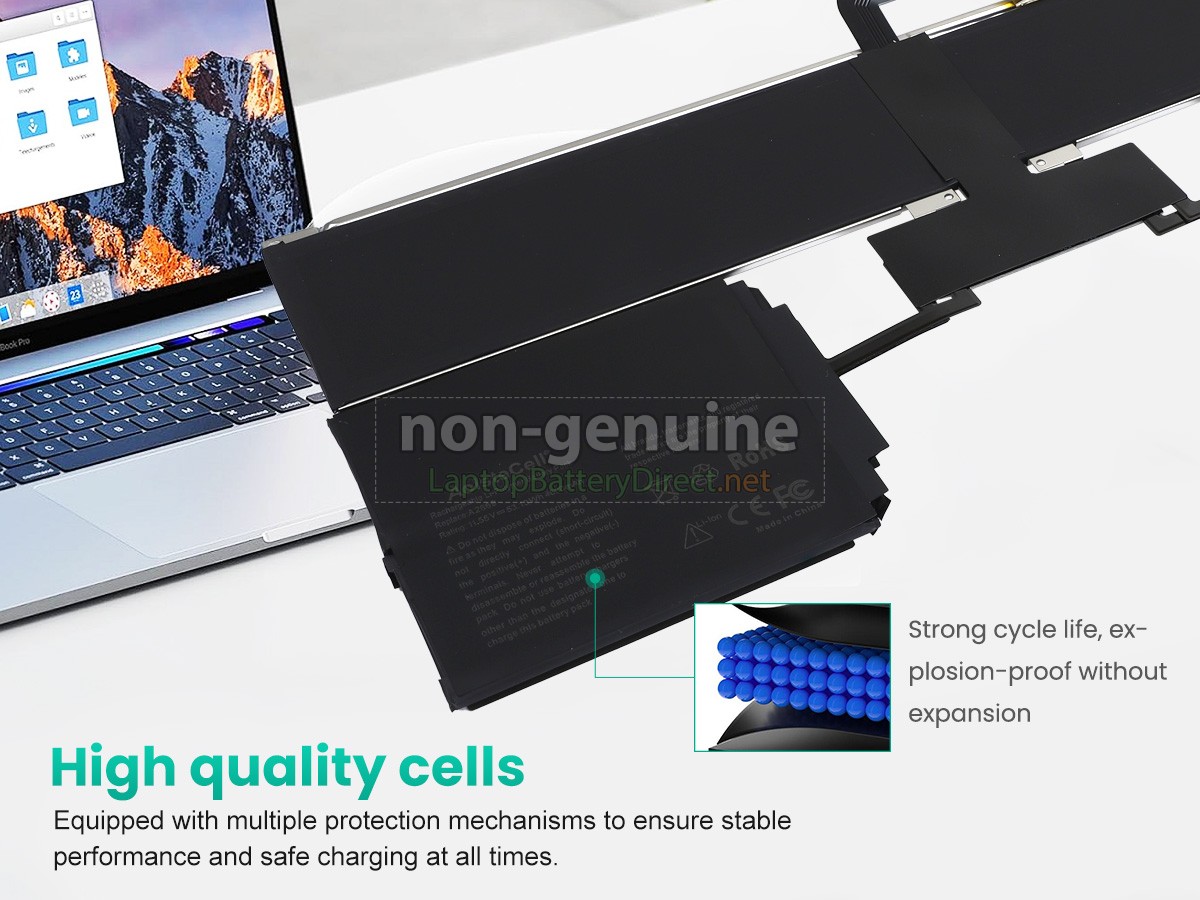
13 Macbook Air Battery Replacement

Your MacBook’s Battery Is a Drama Queen
Let’s be honest: your 13-inch MacBook Air’s battery is not a marathon runner anymore. It’s more of a dramatic sprinter who collapses after one lap around the block.
You know the drill. You unplug at 100%, open three tabs, and suddenly it’s begging for a charger. That little percentage icon is basically your laptop’s mood ring.
The “1% for 45 Minutes” Miracle
My favorite part is when it hits 1% and then just… refuses to die. It’s like a zombie with a deadline, clinging to life out of pure spite.
Must Read
Then, without warning, it shuts down mid-email, right as you’re about to hit send. The screen goes black, and you’re left staring at your own defeated reflection.
That’s not a battery. That’s a hostage negotiator holding your files for ransom.
Why I Say “Just Do It” (Unpopular Opinion)
Here’s my hot take: don’t wait for the “replace soon” message. That message is a polite suggestion, like a waiter asking if you want dessert.
You know what’s actually worse than spending $129? Spending $129 after your laptop has already become a paperweight with a fancy logo. Replace the battery early, and you’ll save yourself a week of therapy.

I’m not saying it’s fun. I’m saying it’s cheaper than a new laptop, and you already love this machine’s keyboard more than your own family’s.
The Great Bulging Back Panel
If your trackpad starts clicking like a bag of potato chips, that’s not a new feature. That’s your battery swelling up like a balloon at a kid’s birthday party.
Don’t poke it. Seriously, don’t poke it. Lithium-ion batteries have a mood, and their mood is “explosion.”
When you see a bump under the palm rest, you’re not dealing with a battery. You’re dealing with a ticking croissant.

DIY vs. The Genius Bar (A Soap Opera)
Some brave souls watch a YouTube video and order a $40 kit from the internet. That’s like performing surgery with instructions from a fortune cookie.
You’ll need five different screwdrivers, a heat gun, and the patience of a saint. And you’ll probably end up with three extra screws and a newfound respect for Apple’s glue.
My advice? Book the Genius Bar appointment. Yes, it costs more. But you get to sit in a chair and watch a very nice person break a sweat for you.
The Zen of a Fresh Battery
After the swap, you’ll experience something magical: eight hours of real, actual work. No charger hunting. No wall-hugging.
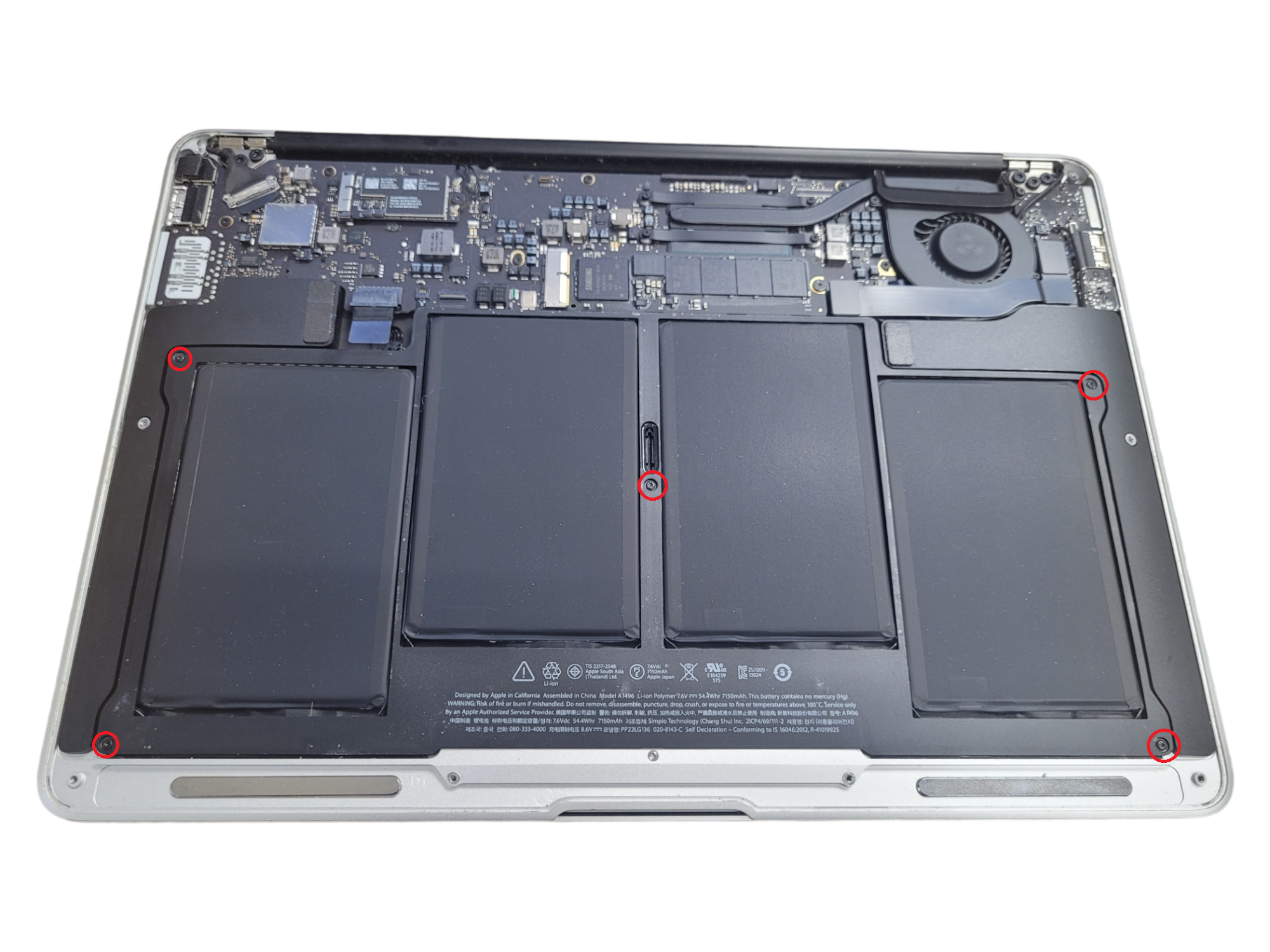
Your MacBook will feel lighter, faster, and strangely happier. It’s like buying your aging dog a new hip.
And you’ll wonder why you waited so long. The answer is fear, laziness, and the false hope that “it might get better.” It doesn’t.
A Little Maintenance Goes a Long Way
Once you’ve got that new juice, don’t ruin it by keeping your laptop plugged in 24/7. That’s like feeding your fish until it explodes.
Let it dip to 20%, then charge to 80%. That’s the sweet spot, the Goldilocks zone of battery health.

Also, turn off your keyboard backlight. You’re not typing in a cave. Your fingers will survive the dark.
Final Unpopular Truth
Here’s the real kicker: your MacBook Air doesn’t care if you love it. It’s a machine with a finite, sad little battery life.
But you? You’re a sensible human who knows when to say “enough.” You don’t need a laptop that dies at 3 PM before your last Zoom call.
So go ahead, swap the battery. Your future self will thank you while you’re streaming a movie without a power cord within arm’s reach.
And if anyone tells you to just buy a new laptop, ignore them. They clearly never felt the pure joy of a 13-inch MacBook Air running on a fresh, healthy cell.
Trust me, it’s the closest thing to a midlife crisis you’ll actually enjoy.